How to Write 1,000 Words Without Touching the Keyboard
Most of your good ideas don't happen at the keyboard. This is the Mac stack for catching them out loud and turning them into clean text without a meeting.
You are walking. You have a thought. By the time you sit down it will be three notes and a vibe. The keyboard cannot save what the keyboard cannot reach in time.
The stack below is the small set of Mac apps that turns an idea you had on the way back into a finished thousand-word draft, without the keyboard ever taking the lead.
The stack:
Wispr Flow · the default voice-to-text you reach for first
Superwhisper · the alternative for when defaults are not enough
HoldSpeak · offline dictation for the work that cannot leave the machine
Slashit · push-button text cleanups from the menu bar
BoltAI · the heavier rewrite when one paragraph needs to be five
TypoTab · the final tightening pass at the end
1. Capture the Thought Out Loud
The first move is dictation that does not feel like dictation. Wispr Flow listens, transcribes, and silently fixes punctuation, casing, and the small mistakes that make raw transcripts unreadable.
What this does to your workflow is small but real. The keyboard stops being the entry point for ideas. The microphone is. Wispr Flow is best for people whose thoughts arrive while walking, cooking, commuting, or pacing around the room instead of sitting obediently at a desk.
Wispr FlowEffortless voice-to-text for faster writing.Visit WebsiteWispr Flow is the voice-to-text AI that transforms your speech into clear, polished writing across all your apps. It allows you to dictate notes, emails, and text instantly, streamlining your communication process. With features like AI auto-edits and personalized dictionaries, Wispr adapts to your unique voice and style, ensuring that your thoughts are captured accurately and efficiently. Proven to be used by professionals in various fields, Wispr enhances productivity, enabling users to focus on their ideas rather than typing them out. Available on Mac, Windows, iPhone, and Android, it seamlessly integrates into your workflow, making it the ultimate tool for anyone looking to enhance their efficiency in both personal and professional settings.Visit Website
2. Use the Power Option When You Need More Control
Some captures are longer, more technical, or need a custom vocabulary. Superwhisper is the answer when the default tool runs out of room. It supports multiple models, custom prompts, and a level of polish that you would expect from a more expensive piece of software.
It is not the daily driver. It is the one you turn to when the dictation has to stand up to a closer read. Superwhisper solves the control problem for writers, engineers, and operators who need custom vocabulary or more deliberate formatting than casual dictation gives them.
SuperwhisperTurn your voice into polished text.Visit WebsiteSuperwhisper is a versatile voice-to-text application designed to enhance communication across various platforms like Slack and Gmail. It simplifies the process of transcribing your thoughts into professional writing, making it ideal for startups and industry leaders alike. With seamless integration into your favorite apps, Superwhisper works offline, remembers your unique vocabulary, and supports over 100 languages. It features predefined modes to optimize tone and structure, ensuring your messages are always clear and appropriate. Additionally, the app offers powerful meeting assistance by recording and automatically summarizing discussions, making it a must-have for anyone looking to improve their efficiency in both personal and professional communication.Visit Website
3. Keep the Sensitive Stuff on the Machine
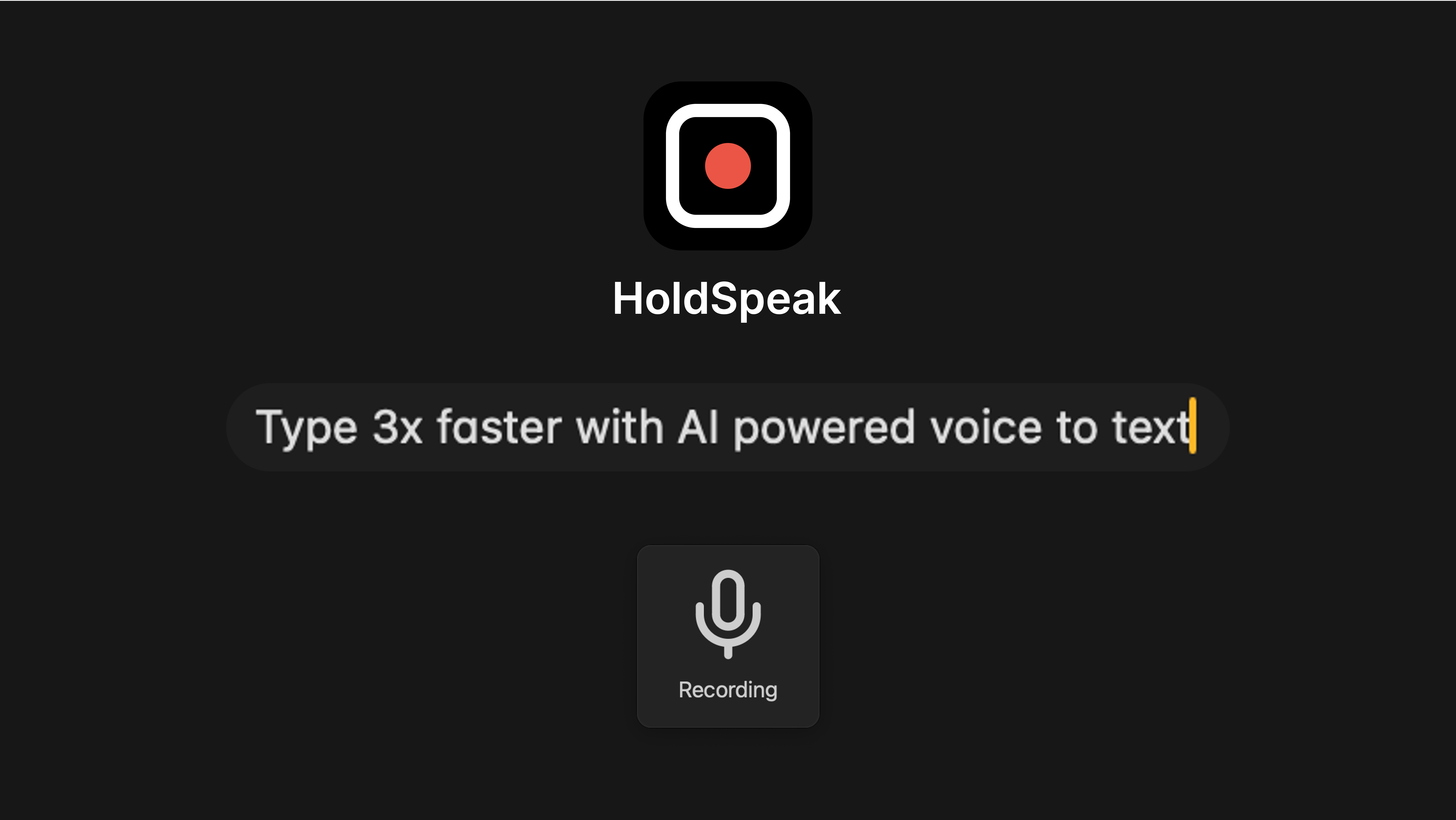
Not everything can be sent to a server. Notes about a client, a contract, an unreleased product, or a doctor's appointment do not belong in a cloud transcription pipeline. HoldSpeak runs entirely on the Mac.
The trade-off is honest. Slightly less polish, and the work stays in the building. For the right kind of writing, that is the entire trade you wanted.
HoldSpeakDictate with precision on your Mac, offline.Visit WebsiteHoldSpeak is an AI-driven dictation software for Mac that functions entirely offline. It allows users to convert speech to text with high accuracy, supporting over 100 languages. Designed for both casual users and professionals, HoldSpeak enhances productivity by enabling seamless dictation across various applications without compromising user privacy or requiring an internet connection.
- Supports over 100 languages with automatic language detection.
- Achieves a transcription accuracy rate of 99% on-device.
- Allows seamless dictation in any application where text input is possible.
- Features customizable hotkeys for quick access and integration into workflows.
- Offers multiple on-device models tailored for different transcription needs.
- Ensures privacy by keeping all audio and transcriptions on the device without internet dependency.
HoldSpeak offers an offline dictation solution for Mac users, enabling voice-to-text functionality with high accuracy across 100+ languages. Its features include customizable hotkeys and seamless integration with any application, ensuring privacy and reliability by processing all data locally.Visit Website
4. Clean the Transcript With One Shortcut
Raw transcripts are full of "um" and the wrong "their". Slashit sits in the menu bar and rewrites a selection on a keyboard shortcut. Clean it, shorten it, change the tone, fix the grammar, all without leaving the document.
This is the stage where the voice draft starts looking like text someone wrote on purpose. Slashit is for anyone who writes in the same apps all day and wants cleanup to happen in place instead of bouncing text through another window.
SlashitAI Text Expansion and Rewriting ToolVisit WebsiteSlashit App is designed to empower freelancers, agency founders, managers, and salespeople, enabling them to save time on repetitive typing. With features like customizable templates, dynamic placeholders, and instant shortcuts, users can streamline their workflow significantly. Instead of rewriting the same messages repeatedly, professionals can save their best replies as smart templates and personalize them quickly. The app is tailored to adapt to the user's style, automating tasks like tone adjustments and text personalization with just a hotkey. Whether for managing client communications or creating documents, Slashit transforms how you work by enabling faster, smarter writing, allowing you to focus on what matters most.Visit Website
5. Reach for the Bigger Rewrite
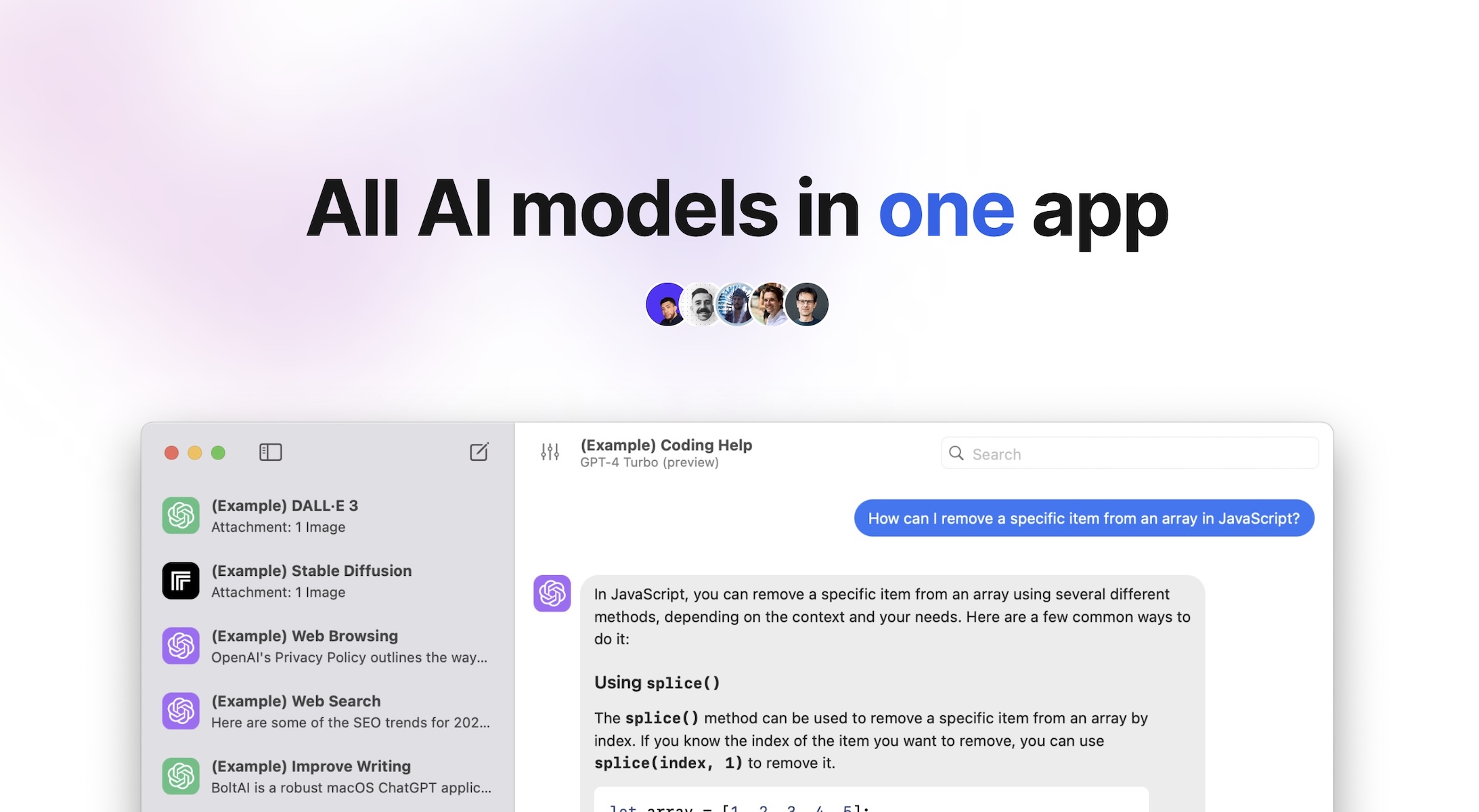
Sometimes one paragraph needs to become five, or three pages need to become one. BoltAI is the heavier tool for that work. It is a native Mac AI client that talks to almost every model, with a chat interface that does not pretend to be anything else.
The reason it is on this list is range. The voice draft becomes a brief, an outline, a script, or a full article without leaving the same window.
BoltAIAI Client for Mac with 300+ ModelsVisit WebsiteBoltAI is a native macOS application that provides users with the ability to switch seamlessly between over 300 AI models within a single workspace. It is designed for professionals and power users who require efficient management of AI tasks, enabling them to analyze documents, automate workflows, and maintain privacy with local chat storage. The app integrates with major AI providers, streamlini
- Switch seamlessly between over 300 AI models from providers like OpenAI, Anthropic, and Google within a single interface.
- Analyze documents, manage projects, and automate tasks without needing to switch applications.
- Store chats locally and encrypt API keys to ensure user privacy and data security.
- Customize AI interactions with fine-tuned controls for response generation, including temperature and token limits.
- Utilize multimodal capabilities to analyze PDFs, screenshots, and other documents for structured insights.
BoltAI is compatible with Intel and Apple Silicon Macs, requiring macOS 13 or later. This ensures a broad range of users can access its features, which include seamless integration with over 300 AI models and a focus on performance and privacy.Visit Website
6. Tighten the Final Draft
Once the writing is roughly right, the last pass is shape. TypoTab is the small menu bar tool for the final cuts. Trim a sentence, sharpen the intro, fix the rhythm of a closing line.
This is the step where the voice draft stops sounding spoken and starts sounding written. TypoTab is useful at the end because it solves a different problem than capture: not getting words down, but making them sound like they belong to you.
TypoTabTypoTab, the ultimate AI writing assistant forVisit WebsiteTypoTab is a macOS application that functions as an AI-driven writing assistant. It enhances writing efficiency by providing tools for grammar correction, text rephrasing, and content generation, all accessible from the menu bar without needing to switch applications. This tool is designed for writers, students, and professionals looking to streamline their writing process and improve productivity
- Provides grammar correction and text rephrasing directly from the menu bar.
- Allows text refinement in any application without switching contexts.
- Offers customizable actions to meet individual writing needs.
- Streamlines repetitive writing tasks for improved efficiency.
- Supports a wide range of applications, enhancing workflow across platforms.
TypoTab is a macOS application that enhances writing efficiency by providing grammar correction, text rephrasing, and content generation directly from the menu bar. It allows users to refine text in any application without switching contexts, offering customizable actions to suit individual writing needs.Visit Website
A six-step loop with one constant: the keyboard never starts the work. By the time you sit down, the draft is already a draft.
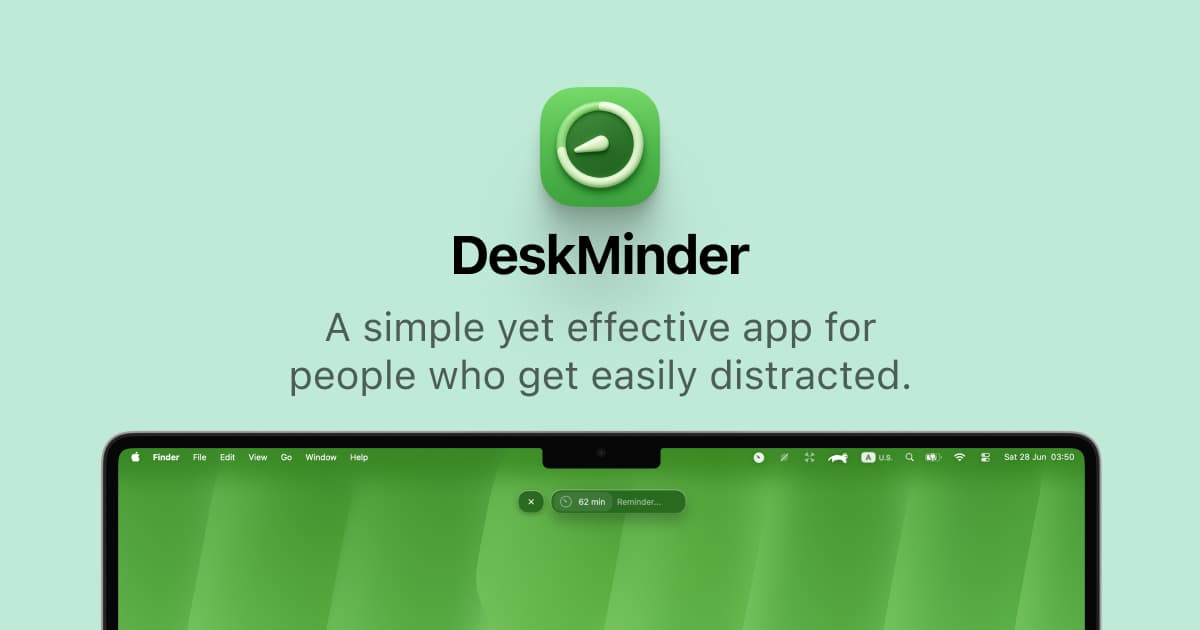
DeskMinder is a productivity software application designed for Mac users who struggle with distractions. It provides a straightforward interface for creating desktop pop-up reminders and tasks, helping users manage urgent to-dos, short breaks, and fleeting ideas. With features like full-screen notifications and Apple Reminders integration, DeskMinder aims to enhance focus and time management for i
- With features like easy-to-create desktop pop-ups for reminders and tasks, it simplifies the process of staying on top of urgent to-dos, short breaks, or fleeting ideas.
- Users can benefit from full-screen notifications, Apple Reminders integration, and flexible widget placement, making it ideal for anyone requiring a little extra help to maintain focus.
- The app includes additional shortcuts for quick reminder setups and customizable widget options, along with a history tracking feature to monitor daily progress.
Designed specifically for Mac users, DeskMinder aims to facilitate better time management and productivity for those with attention challenges, providing a seamless user experience without unnecessary complexity.
SoftwareProductivitymacOS
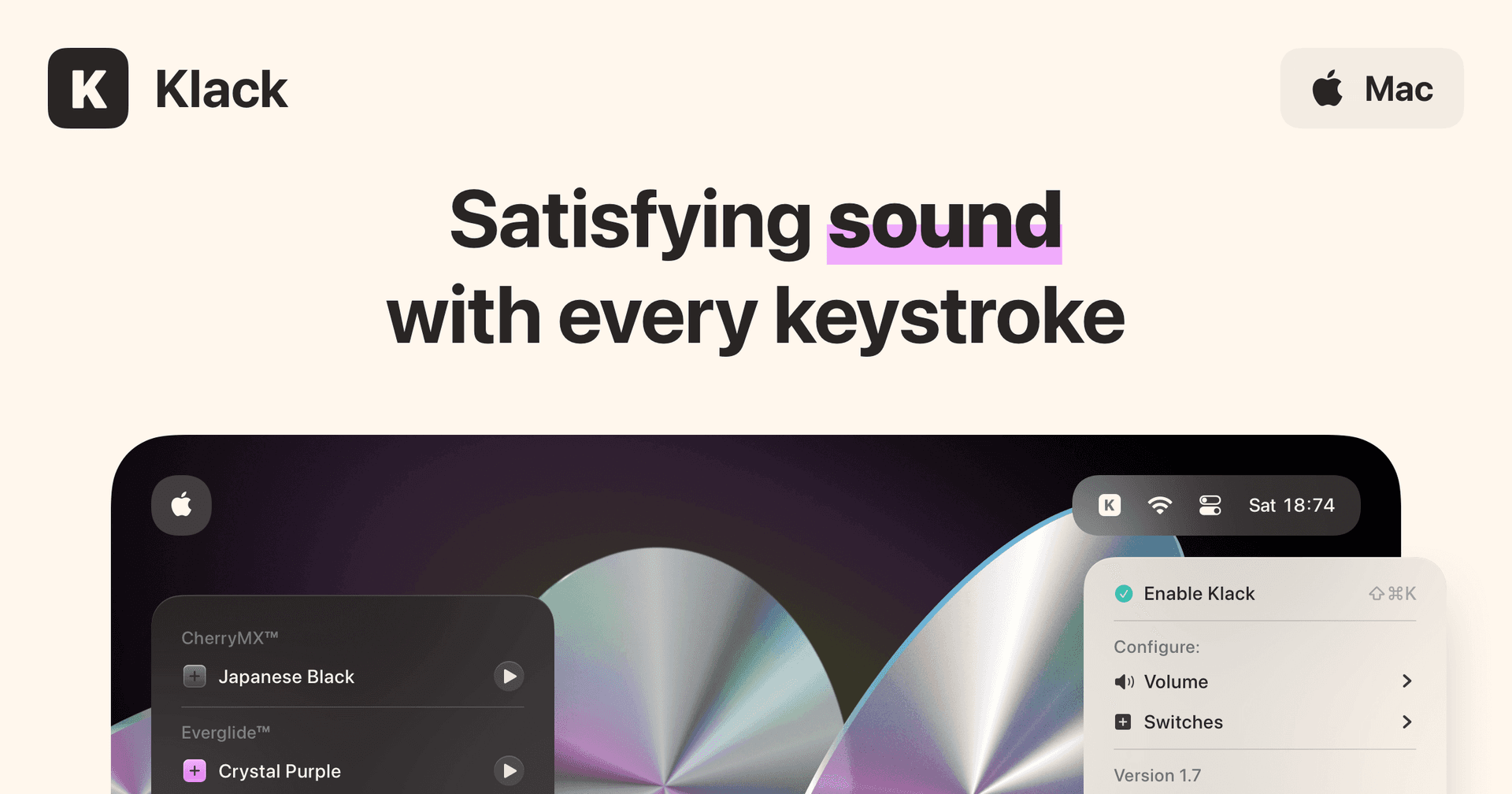
Klack
Satisfying sound with every keystroke
Paid
Klack is a macOS application designed to enhance the typing experience through high-fidelity sound for each keystroke. It provides features such as immersive spatial audio, instant feedback, and customizable sound options, making it suitable for writers, developers, and anyone who values an engaging typing environment. The app is easily accessible from the menubar and offers extensive configuratio
- Provides immersive spatial audio for enhanced typing feedback.
- Allows customization of keystroke sounds, pitch variations, and volume settings.
- Features a menubar interface for quick access to configuration options.
- Supports instant feedback with each keystroke for a more engaging experience.
- Designed for writers and developers seeking auditory feedback while typing.
Klack enhances the typing experience on Mac by providing high-fidelity sound for each keystroke.
SoftwaremacOS
Bitrig
The best way to build native Swift
Free
Bitrig allows you to describe what you want to build, and it transforms your ideas into real Swift code that you can ship to the App Store. The platform generates actual Swift and SwiftUI code, providing an integrated simulator that runs alongside your code, enabling you to see exactly what your users will experience. Using natural language, you can instruct Bitrig to make changes, updating the code on the spot. It's the perfect tool for anyone who has an app idea but lacks coding skills, making the development process accessible and efficient.
SoftwaremacOS
Supaste
Your clipboard, wherever you need it.
One-time
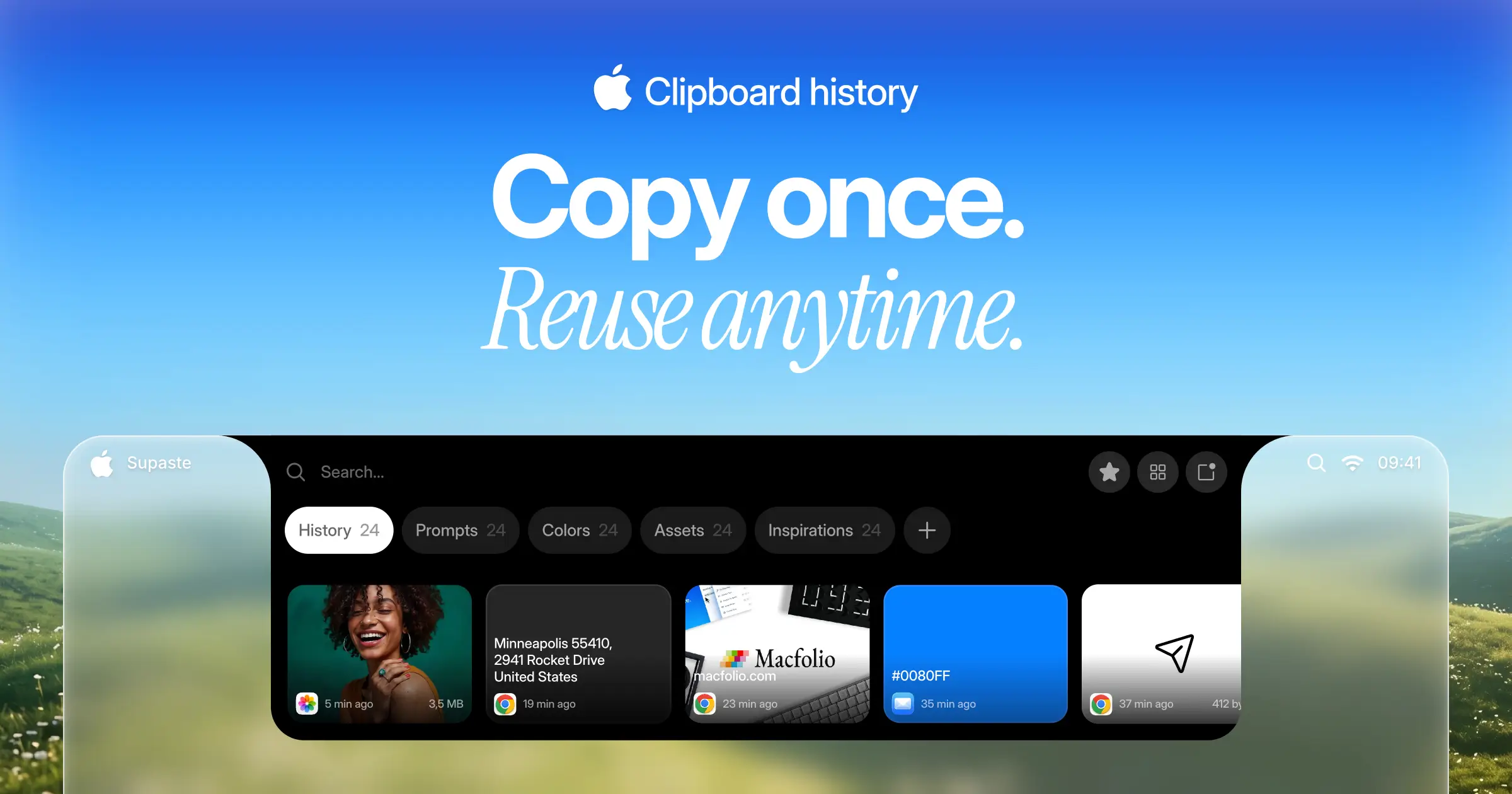
Supaste saves your clipboard and screenshots in a beautiful visual history, automatically grouped by type, app, and custom categories, so you can search, find, and paste anything back in seconds. This comprehensive tool allows you to use the notch shelf, quick search, inline paste, drag and drop, and the full Library view to efficiently manage and organize everything you copied. Whether you're a designer, developer, content creator, or just someone who needs a personal clipboard organizer, Supaste provides a clean visual timeline for easy access to your data. With features like sensitive content detection, custom categories, and the ability to filter your history by app or type, Supaste helps keep your clipboard tidy and accessible. Best of all, it's a one-time purchase with lifetime access, ensuring you have everything you need for your clipboard management without ongoing fees.
SoftwaremacOS
Milestones
Native, Private Project Management App
Freemium
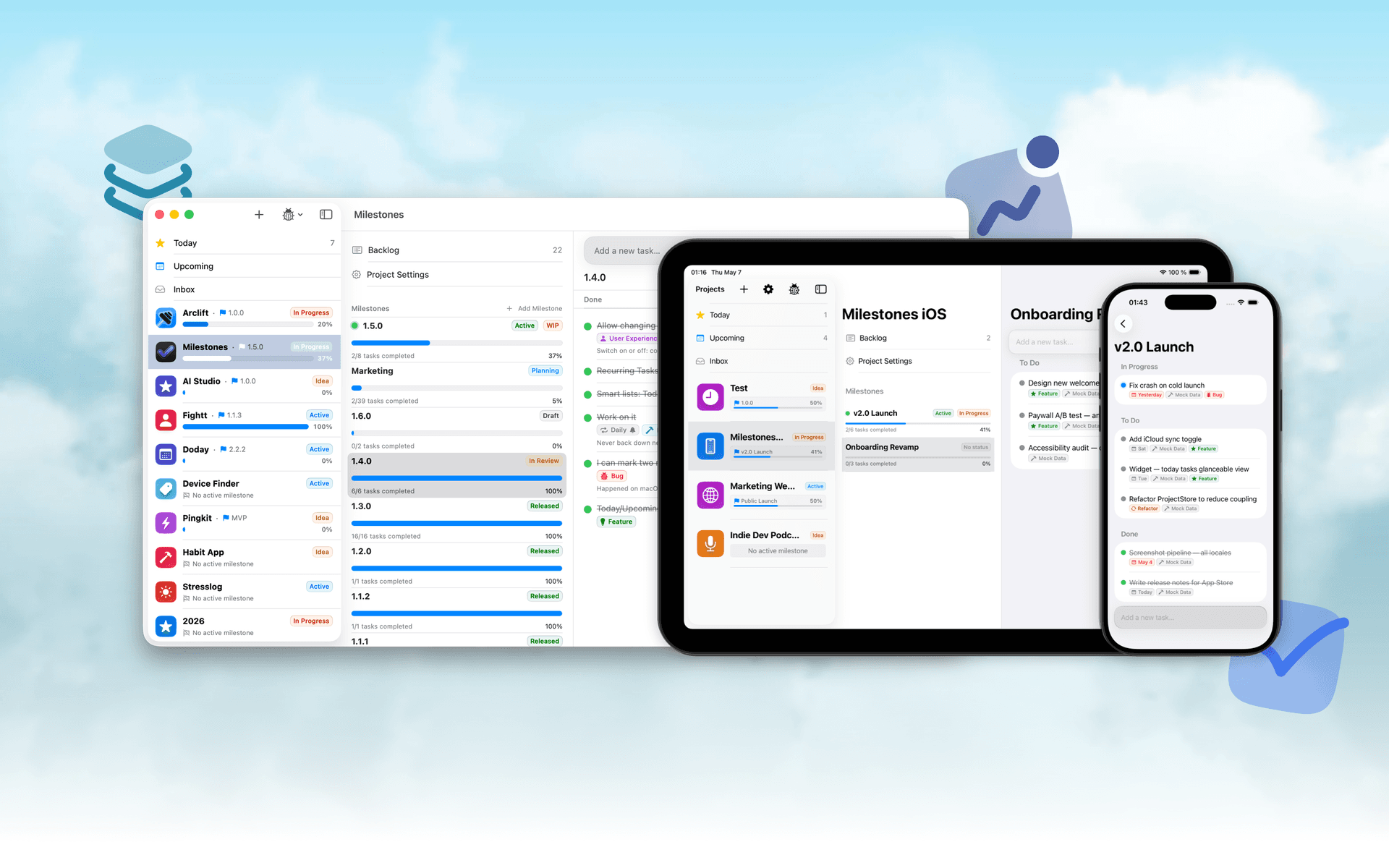
Milestones is a project planning software designed to help users manage tasks across multiple projects. It organizes projects into a three-tier hierarchy of Projects, Milestones, and Tasks, allowing users to break down larger goals into manageable phases.
- Organizes projects into a three-tier hierarchy: Projects, Milestones, and Tasks.
- Allows users to visually track progress with live progress bars for each milestone.
- Enables marking one milestone as Active to prioritize current tasks while keeping others visible.
- Supports task statuses including To Do, In Progress, and Done for clear organization.
- Provides tagging options for tasks to facilitate better grouping and management.
- Syncs seamlessly across iPhone, iPad, and macOS using iCloud.
Milestones is a project management application that allows users to organize their work into a structured hierarchy of Projects, Milestones, and Tasks. It features visual progress tracking, customizable project icons, and seamless syncing across iPhone, iPad, and macOS.
SoftwareProductivityiOS & macOS
Folders
A file manager for Windows switchers
Freemium
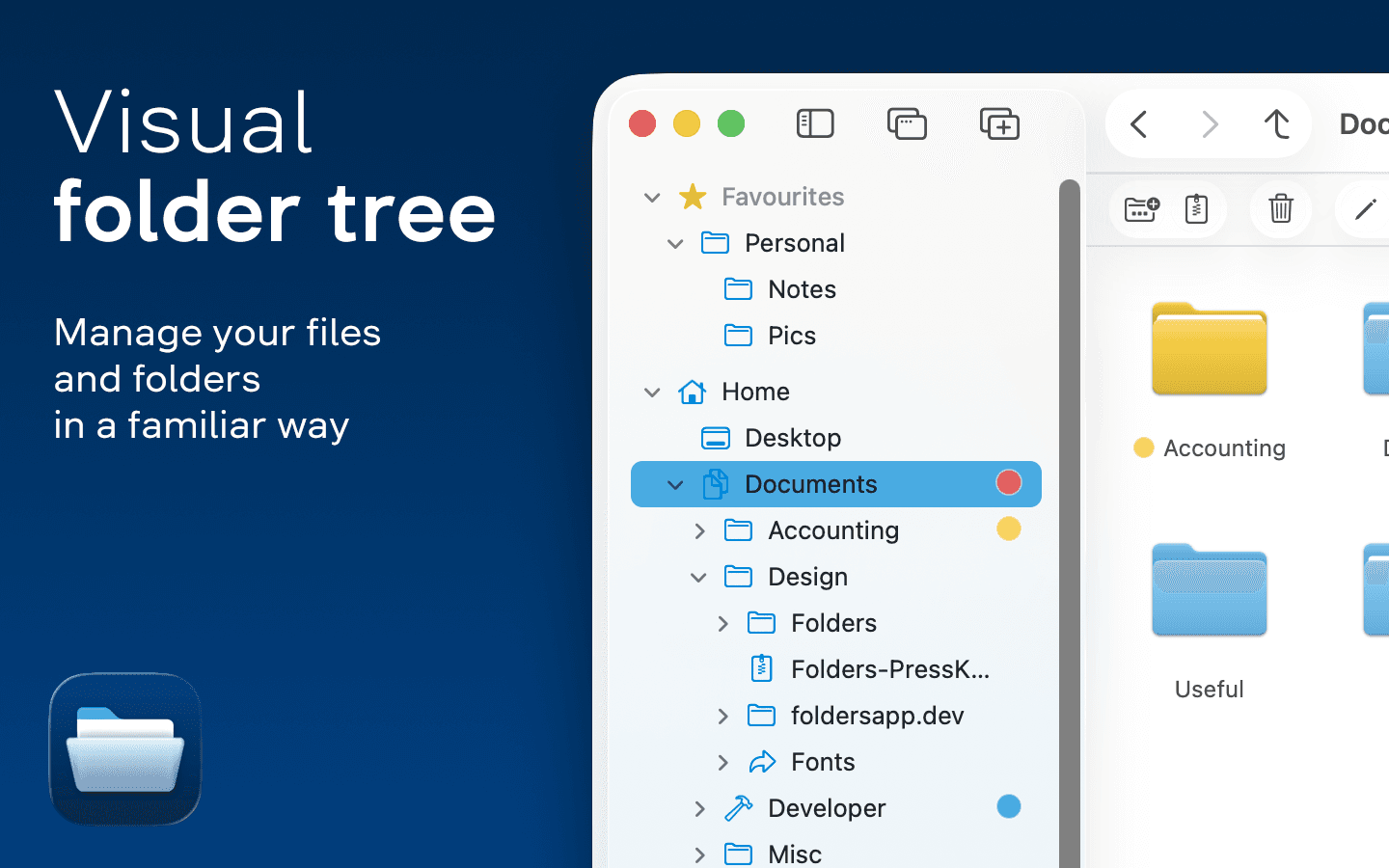
Folders is a file manager application for macOS that provides a folder tree layout, catering specifically to users transitioning from Windows. It offers a range of features including easy navigation, comprehensive file operations, and integration with cloud storage services. Designed for both new and experienced users, Folders aims to enhance file management efficiency on Mac systems.
- Provides a folder tree layout for intuitive navigation, similar to Windows Explorer.
- Supports batch renaming and file conflict resolution for efficient file management.
- Integrates with iCloud Drive and other cloud storage services for centralized access.
- Offers multiple viewing options: Table, List, Icons, and Gallery.
- Includes a powerful search function with Spotlight integration and saved searches.
- Allows customization of themes and folder icons for personalized organization.
Folders is a file manager for macOS that emulates the folder tree structure familiar to Windows users. It offers a range of features including comprehensive file operations, customizable themes, and powerful search capabilities. Users can manage files across various cloud services and utilize batch renaming and conflict resolution tools.
SoftwareUtilitiesmacOS
Whisper
Talk to your computer like a human
One-time
Whisper is an offline speech-to-text software compatible with macOS (Apple Silicon), Windows 10/11, and Linux (Ubuntu 22.04+). It enables users to transcribe spoken words into text quickly and securely, processing all data locally on the device without relying on cloud services.
- Transcribes speech to text entirely offline, ensuring data privacy and security.
- Supports over 99 languages, allowing seamless switching between languages mid-sentence.
- Automatically removes filler words and repetitions for cleaner, more professional text output.
- Provides instant transcription with GPU acceleration, displaying words as they are spoken.
- Integrates with any application where text input is possible, enhancing workflow flexibility.
Whisper is a voice-to-text application designed for offline use, ensuring that your data remains private and secure. It transcribes speech into text quickly and accurately, supporting over 99 languages. The application is suitable for various tasks, including writing, coding, and communication, and operates seamlessly without the need for internet connectivity.
SoftwareUtilitiesiOS & macOS
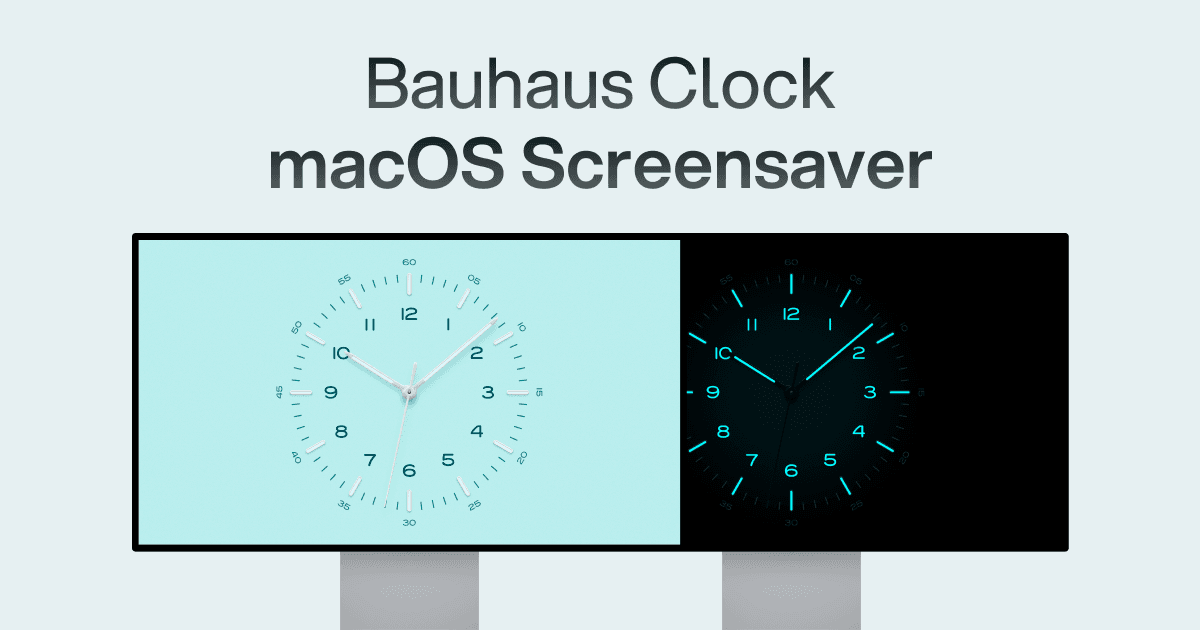
Bauhaus Clock
Turn waiting into watching.
One-time
The Bauhaus Clock is an elegant screensaver designed for Mac that transforms idle screens into captivating visuals. With meticulous attention to detail, this screensaver combines precision engineering with stunning design, featuring customizable clock dials and multiple movement types. Users can enjoy features like day/night themes, and intelligent algorithms that prevent burn-in. Designed to complement any room, it’s more than just a screensaver—it’s a piece of art that brings joy every time it appears on your screen.
SoftwareDesigniOS & macOS
Loop
Window management made elegant.
Free
Loop is a Open source macOS app that simplifies window management for you.
- You can effortlessly choose your window direction using a radial menu triggered by a simple key press, and customize it according to your preferences with personalized colors and settings.
- Easily move, resize, and arrange your windows with just a few clicks, saving you valuable time and energy.
Loop is constantly evolving, with new features and improvements added regularly to enhance your window management experience on macOS.
SoftwaremacOS
New additions
Bitrig
The best way to build native Swift
Free
Bitrig allows you to describe what you want to build, and it transforms your ideas into real Swift code that you can ship to the App Store. The platform generates actual Swift and SwiftUI code, providing an integrated simulator that runs alongside your code, enabling you to see exactly what your users will experience. Using natural language, you can instruct Bitrig to make changes, updating the code on the spot. It's the perfect tool for anyone who has an app idea but lacks coding skills, making the development process accessible and efficient.
SoftwaremacOS
Supaste
Your clipboard, wherever you need it.
One-time
Supaste saves your clipboard and screenshots in a beautiful visual history, automatically grouped by type, app, and custom categories, so you can search, find, and paste anything back in seconds. This comprehensive tool allows you to use the notch shelf, quick search, inline paste, drag and drop, and the full Library view to efficiently manage and organize everything you copied. Whether you're a designer, developer, content creator, or just someone who needs a personal clipboard organizer, Supaste provides a clean visual timeline for easy access to your data. With features like sensitive content detection, custom categories, and the ability to filter your history by app or type, Supaste helps keep your clipboard tidy and accessible. Best of all, it's a one-time purchase with lifetime access, ensuring you have everything you need for your clipboard management without ongoing fees.
SoftwaremacOS
Milestones
Native, Private Project Management App
Freemium
Milestones is a project planning software designed to help users manage tasks across multiple projects. It organizes projects into a three-tier hierarchy of Projects, Milestones, and Tasks, allowing users to break down larger goals into manageable phases.
- Organizes projects into a three-tier hierarchy: Projects, Milestones, and Tasks.
- Allows users to visually track progress with live progress bars for each milestone.
- Enables marking one milestone as Active to prioritize current tasks while keeping others visible.
- Supports task statuses including To Do, In Progress, and Done for clear organization.
- Provides tagging options for tasks to facilitate better grouping and management.
- Syncs seamlessly across iPhone, iPad, and macOS using iCloud.
Milestones is a project management application that allows users to organize their work into a structured hierarchy of Projects, Milestones, and Tasks. It features visual progress tracking, customizable project icons, and seamless syncing across iPhone, iPad, and macOS.
SoftwareProductivityiOS & macOS
Folders
A file manager for Windows switchers
Freemium
Folders is a file manager application for macOS that provides a folder tree layout, catering specifically to users transitioning from Windows. It offers a range of features including easy navigation, comprehensive file operations, and integration with cloud storage services. Designed for both new and experienced users, Folders aims to enhance file management efficiency on Mac systems.
- Provides a folder tree layout for intuitive navigation, similar to Windows Explorer.
- Supports batch renaming and file conflict resolution for efficient file management.
- Integrates with iCloud Drive and other cloud storage services for centralized access.
- Offers multiple viewing options: Table, List, Icons, and Gallery.
- Includes a powerful search function with Spotlight integration and saved searches.
- Allows customization of themes and folder icons for personalized organization.
Folders is a file manager for macOS that emulates the folder tree structure familiar to Windows users. It offers a range of features including comprehensive file operations, customizable themes, and powerful search capabilities. Users can manage files across various cloud services and utilize batch renaming and conflict resolution tools.
SoftwareUtilitiesmacOS
Whisper
Talk to your computer like a human
One-time
Whisper is an offline speech-to-text software compatible with macOS (Apple Silicon), Windows 10/11, and Linux (Ubuntu 22.04+). It enables users to transcribe spoken words into text quickly and securely, processing all data locally on the device without relying on cloud services.
- Transcribes speech to text entirely offline, ensuring data privacy and security.
- Supports over 99 languages, allowing seamless switching between languages mid-sentence.
- Automatically removes filler words and repetitions for cleaner, more professional text output.
- Provides instant transcription with GPU acceleration, displaying words as they are spoken.
- Integrates with any application where text input is possible, enhancing workflow flexibility.
Whisper is a voice-to-text application designed for offline use, ensuring that your data remains private and secure. It transcribes speech into text quickly and accurately, supporting over 99 languages. The application is suitable for various tasks, including writing, coding, and communication, and operates seamlessly without the need for internet connectivity.
 Dudu
Dudu