You get the Mac, you do the setup, you think you are done. Then someone shows you a launcher that works in half a second and you realise you have been clicking a dock for years like a person who orders the same thing every time because they have never looked at the rest of the menu.
The list below is three utilities that solved problems you probably stopped noticing. That is the most dangerous kind of problem.
The stack:
Raycast · the launcher that makes the dock feel embarrassing
Folders · the file manager the Finder was not going to become
Loop · the window management that makes grids feel like a choice
1. The Launcher You Should Have Had From Day One
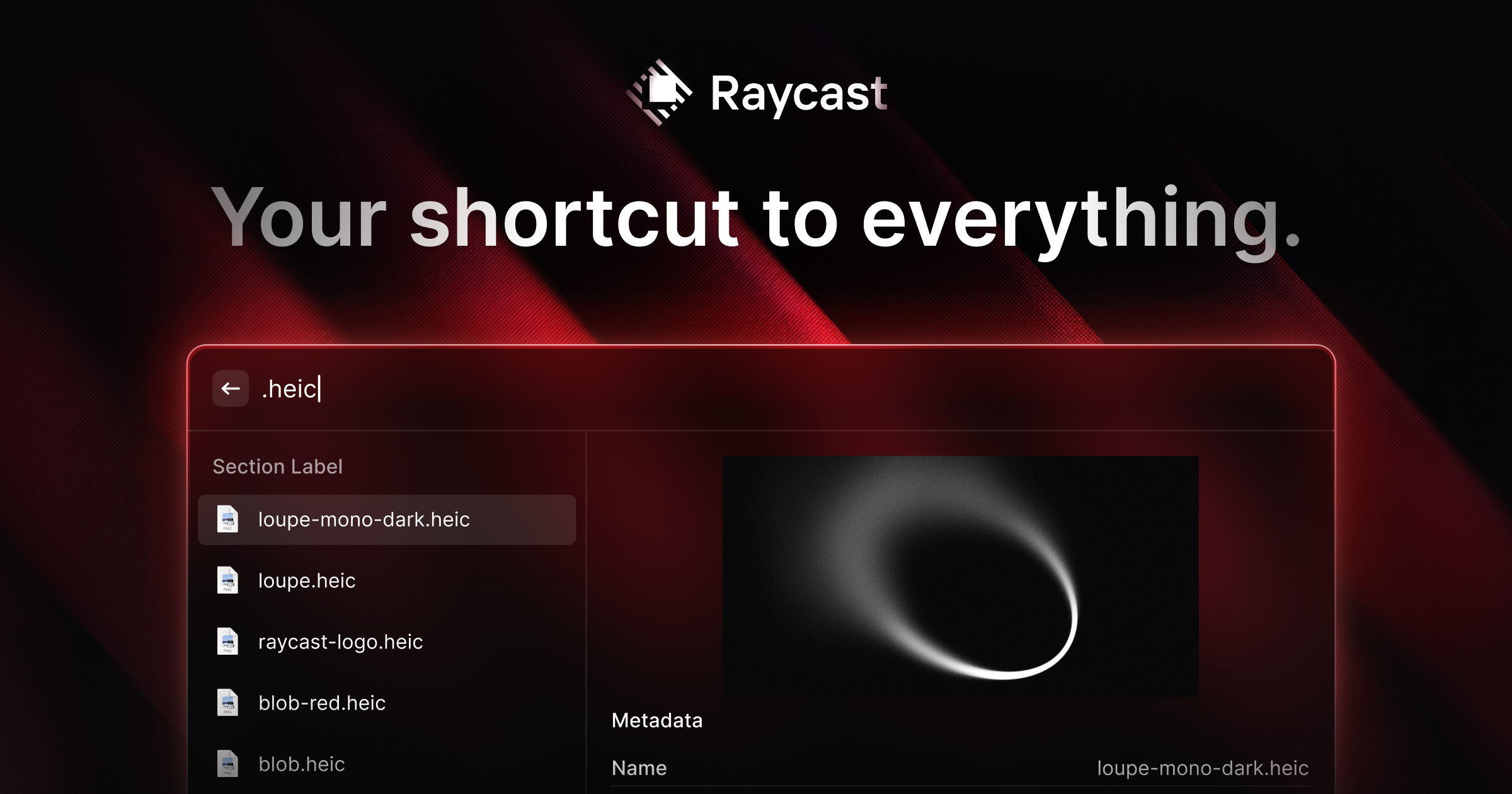
Most Mac users open apps by looking at the dock, finding the icon, and clicking it. This is the equivalent of walking to the filing cabinet every time you need to think of someone's name. Raycast replaces that with a bar that opens in a keystroke, finds what you need in the time it takes to type two or three letters, and disappears.
It also runs calculations, opens links, controls Spotify, and runs scripts if you are the kind of person who runs scripts. The launcher part alone is reason enough.
RaycastProductivity tool for quick app accessVisit WebsiteRaycast is a productivity software for macOS designed to streamline access to applications, commands, and tools through an extendable launcher. It enables users to quickly find and execute tasks, enhancing workflow efficiency. Ideal for professionals, Raycast helps automate repetitive actions and manage various tasks, reducing the time spent navigating through menus and improving overall productiv
- Automates repetitive tasks to enhance workflow efficiency.
- Provides quick access to applications and commands through a single launcher.
- Supports integrations with popular tools like Slack, Zoom, and Notion for seamless task management.
- Allows users to manage clipboard history for easy retrieval of copied items.
- Offers customizable extensions to tailor the tool to specific professional needs.
Raycast is a productivity tool designed for macOS that streamlines access to applications, commands, and essential tools. Its extendable launcher enhances workflow efficiency, enabling users to automate tasks and manage their activities effectively. Ideal for professionals seeking to optimize their time management.Visit Website
2. The File Manager the Finder Was Not Going to Become
Finder is fine. Folders is the file manager you would have designed if someone asked you to design one in the last ten years. Tabs, dual pane, quick previews, keyboard navigation that actually works. The kind of thing you spend one afternoon with and then forget what Finder looked like.
If you moved from Windows and kept wondering why macOS file management felt like a step back, this is why and this is the fix.
FoldersA file manager for Windows switchersVisit WebsiteFolders is a file manager application for macOS that provides a folder tree layout, catering specifically to users transitioning from Windows. It offers a range of features including easy navigation, comprehensive file operations, and integration with cloud storage services. Designed for both new and experienced users, Folders aims to enhance file management efficiency on Mac systems.
- Provides a folder tree layout for intuitive navigation, similar to Windows Explorer.
- Supports batch renaming and file conflict resolution for efficient file management.
- Integrates with iCloud Drive and other cloud storage services for centralized access.
- Offers multiple viewing options: Table, List, Icons, and Gallery.
- Includes a powerful search function with Spotlight integration and saved searches.
- Allows customization of themes and folder icons for personalized organization.
Folders is a file manager for macOS that emulates the folder tree structure familiar to Windows users. It offers a range of features including comprehensive file operations, customizable themes, and powerful search capabilities. Users can manage files across various cloud services and utilize batch renaming and conflict resolution tools.Visit Website
3. Resize Windows Like You Mean It
macOS ships with window snapping so conservative it barely counts. Loop wraps a small radial picker around your existing windows key. Quarter screen, half screen, third screen — you pick with the mouse, it snaps, it goes away.
It does one thing. It does it in a way that feels designed. That is the whole thing.
LoopWindow management made elegant.Visit WebsiteLoop is a Open source macOS app that simplifies window management for you.
- You can effortlessly choose your window direction using a radial menu triggered by a simple key press, and customize it according to your preferences with personalized colors and settings.
- Easily move, resize, and arrange your windows with just a few clicks, saving you valuable time and energy.
Loop is constantly evolving, with new features and improvements added regularly to enhance your window management experience on macOS.Visit Website
Three small downloads and the Mac you already own starts behaving like one you configured on purpose. Most computers never get that far.
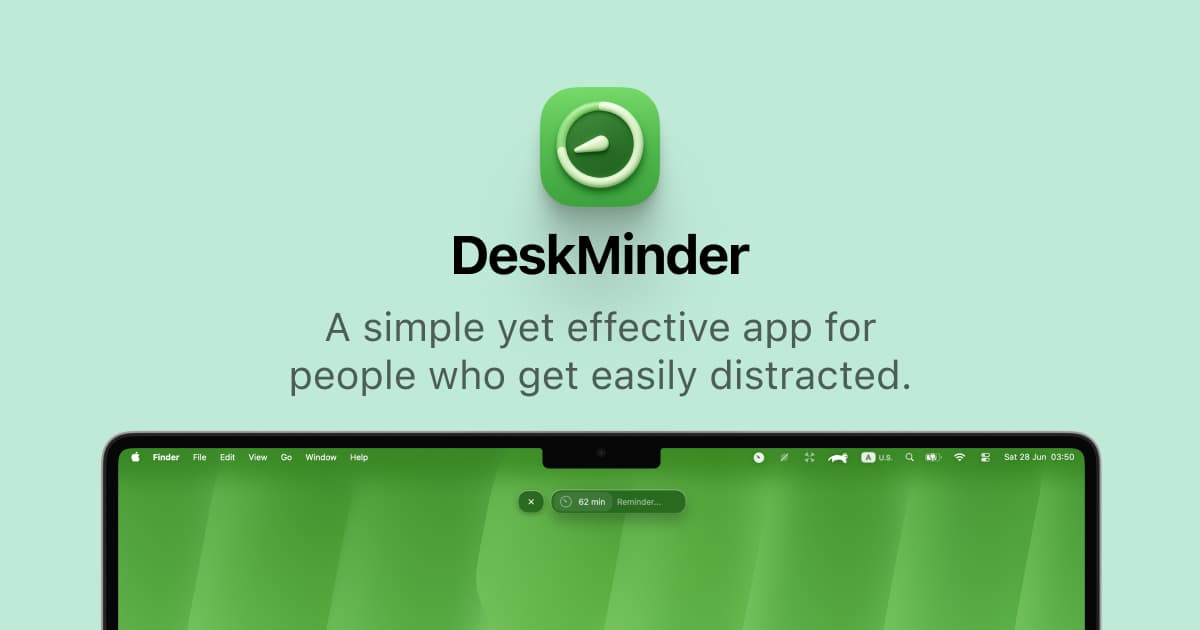
DeskMinder is a productivity software application designed for Mac users who struggle with distractions. It provides a straightforward interface for creating desktop pop-up reminders and tasks, helping users manage urgent to-dos, short breaks, and fleeting ideas. With features like full-screen notifications and Apple Reminders integration, DeskMinder aims to enhance focus and time management for i
- With features like easy-to-create desktop pop-ups for reminders and tasks, it simplifies the process of staying on top of urgent to-dos, short breaks, or fleeting ideas.
- Users can benefit from full-screen notifications, Apple Reminders integration, and flexible widget placement, making it ideal for anyone requiring a little extra help to maintain focus.
- The app includes additional shortcuts for quick reminder setups and customizable widget options, along with a history tracking feature to monitor daily progress.
Designed specifically for Mac users, DeskMinder aims to facilitate better time management and productivity for those with attention challenges, providing a seamless user experience without unnecessary complexity.
SoftwareProductivitymacOS
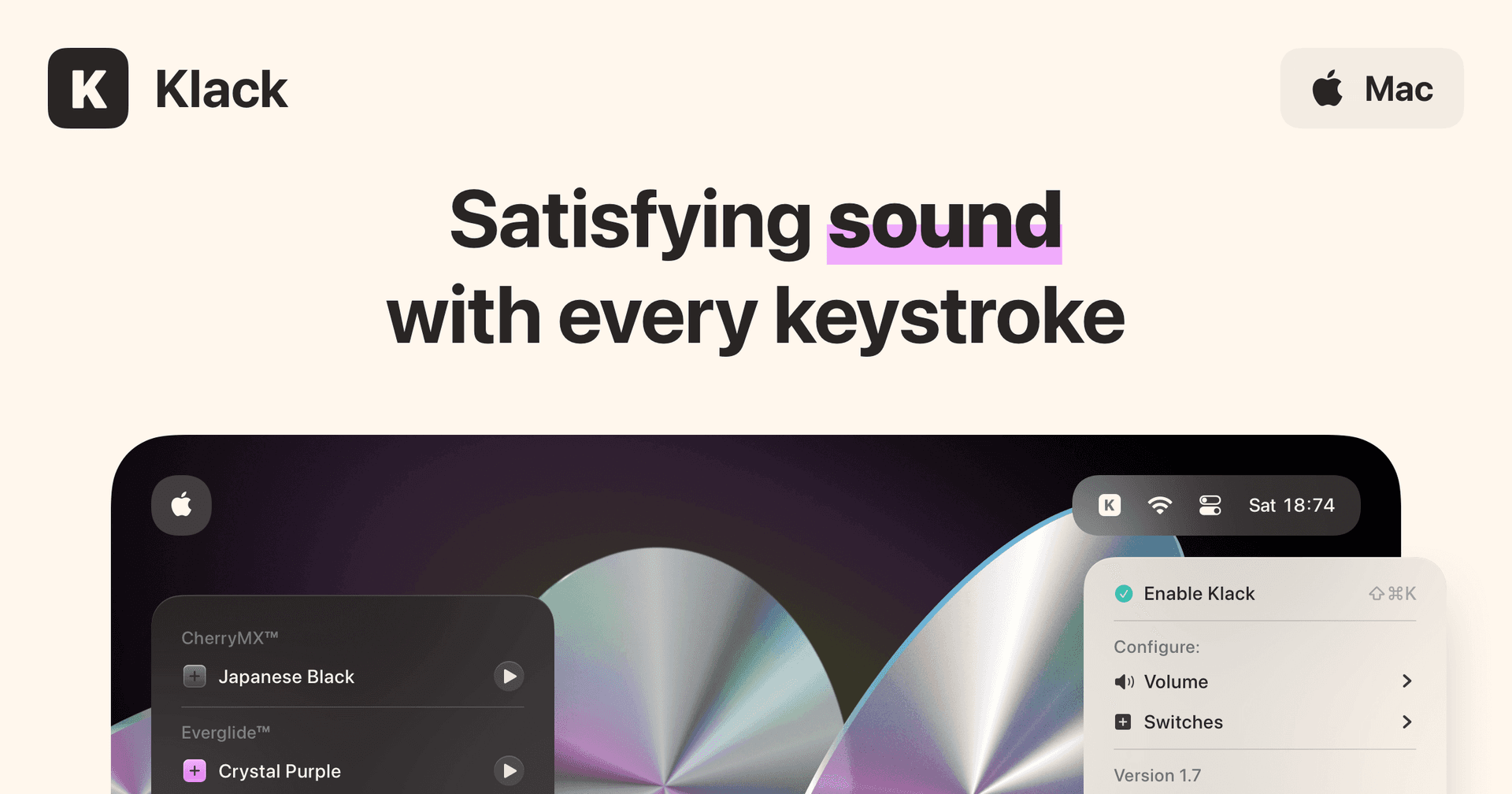
Klack
Satisfying sound with every keystroke
Paid
Klack is a macOS application designed to enhance the typing experience through high-fidelity sound for each keystroke. It provides features such as immersive spatial audio, instant feedback, and customizable sound options, making it suitable for writers, developers, and anyone who values an engaging typing environment. The app is easily accessible from the menubar and offers extensive configuratio
- Provides immersive spatial audio for enhanced typing feedback.
- Allows customization of keystroke sounds, pitch variations, and volume settings.
- Features a menubar interface for quick access to configuration options.
- Supports instant feedback with each keystroke for a more engaging experience.
- Designed for writers and developers seeking auditory feedback while typing.
Klack enhances the typing experience on Mac by providing high-fidelity sound for each keystroke.
SoftwaremacOS
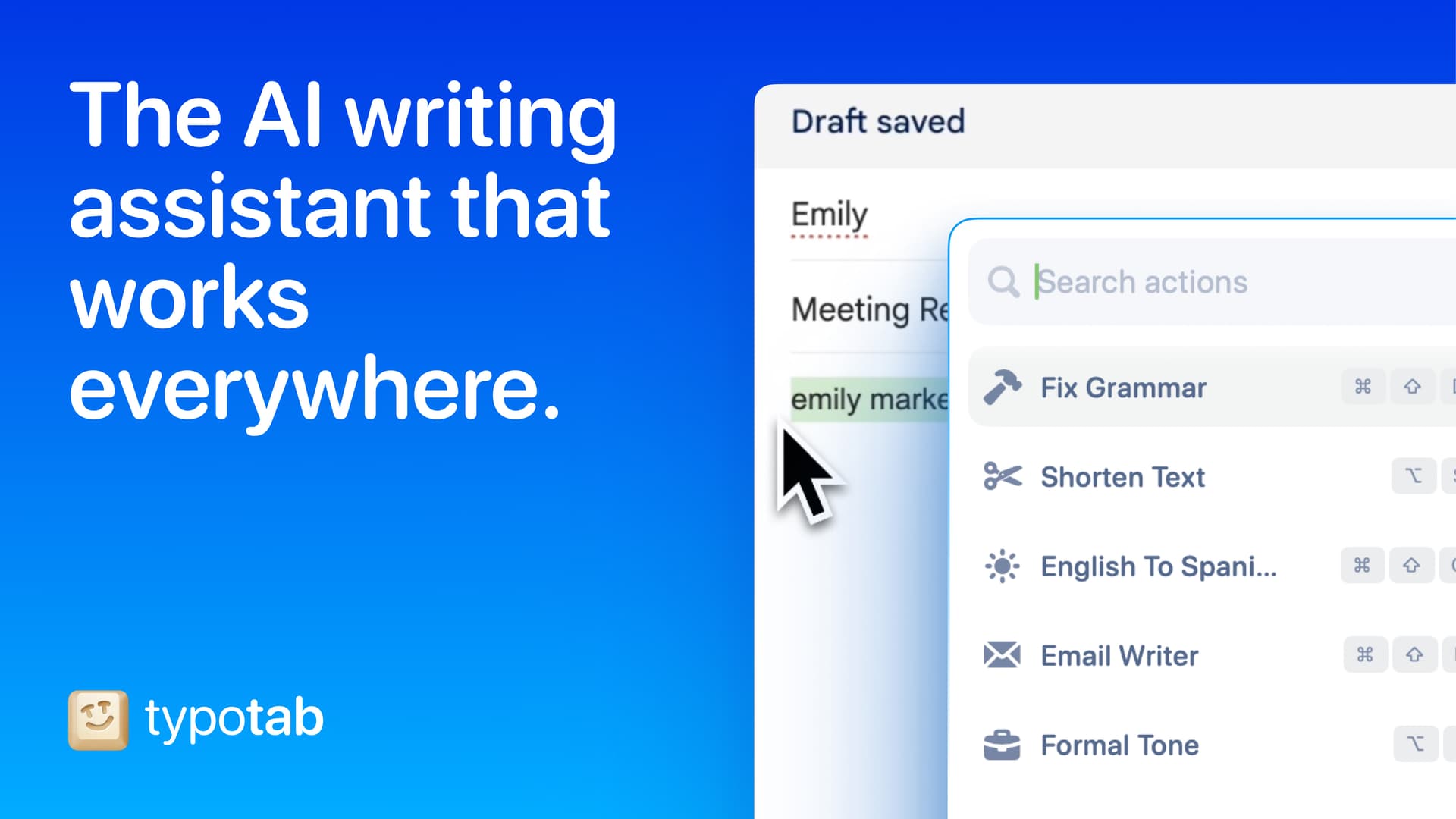
TypoTab
TypoTab, the ultimate AI writing assistant for
Paid
TypoTab is a macOS application that functions as an AI-driven writing assistant. It enhances writing efficiency by providing tools for grammar correction, text rephrasing, and content generation, all accessible from the menu bar without needing to switch applications. This tool is designed for writers, students, and professionals looking to streamline their writing process and improve productivity
- Provides grammar correction and text rephrasing directly from the menu bar.
- Allows text refinement in any application without switching contexts.
- Offers customizable actions to meet individual writing needs.
- Streamlines repetitive writing tasks for improved efficiency.
- Supports a wide range of applications, enhancing workflow across platforms.
TypoTab is a macOS application that enhances writing efficiency by providing grammar correction, text rephrasing, and content generation directly from the menu bar. It allows users to refine text in any application without switching contexts, offering customizable actions to suit individual writing needs.
SoftwareWritingmacOS
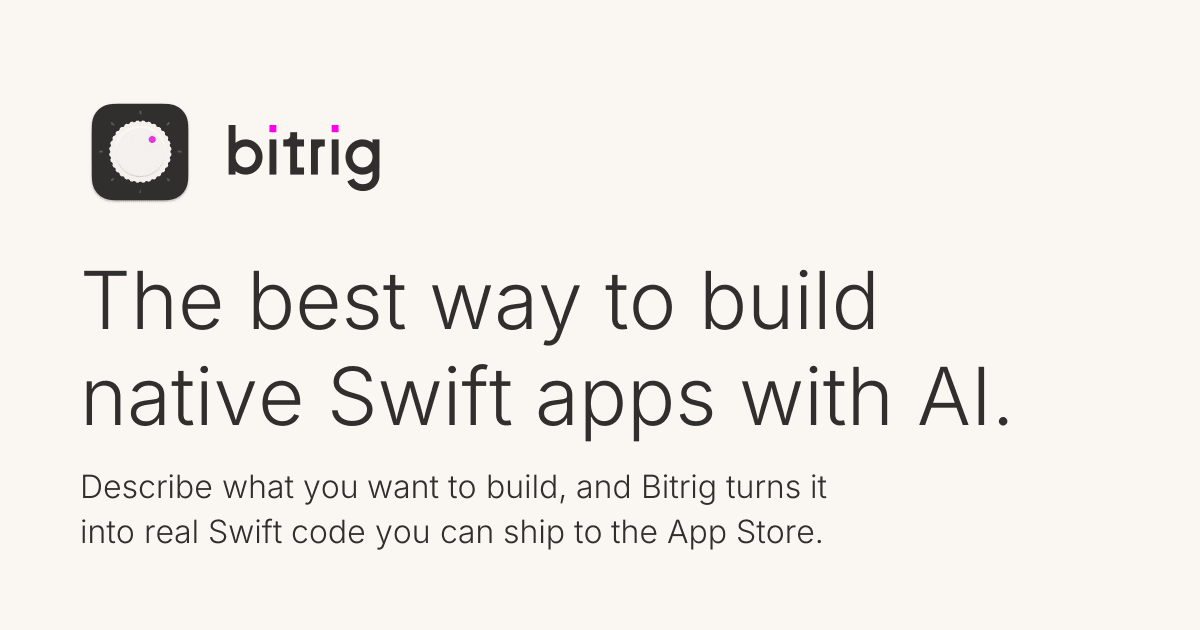
Bitrig
The best way to build native Swift
Free
Bitrig allows you to describe what you want to build, and it transforms your ideas into real Swift code that you can ship to the App Store. The platform generates actual Swift and SwiftUI code, providing an integrated simulator that runs alongside your code, enabling you to see exactly what your users will experience. Using natural language, you can instruct Bitrig to make changes, updating the code on the spot. It's the perfect tool for anyone who has an app idea but lacks coding skills, making the development process accessible and efficient.
SoftwaremacOS
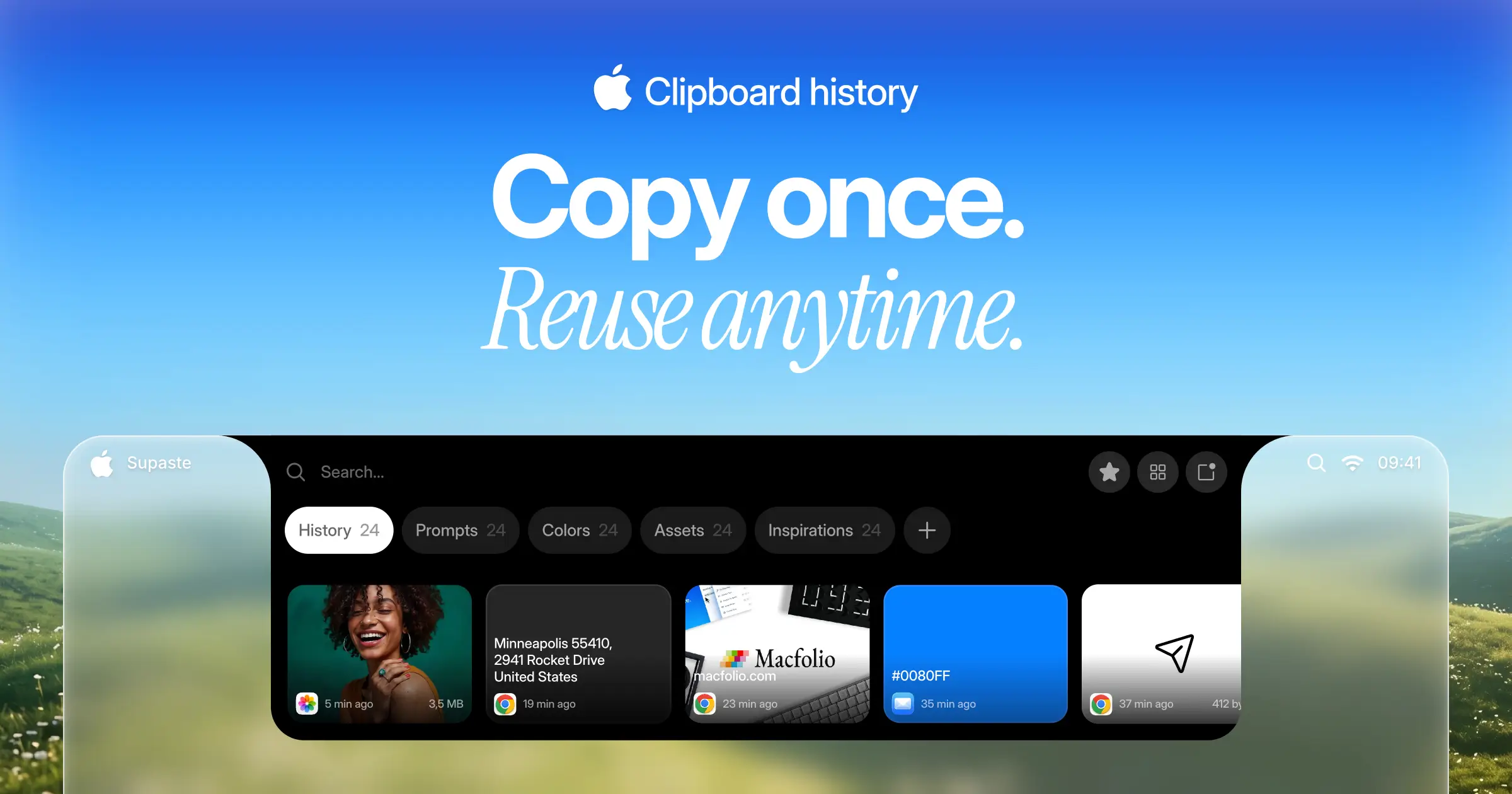
Supaste
Your clipboard, wherever you need it.
One-time
Supaste saves your clipboard and screenshots in a beautiful visual history, automatically grouped by type, app, and custom categories, so you can search, find, and paste anything back in seconds. This comprehensive tool allows you to use the notch shelf, quick search, inline paste, drag and drop, and the full Library view to efficiently manage and organize everything you copied. Whether you're a designer, developer, content creator, or just someone who needs a personal clipboard organizer, Supaste provides a clean visual timeline for easy access to your data. With features like sensitive content detection, custom categories, and the ability to filter your history by app or type, Supaste helps keep your clipboard tidy and accessible. Best of all, it's a one-time purchase with lifetime access, ensuring you have everything you need for your clipboard management without ongoing fees.
SoftwaremacOS
Milestones
Native, Private Project Management App
Freemium
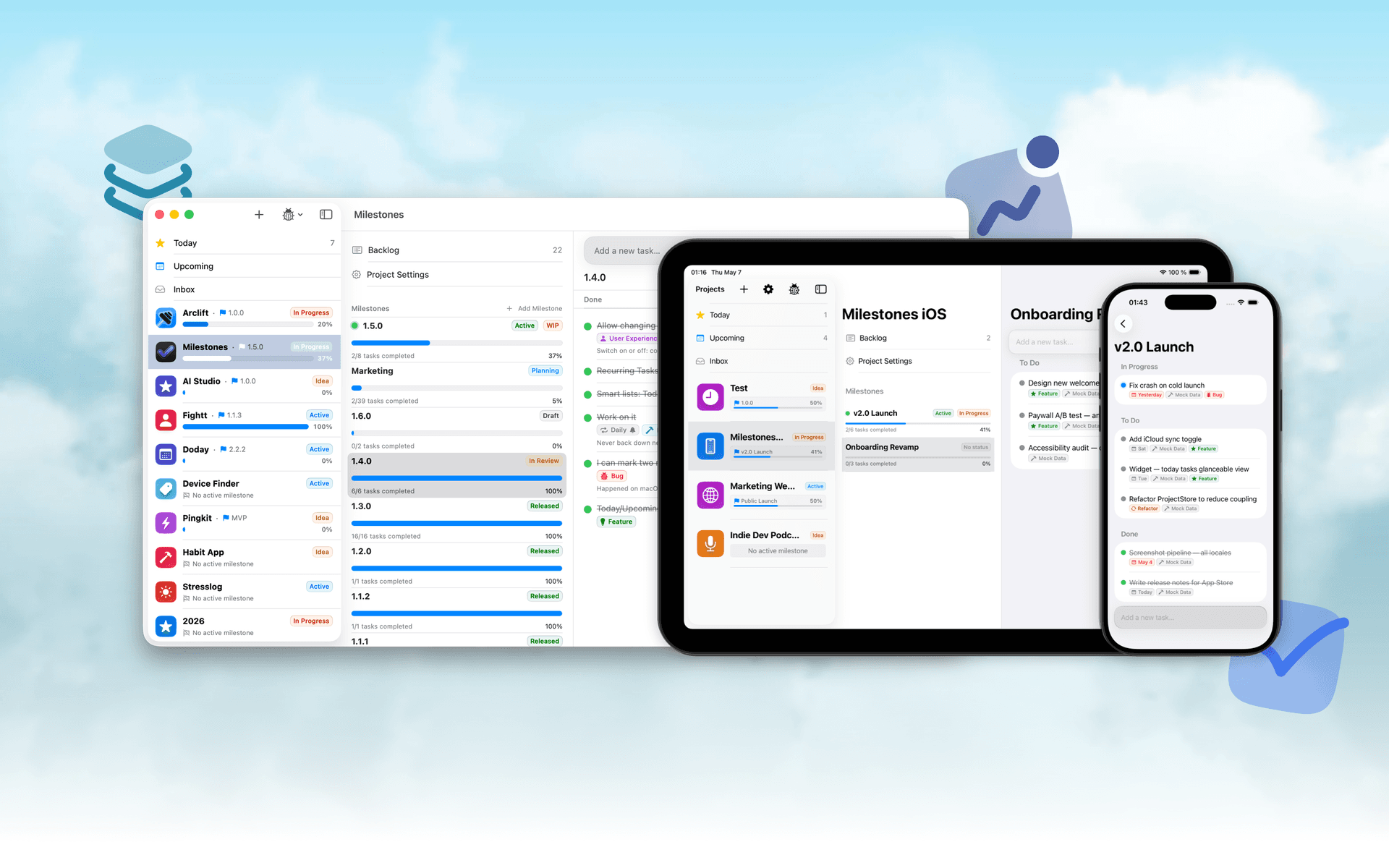
Milestones is a project planning software designed to help users manage tasks across multiple projects. It organizes projects into a three-tier hierarchy of Projects, Milestones, and Tasks, allowing users to break down larger goals into manageable phases.
- Organizes projects into a three-tier hierarchy: Projects, Milestones, and Tasks.
- Allows users to visually track progress with live progress bars for each milestone.
- Enables marking one milestone as Active to prioritize current tasks while keeping others visible.
- Supports task statuses including To Do, In Progress, and Done for clear organization.
- Provides tagging options for tasks to facilitate better grouping and management.
- Syncs seamlessly across iPhone, iPad, and macOS using iCloud.
Milestones is a project management application that allows users to organize their work into a structured hierarchy of Projects, Milestones, and Tasks. It features visual progress tracking, customizable project icons, and seamless syncing across iPhone, iPad, and macOS.
SoftwareProductivityiOS & macOS
Whisper
Talk to your computer like a human
One-time
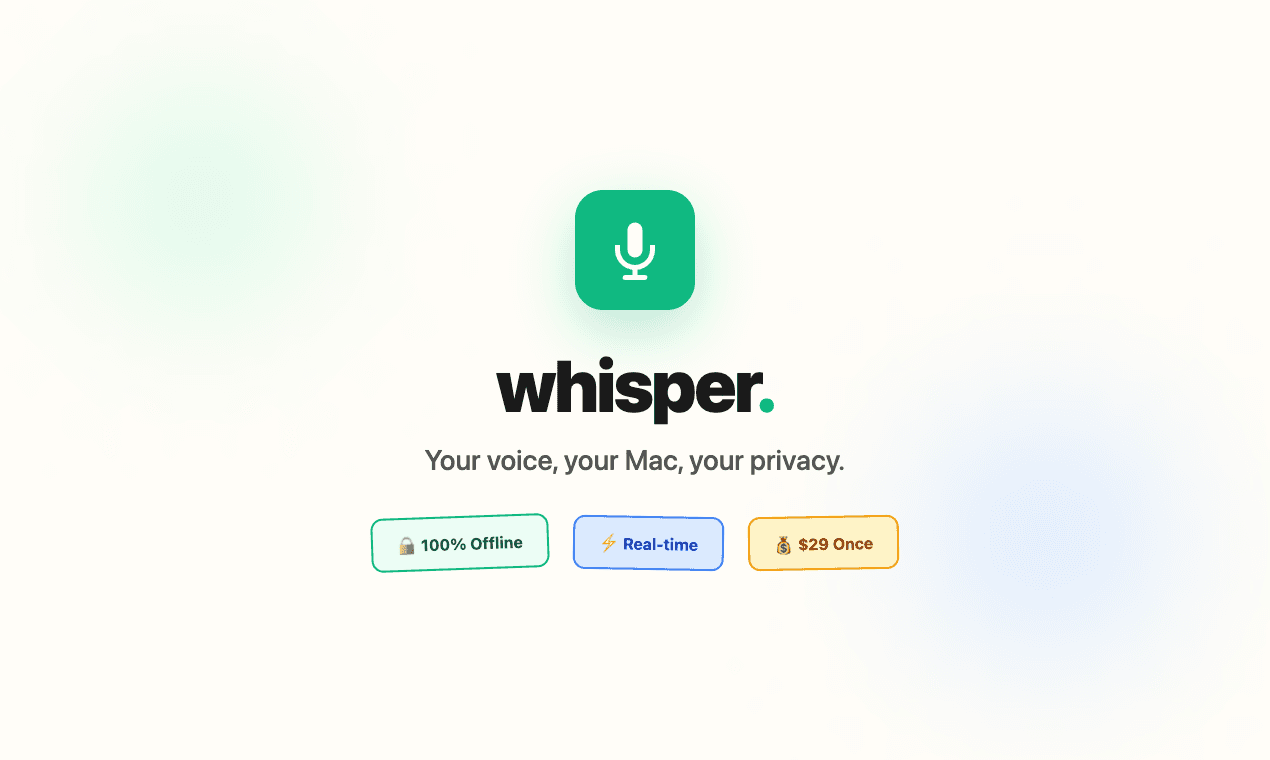
Whisper is an offline speech-to-text software compatible with macOS (Apple Silicon), Windows 10/11, and Linux (Ubuntu 22.04+). It enables users to transcribe spoken words into text quickly and securely, processing all data locally on the device without relying on cloud services.
- Transcribes speech to text entirely offline, ensuring data privacy and security.
- Supports over 99 languages, allowing seamless switching between languages mid-sentence.
- Automatically removes filler words and repetitions for cleaner, more professional text output.
- Provides instant transcription with GPU acceleration, displaying words as they are spoken.
- Integrates with any application where text input is possible, enhancing workflow flexibility.
Whisper is a voice-to-text application designed for offline use, ensuring that your data remains private and secure. It transcribes speech into text quickly and accurately, supporting over 99 languages. The application is suitable for various tasks, including writing, coding, and communication, and operates seamlessly without the need for internet connectivity.
SoftwareUtilitiesiOS & macOS
Bauhaus Clock
Turn waiting into watching.
One-time
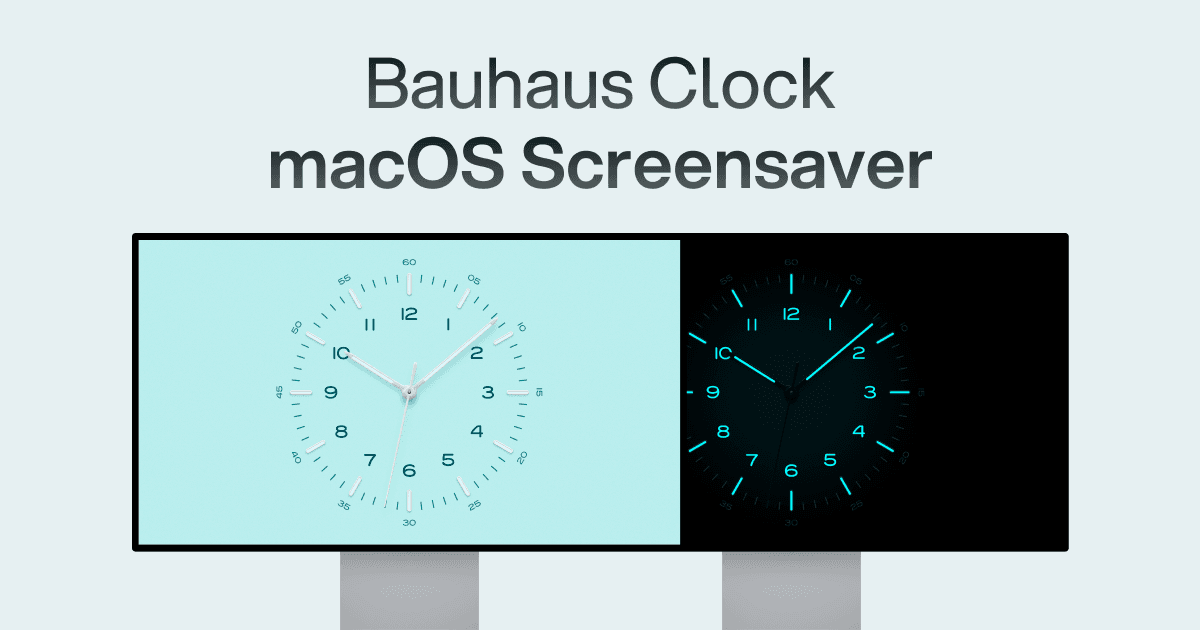
The Bauhaus Clock is an elegant screensaver designed for Mac that transforms idle screens into captivating visuals. With meticulous attention to detail, this screensaver combines precision engineering with stunning design, featuring customizable clock dials and multiple movement types. Users can enjoy features like day/night themes, and intelligent algorithms that prevent burn-in. Designed to complement any room, it’s more than just a screensaver—it’s a piece of art that brings joy every time it appears on your screen.
SoftwareDesigniOS & macOS
Screenforge
From capture to clean video
Freemium
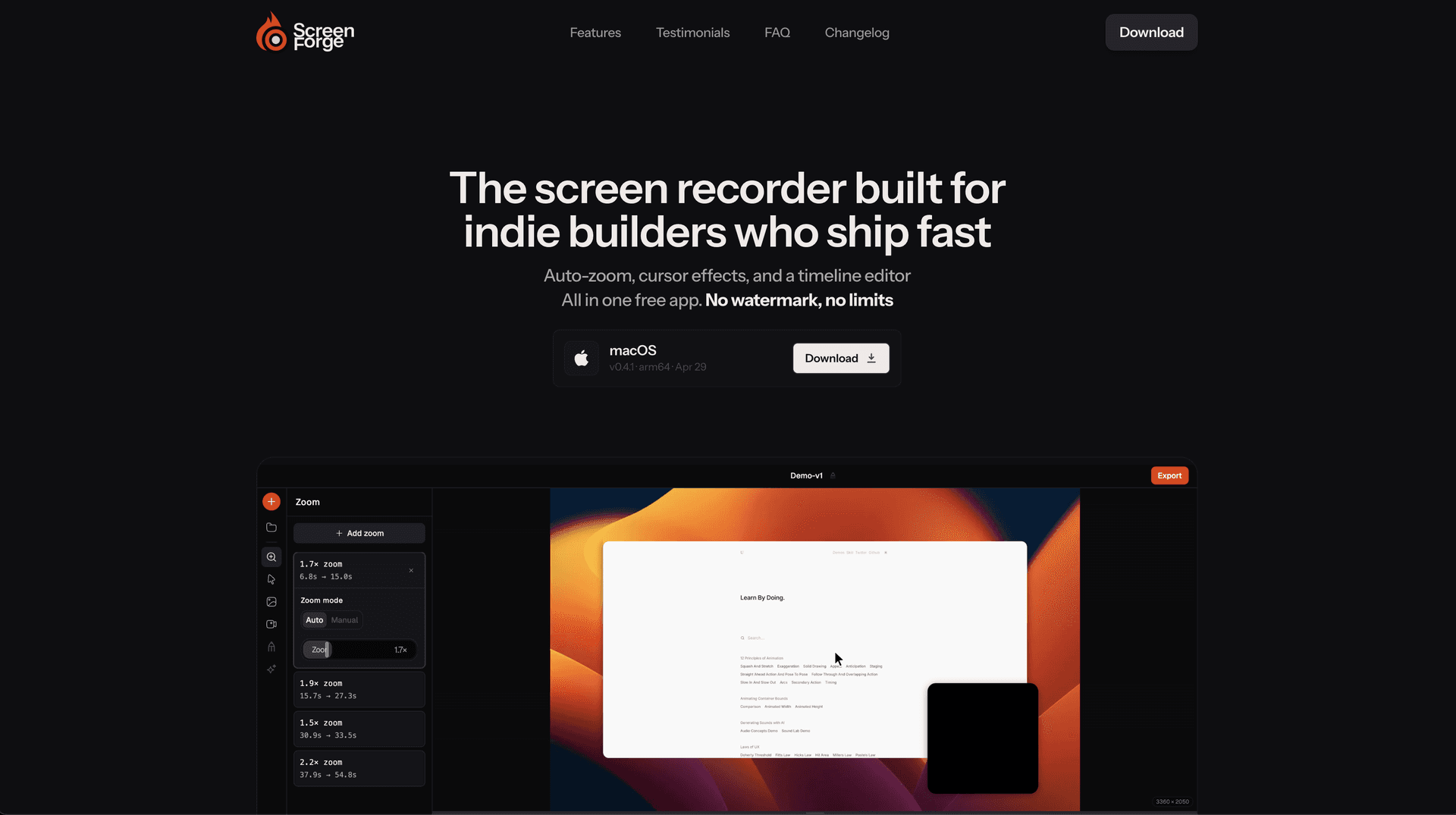
Screenforge is a free screen recording software for macOS. It enables users to capture their screens, webcams, and audio while providing features like auto-zoom, cursor effects, and a timeline editor.
- Automatically detects cursor movement to apply zoom effects where needed.
- Records screen, webcam, and audio simultaneously without watermarks.
- Features a built-in timeline editor for non-destructive clip editing.
- Offers customizable backgrounds and cursor animations for professional presentations.
- Exports recordings in multiple formats, including MP4, MOV, and WebM.
Screenforge is a free screen recording software designed for macOS, offering features such as automatic zoom detection, cursor effects, and a built-in timeline editor. Users can record screens, webcams, and audio without watermarks or limitations.
SoftwareCreativemacOS
New additions
Bitrig
The best way to build native Swift
Free
Bitrig allows you to describe what you want to build, and it transforms your ideas into real Swift code that you can ship to the App Store. The platform generates actual Swift and SwiftUI code, providing an integrated simulator that runs alongside your code, enabling you to see exactly what your users will experience. Using natural language, you can instruct Bitrig to make changes, updating the code on the spot. It's the perfect tool for anyone who has an app idea but lacks coding skills, making the development process accessible and efficient.
SoftwaremacOS
Supaste
Your clipboard, wherever you need it.
One-time
Supaste saves your clipboard and screenshots in a beautiful visual history, automatically grouped by type, app, and custom categories, so you can search, find, and paste anything back in seconds. This comprehensive tool allows you to use the notch shelf, quick search, inline paste, drag and drop, and the full Library view to efficiently manage and organize everything you copied. Whether you're a designer, developer, content creator, or just someone who needs a personal clipboard organizer, Supaste provides a clean visual timeline for easy access to your data. With features like sensitive content detection, custom categories, and the ability to filter your history by app or type, Supaste helps keep your clipboard tidy and accessible. Best of all, it's a one-time purchase with lifetime access, ensuring you have everything you need for your clipboard management without ongoing fees.
SoftwaremacOS
Milestones
Native, Private Project Management App
Freemium
Milestones is a project planning software designed to help users manage tasks across multiple projects. It organizes projects into a three-tier hierarchy of Projects, Milestones, and Tasks, allowing users to break down larger goals into manageable phases.
- Organizes projects into a three-tier hierarchy: Projects, Milestones, and Tasks.
- Allows users to visually track progress with live progress bars for each milestone.
- Enables marking one milestone as Active to prioritize current tasks while keeping others visible.
- Supports task statuses including To Do, In Progress, and Done for clear organization.
- Provides tagging options for tasks to facilitate better grouping and management.
- Syncs seamlessly across iPhone, iPad, and macOS using iCloud.
Milestones is a project management application that allows users to organize their work into a structured hierarchy of Projects, Milestones, and Tasks. It features visual progress tracking, customizable project icons, and seamless syncing across iPhone, iPad, and macOS.
SoftwareProductivityiOS & macOS
Whisper
Talk to your computer like a human
One-time
Whisper is an offline speech-to-text software compatible with macOS (Apple Silicon), Windows 10/11, and Linux (Ubuntu 22.04+). It enables users to transcribe spoken words into text quickly and securely, processing all data locally on the device without relying on cloud services.
- Transcribes speech to text entirely offline, ensuring data privacy and security.
- Supports over 99 languages, allowing seamless switching between languages mid-sentence.
- Automatically removes filler words and repetitions for cleaner, more professional text output.
- Provides instant transcription with GPU acceleration, displaying words as they are spoken.
- Integrates with any application where text input is possible, enhancing workflow flexibility.
Whisper is a voice-to-text application designed for offline use, ensuring that your data remains private and secure. It transcribes speech into text quickly and accurately, supporting over 99 languages. The application is suitable for various tasks, including writing, coding, and communication, and operates seamlessly without the need for internet connectivity.
SoftwareUtilitiesiOS & macOS
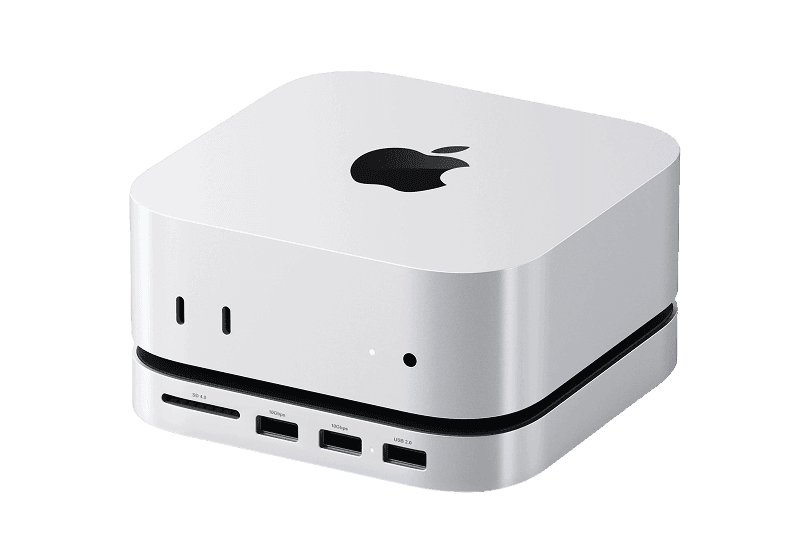
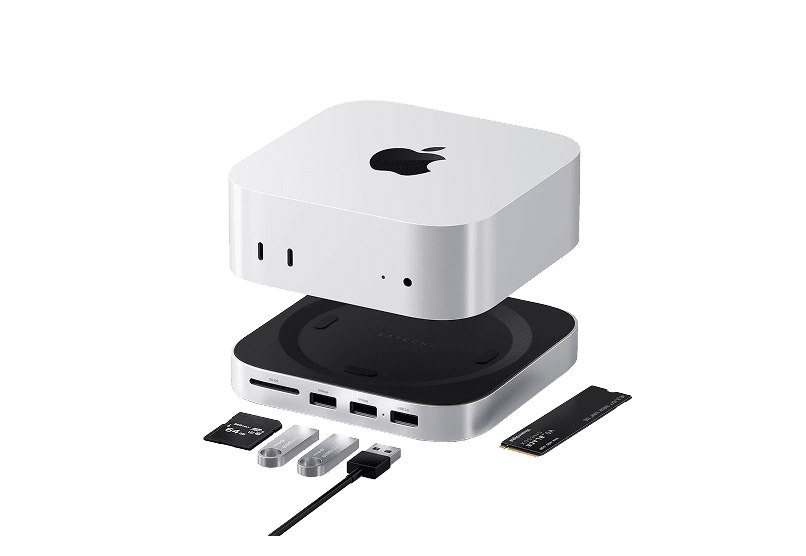
Mac mini M4 Hub
Expand your Mac Mini capabilities with enhanced
HardwareUtilitiesmacOS
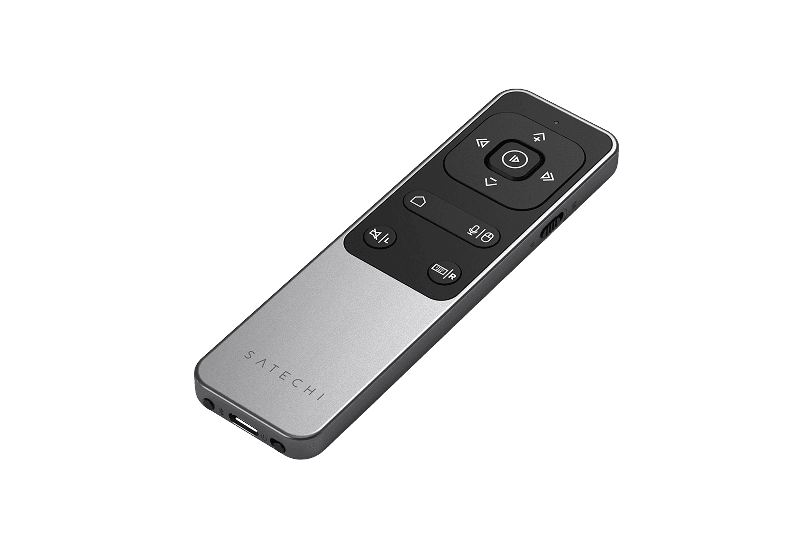
Bluetooth Remote Control
Seamless Control for Presentations
HardwareUtilitiesiOS & macOS
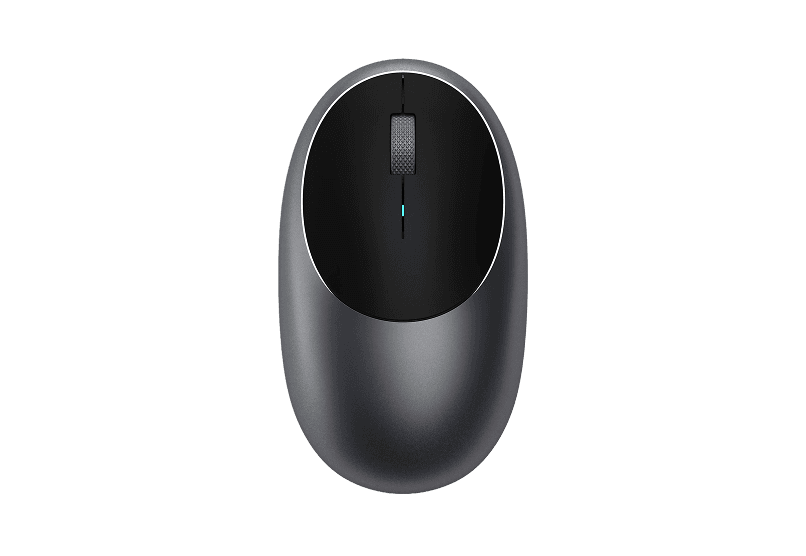
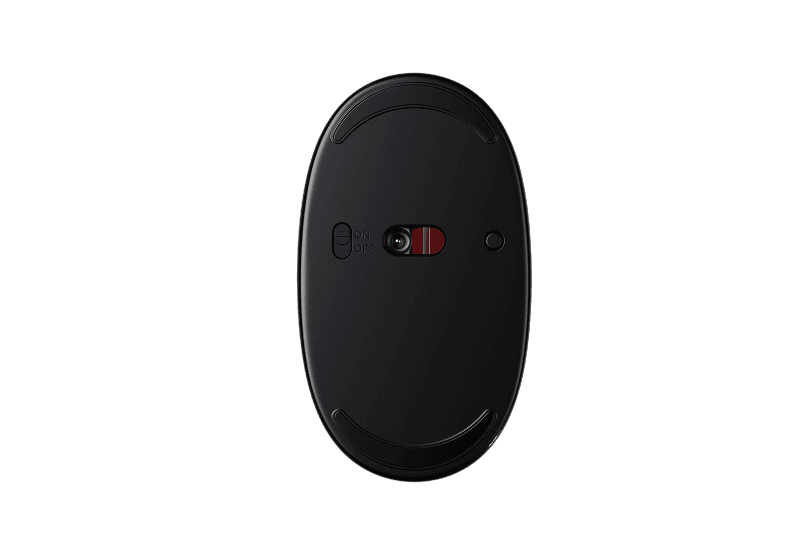
Wireless Bluetooth Mouse
Compact & Portable, USB-C Rechargeable
HardwareiOS & macOS
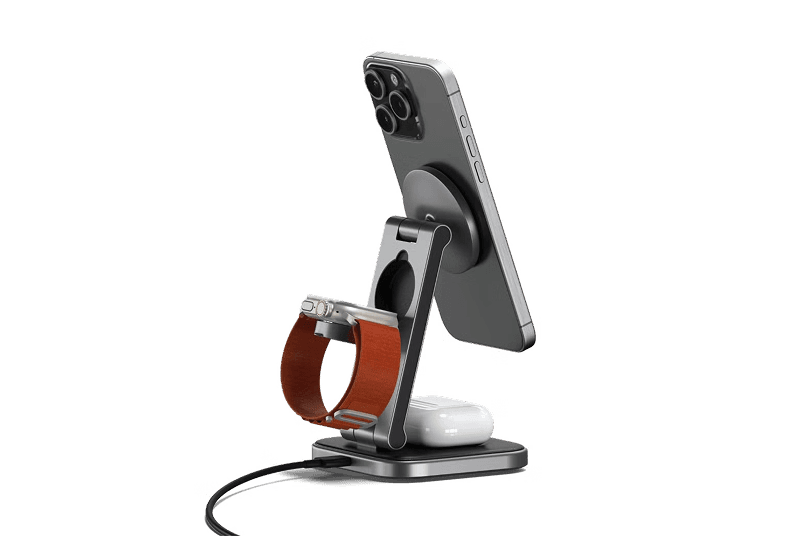
Satechi 3-in-1 Qi2 Wireless Charging Station
25W Fast Magnetic Charger for iPhone, Apple
HardwareUtilitiesiOS & macOS
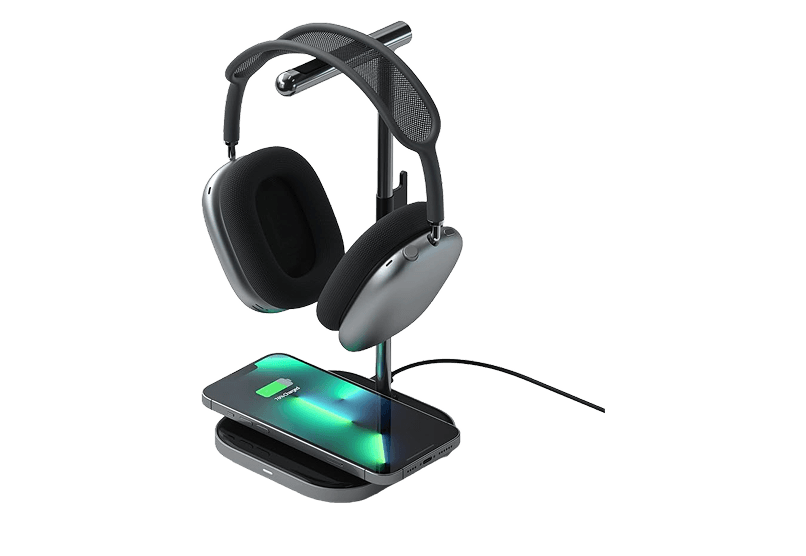
2-in-1 Headphone Stand with Wireless Charger
Effortlessly organize and charge your devices with
 Dudu
Dudu