The Mac mini Upgrades That Make a Small Computer Feel Considered

The Mac mini ships efficient and slightly incomplete. Three upgrades fill the gaps without adding noise to the desk.

Written byDudu avatarDudu
2 min read
Created June 4, 2026Updated June 4, 2026

The Mac mini M4 ships with two USB-A ports, two USB-C ports, an HDMI port, and an ethernet port. It ships without a display, keyboard, or mouse. What it ships with is enough processing power to run most professional workflows. What it does not ship with is any answer for the ports you need at the front of the machine or a lid worth looking at.

Three upgrades. Each one addresses a specific gap the Mac mini arrives with.

The stack:

  • Retro Dock Station · a rear hub that adds four ports and a retro silhouette
  • Mac mini M4 Hub · a front-facing hub for the ports you actually reach for
  • Mac mini Transparent Case · a replacement lid that turns the internals into the aesthetic

1. The Hub That Goes in the Back

The Mac mini's ports are on the rear panel. Reaching behind the machine every time you plug in a drive is the kind of friction that compounds over a week without you noticing it. Retro Dock Station mounts flush to the back, adds USB-A, USB-C, and a card reader without any cables, and arrives with a silhouette that looks like miniaturised Apple history.

The retro look is not the point. The rear port access is. The look is a reasonable bonus.

Retro Dock StationTransform your Mac mini into a retroThe Wokyis M5 Retro Dock is not just a stylish dock but a multifunctional productivity hub for your Mac mini M4. It features a compact 5-inch HD display that provides quick access to notifications and apps while adding a nostalgic touch to your desk. The dock incorporates an M.2 NVMe SSD enclosure supporting drives up to 8TB, along with multiple connectivity options including USB-C, USB-A ports, and HDMI input. With its vintage aesthetic and modern functionality, the Wokyis dock is designed to enhance your workspace, making it tidier and more efficient while adding character to your setup.Visit Website

2. The Hub That Goes in the Front

The rear hub handles occasional peripherals. Mac mini M4 Hub handles the daily ones. It installs directly into the front cutout of the Mac mini M4, replacing empty space with USB-A and USB-C ports at the front of the machine.

If you plug in a drive or a camera more than once a week, reaching around the back is a solved problem. This is what solves it.
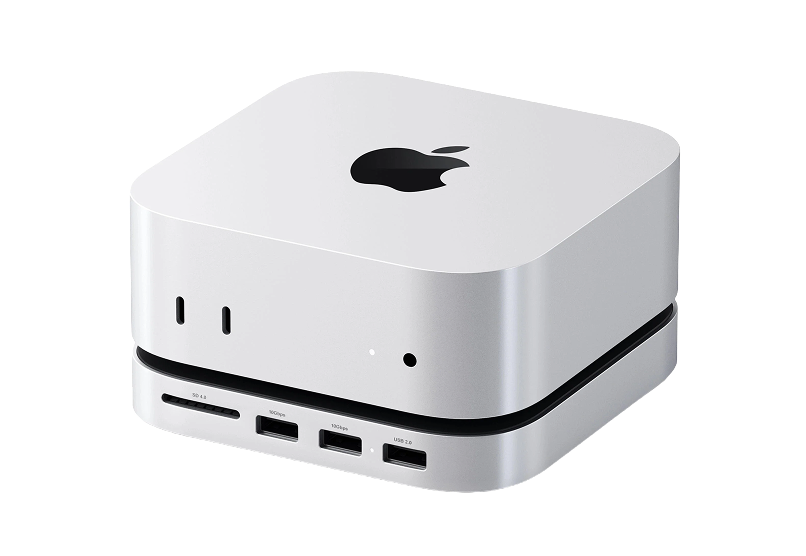
Mac mini M4 HubExpand your Mac Mini capabilities with enhancedThe Satechi Mac Mini M4 Hub & Stand is designed to enhance your Mac Mini M4 experience. Featuring an M.2 NVMe SSD enclosure for easy storage expansion, it supports SSDs up to 4TB (SSD not included) and provides blazing-fast data transfer speeds of up to 10Gbps. The hub keeps your workspace organized with 5-in-1 expansion ports, including two high-speed USB-A (3.2) ports, one USB-A 2.0, and an SD card reader (UHS-II). Its optimized self-cooling design ensures your Mac Mini operates efficiently and coolly even under heavy use. Crafted with durability in mind, this sleek aluminum hub blends seamlessly with your setup. Get everything you need to elevate your Mac Mini experience!Visit Website

3. The Lid That Makes the Chip the Object

The Mac mini's lid is opaque aluminium. Mac mini Transparent Case replaces it with a transparent panel so the M4 chip, the memory, and the cooling architecture are visible from above. The machine becomes something worth glancing at when you sit down.

This is not for everyone. For people who bought the Mac mini specifically because they care about what is inside it, it is the logical next step.

Mac mini Transparent CaseTransparent case with dust-filtering designProtect your Mac Mini M4/M4 Pro with the Spigen Transparent Filter Case Stand. Designed specifically for the 2024 model, this case features a unique air-filter technology that prevents dust accumulation, ensuring optimal performance of your device. The durable PMMA and PVC materials not only provide stability but also enhance cleaning convenience, as the filter can be easily washed. With its retro-inspired design reminiscent of classic Apple aesthetics, the stand fits snugly under your display, elevating your Mac Mini to improve airflow and maintain a clean workspace. Ideal for those who prioritize both form and function, the design complements your setup while offering robust protection.Visit Website

The Mac mini M4 arrives efficient and slightly incomplete. These three fill the gaps without adding noise to the desk.


You might also like

Norma icon

Norma

Meet the object that restores silence.

Norma product image
Norma hover image
WorkspaceHealth
Opal C1 Camera icon

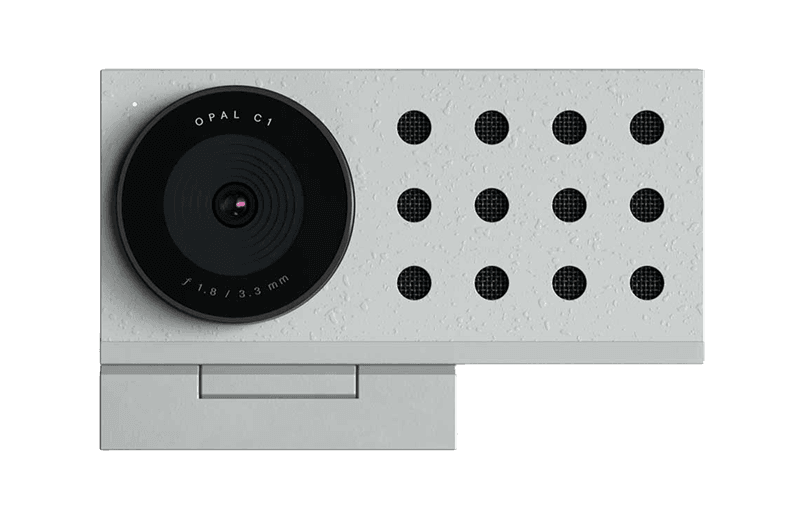
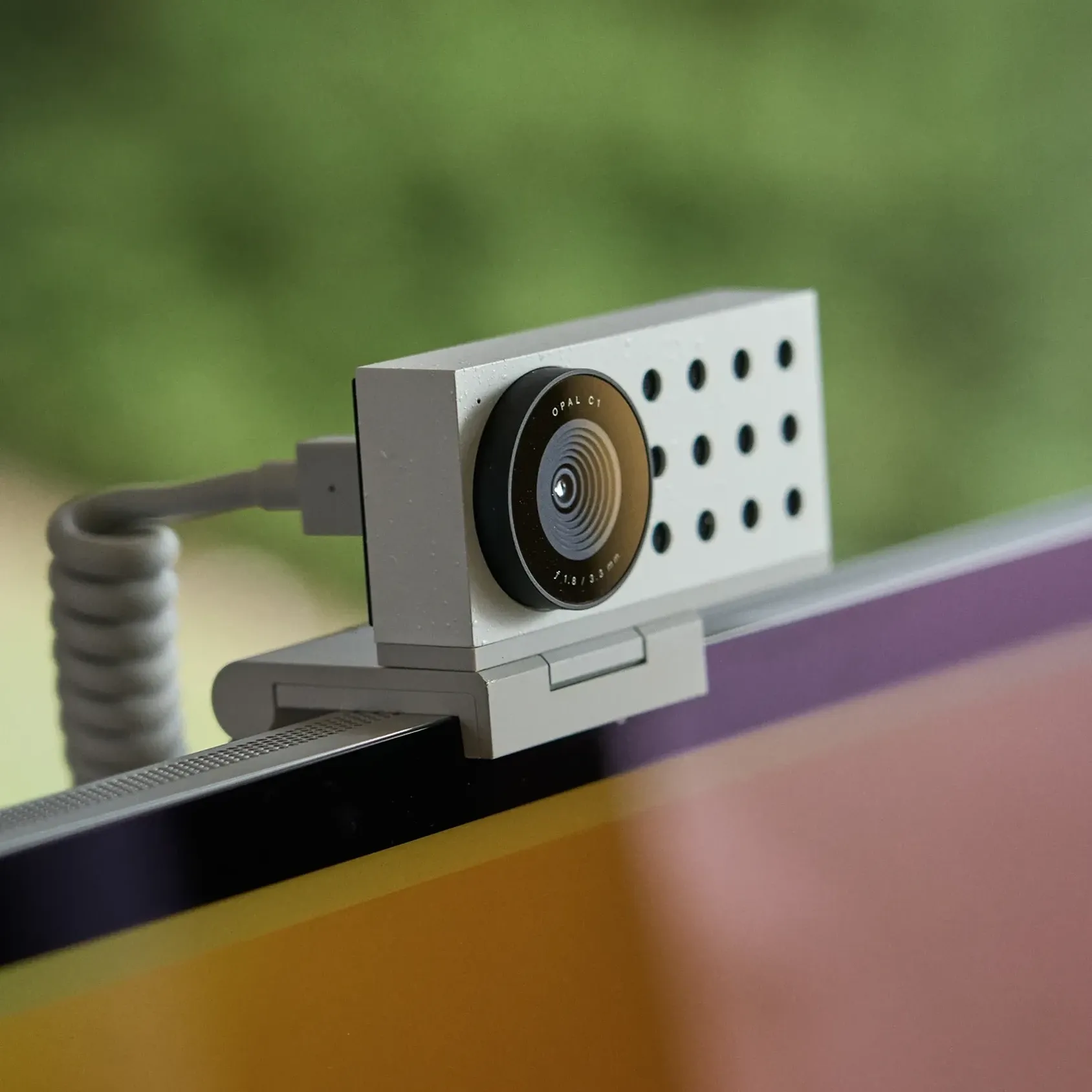
Opal C1 Camera

DSLR quality on a webcam for the

Opal C1 Camera product image
Opal C1 Camera hover image
HardwareUtilitiesmacOS
Bluetooth Remote Control icon

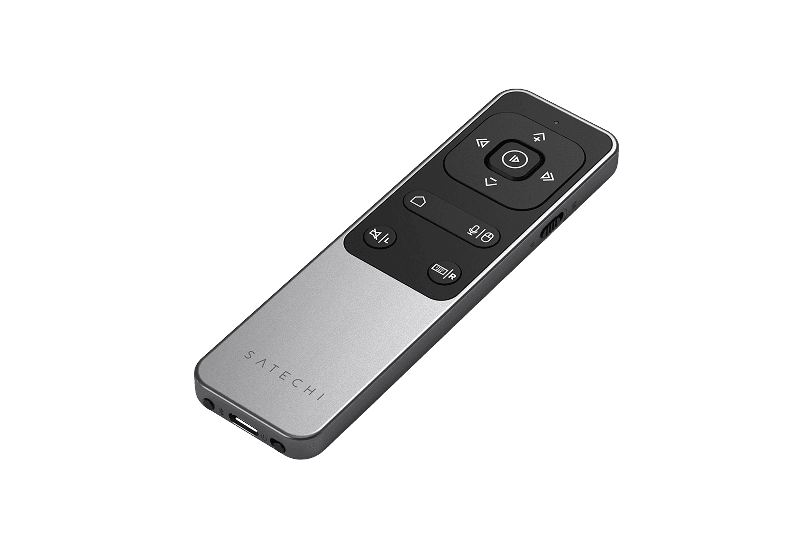
Bluetooth Remote Control

Seamless Control for Presentations

Bluetooth Remote Control product image
Bluetooth Remote Control hover image
HardwareUtilitiesiOS & macOS
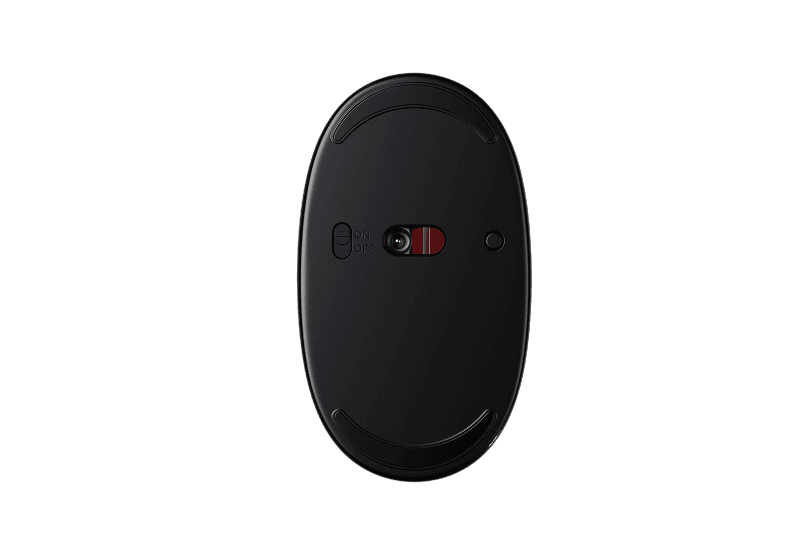
Wireless Bluetooth Mouse icon

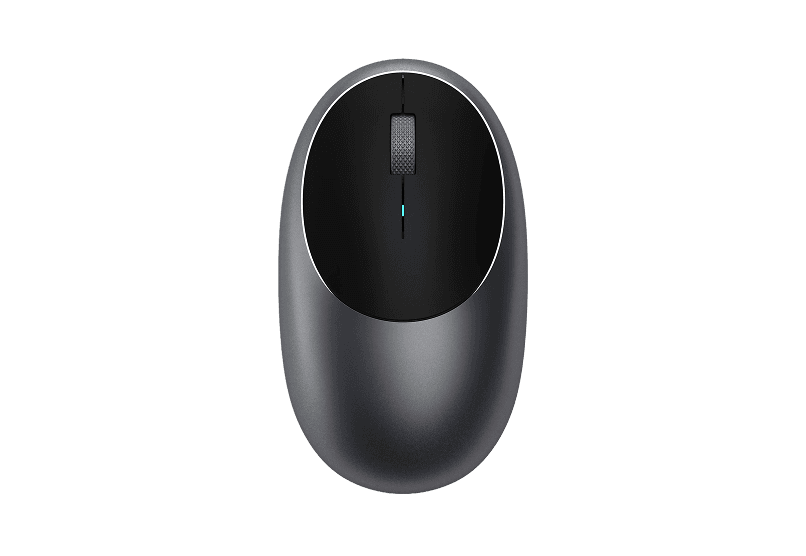
Wireless Bluetooth Mouse

Compact & Portable, USB-C Rechargeable

Wireless Bluetooth Mouse product image
Wireless Bluetooth Mouse hover image
HardwareiOS & macOS
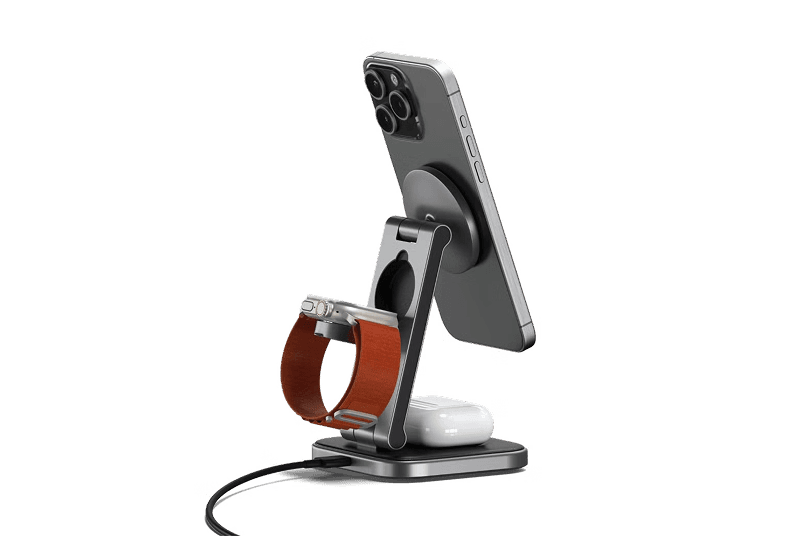
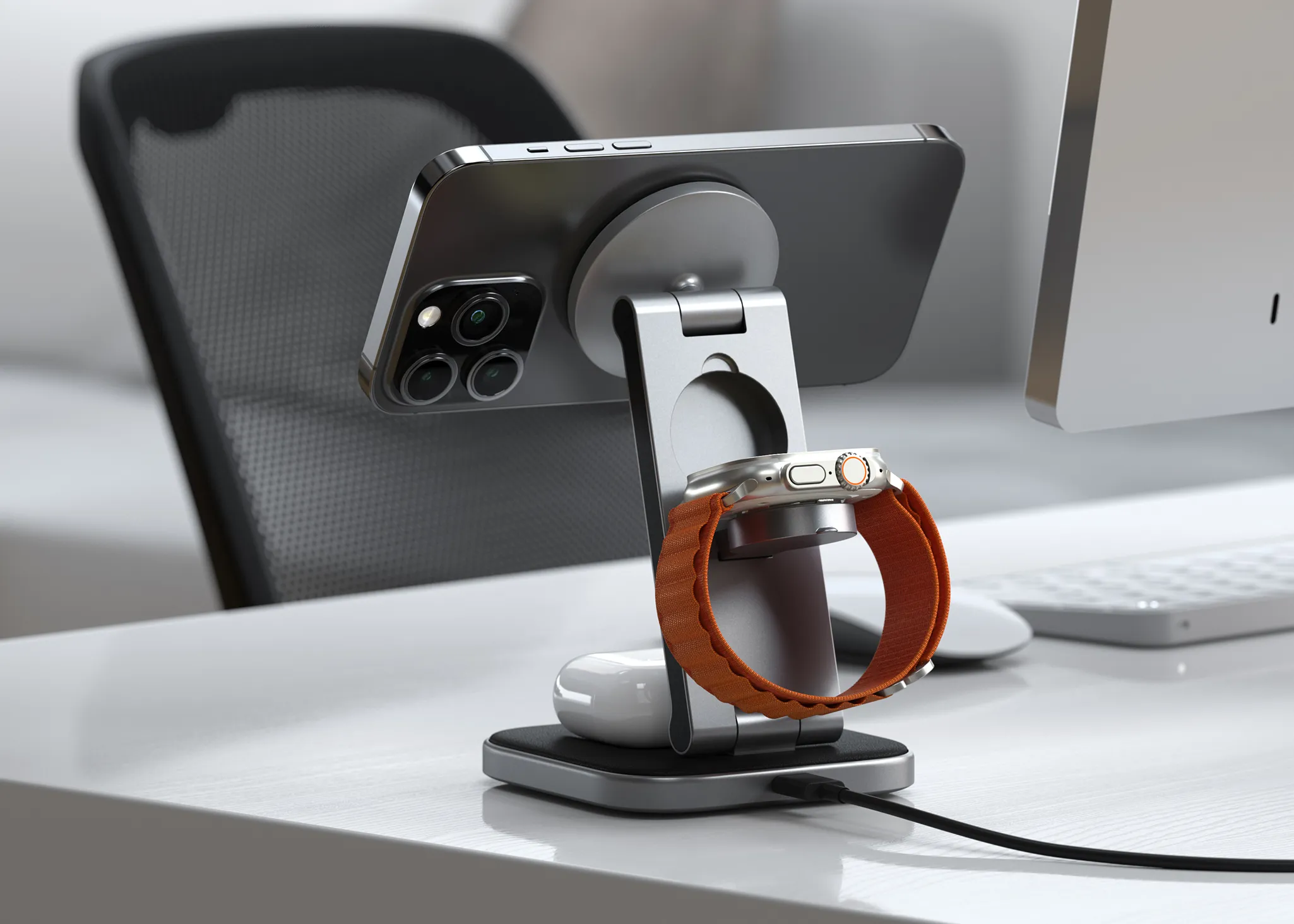
Satechi 3-in-1 Qi2 Wireless Charging Station icon

Satechi 3-in-1 Qi2 Wireless Charging Station

25W Fast Magnetic Charger for iPhone, Apple

Satechi 3-in-1 Qi2 Wireless Charging Station product image
Satechi 3-in-1 Qi2 Wireless Charging Station hover image
HardwareUtilitiesiOS & macOS
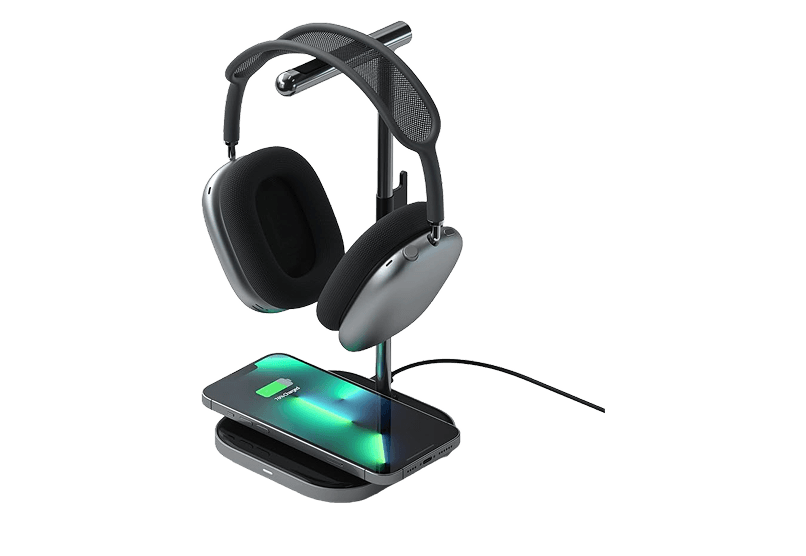
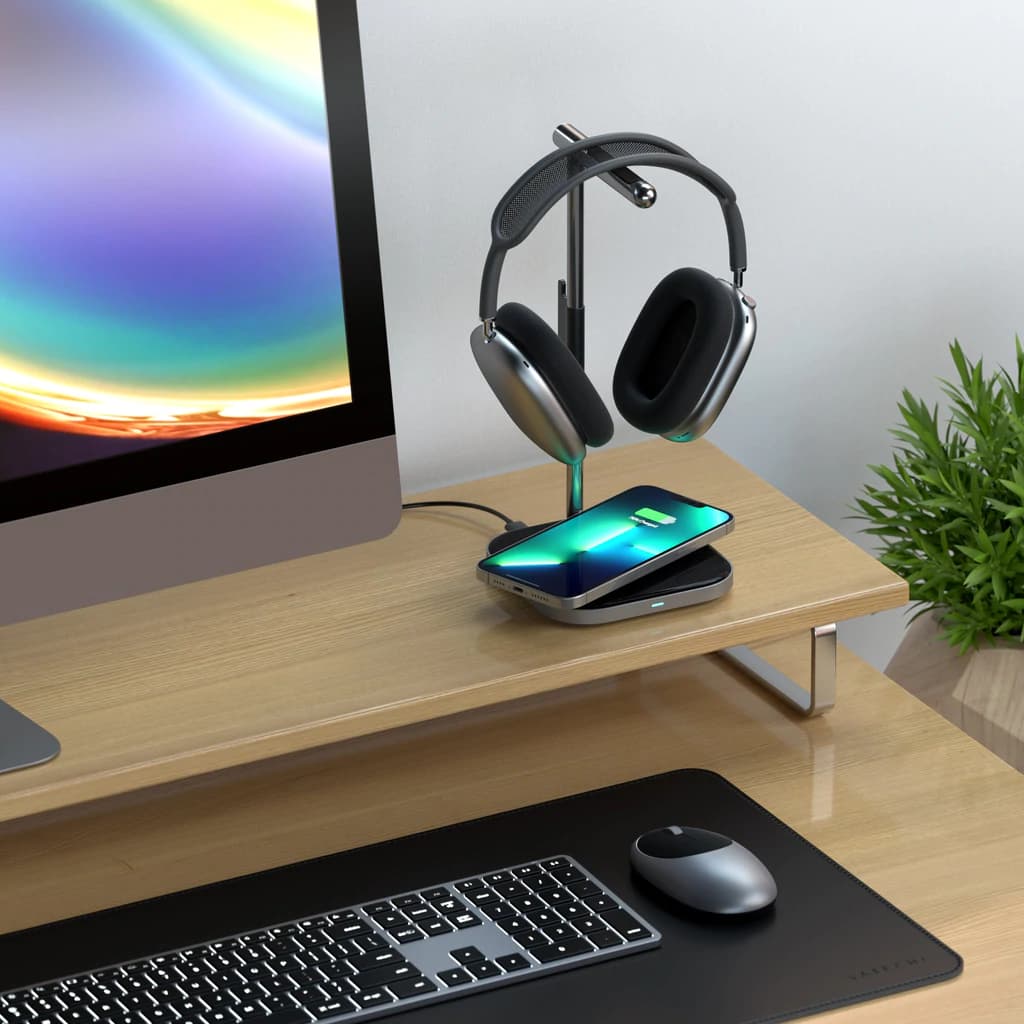
2-in-1 Headphone Stand with Wireless Charger icon

2-in-1 Headphone Stand with Wireless Charger

Effortlessly organize and charge your devices with

2-in-1 Headphone Stand with Wireless Charger product image
2-in-1 Headphone Stand with Wireless Charger hover image
HardwareUtilitiesiOS & macOS
WHOOSH! icon

WHOOSH!

Powerful Screen Cleaner Spray for Monitors

WHOOSH! product image
WHOOSH! hover image
Workspace
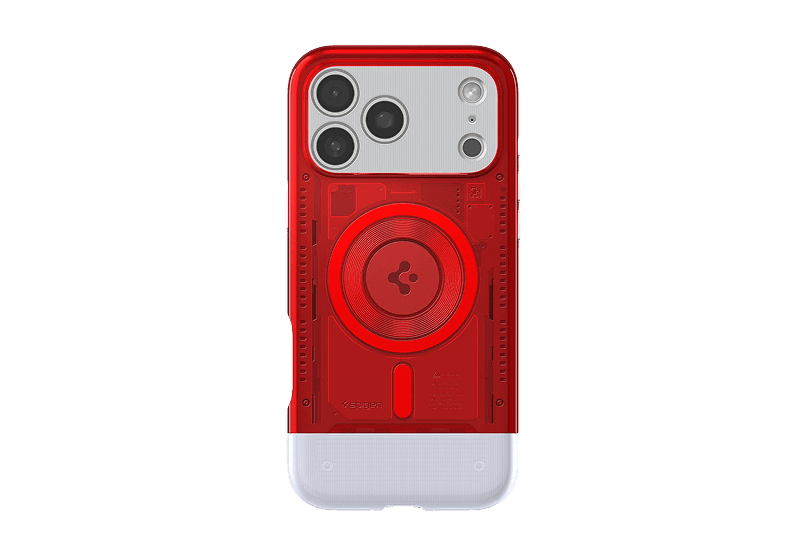
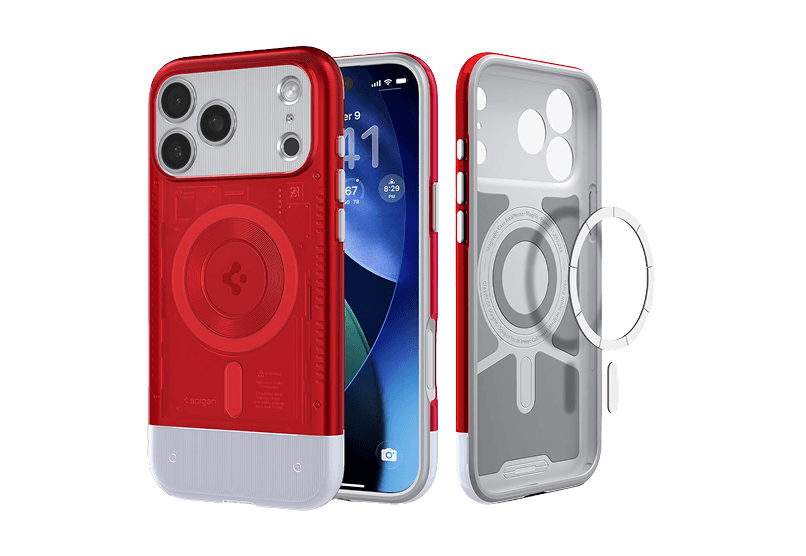
iMac G3 iPhone 17 Pro Case icon

iMac G3 iPhone 17 Pro Case

Retro-inspired case with MagSafe compatibility.

iMac G3 iPhone 17 Pro Case product image
iMac G3 iPhone 17 Pro Case hover image
WorkspaceUtilities
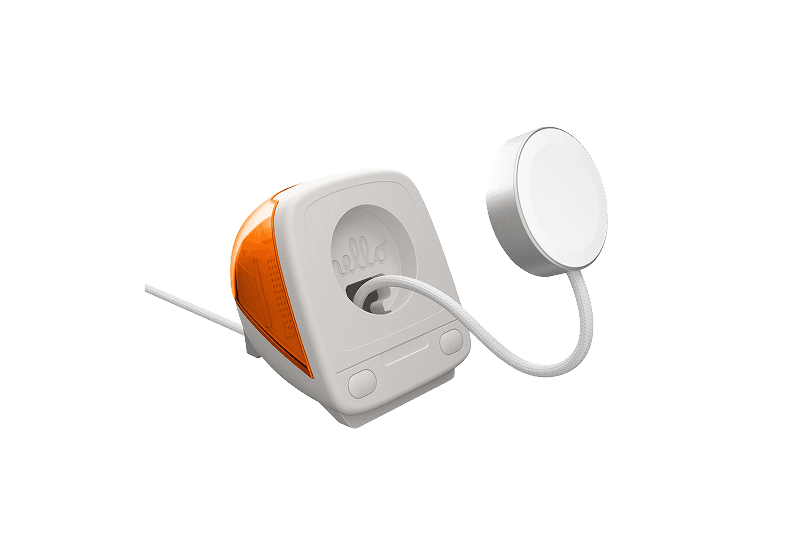
iMac G3 Apple Watch Stand & Charger icon

iMac G3 Apple Watch Stand & Charger

A retro-inspired charger stand for your Apple

iMac G3 Apple Watch Stand & Charger product image
iMac G3 Apple Watch Stand & Charger hover image
HardwareiOS

New additions

Bitrig icon

Bitrig

The best way to build native Swift

Bitrig screenshot
Free

Bitrig allows you to describe what you want to build, and it transforms your ideas into real Swift code that you can ship to the App Store. The platform generates actual Swift and SwiftUI code, providing an integrated simulator that runs alongside your code, enabling you to see exactly what your users will experience. Using natural language, you can instruct Bitrig to make changes, updating the code on the spot. It's the perfect tool for anyone who has an app idea but lacks coding skills, making the development process accessible and efficient.

SoftwaremacOS
Supaste icon

Supaste

Your clipboard, wherever you need it.

Supaste screenshot
One-time

Supaste saves your clipboard and screenshots in a beautiful visual history, automatically grouped by type, app, and custom categories, so you can search, find, and paste anything back in seconds. This comprehensive tool allows you to use the notch shelf, quick search, inline paste, drag and drop, and the full Library view to efficiently manage and organize everything you copied. Whether you're a designer, developer, content creator, or just someone who needs a personal clipboard organizer, Supaste provides a clean visual timeline for easy access to your data. With features like sensitive content detection, custom categories, and the ability to filter your history by app or type, Supaste helps keep your clipboard tidy and accessible. Best of all, it's a one-time purchase with lifetime access, ensuring you have everything you need for your clipboard management without ongoing fees.

SoftwaremacOS
Milestones icon

Milestones

Native, Private Project Management App

Milestones screenshot
Freemium

Milestones is a project planning software designed to help users manage tasks across multiple projects. It organizes projects into a three-tier hierarchy of Projects, Milestones, and Tasks, allowing users to break down larger goals into manageable phases. - Organizes projects into a three-tier hierarchy: Projects, Milestones, and Tasks. - Allows users to visually track progress with live progress bars for each milestone. - Enables marking one milestone as Active to prioritize current tasks while keeping others visible. - Supports task statuses including To Do, In Progress, and Done for clear organization. - Provides tagging options for tasks to facilitate better grouping and management. - Syncs seamlessly across iPhone, iPad, and macOS using iCloud. Milestones is a project management application that allows users to organize their work into a structured hierarchy of Projects, Milestones, and Tasks. It features visual progress tracking, customizable project icons, and seamless syncing across iPhone, iPad, and macOS.

SoftwareProductivityiOS & macOS
Folders icon

Folders

A file manager for Windows switchers

Folders screenshot
Freemium

Folders is a file manager application for macOS that provides a folder tree layout, catering specifically to users transitioning from Windows. It offers a range of features including easy navigation, comprehensive file operations, and integration with cloud storage services. Designed for both new and experienced users, Folders aims to enhance file management efficiency on Mac systems. - Provides a folder tree layout for intuitive navigation, similar to Windows Explorer. - Supports batch renaming and file conflict resolution for efficient file management. - Integrates with iCloud Drive and other cloud storage services for centralized access. - Offers multiple viewing options: Table, List, Icons, and Gallery. - Includes a powerful search function with Spotlight integration and saved searches. - Allows customization of themes and folder icons for personalized organization. Folders is a file manager for macOS that emulates the folder tree structure familiar to Windows users. It offers a range of features including comprehensive file operations, customizable themes, and powerful search capabilities. Users can manage files across various cloud services and utilize batch renaming and conflict resolution tools.

SoftwareUtilitiesmacOS
Whisper icon

Whisper

Talk to your computer like a human

Whisper screenshot
One-time

Whisper is an offline speech-to-text software compatible with macOS (Apple Silicon), Windows 10/11, and Linux (Ubuntu 22.04+). It enables users to transcribe spoken words into text quickly and securely, processing all data locally on the device without relying on cloud services. - Transcribes speech to text entirely offline, ensuring data privacy and security. - Supports over 99 languages, allowing seamless switching between languages mid-sentence. - Automatically removes filler words and repetitions for cleaner, more professional text output. - Provides instant transcription with GPU acceleration, displaying words as they are spoken. - Integrates with any application where text input is possible, enhancing workflow flexibility. Whisper is a voice-to-text application designed for offline use, ensuring that your data remains private and secure. It transcribes speech into text quickly and accurately, supporting over 99 languages. The application is suitable for various tasks, including writing, coding, and communication, and operates seamlessly without the need for internet connectivity.

SoftwareUtilitiesiOS & macOS
Bluetooth Remote Control icon

Bluetooth Remote Control

Seamless Control for Presentations

Bluetooth Remote Control product image
Bluetooth Remote Control hover image
HardwareUtilitiesiOS & macOS
Wireless Bluetooth Mouse icon

Wireless Bluetooth Mouse

Compact & Portable, USB-C Rechargeable

Wireless Bluetooth Mouse product image
Wireless Bluetooth Mouse hover image
HardwareiOS & macOS
Satechi 3-in-1 Qi2 Wireless Charging Station icon

Satechi 3-in-1 Qi2 Wireless Charging Station

25W Fast Magnetic Charger for iPhone, Apple

Satechi 3-in-1 Qi2 Wireless Charging Station product image
Satechi 3-in-1 Qi2 Wireless Charging Station hover image
HardwareUtilitiesiOS & macOS
2-in-1 Headphone Stand with Wireless Charger icon

2-in-1 Headphone Stand with Wireless Charger

Effortlessly organize and charge your devices with

2-in-1 Headphone Stand with Wireless Charger product image
2-in-1 Headphone Stand with Wireless Charger hover image
HardwareUtilitiesiOS & macOS