You don't want a YouTube desk. You want a calm one. Here's the smallest possible upgrade kit that makes a Mac desk feel finished without becoming a hobby.
You opened YouTube and a man with very good lighting started shouting about productivity. You closed the tab. You still want a nicer desk. Just less of one.
The list below is the smallest set of upgrades that will make a Mac desk feel finished and stop you from ever opening that video again.
The stack:
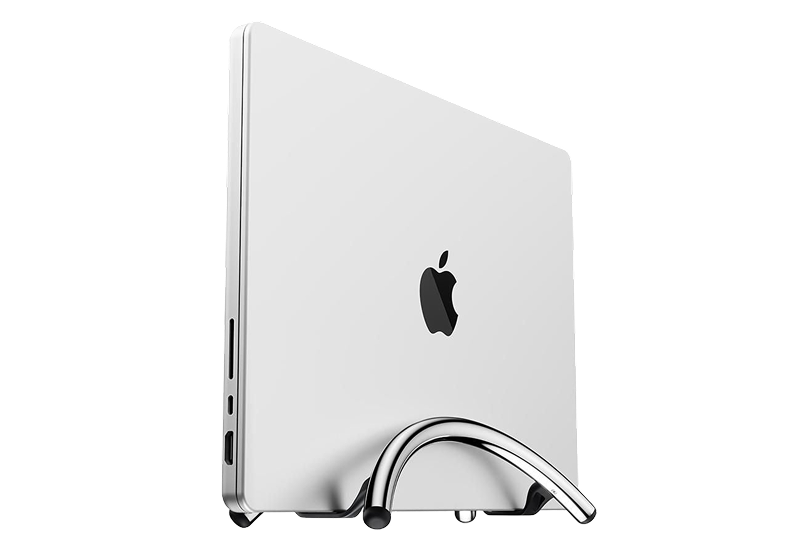
BookArc Flex · vertical stand that gets the laptop out of the middle
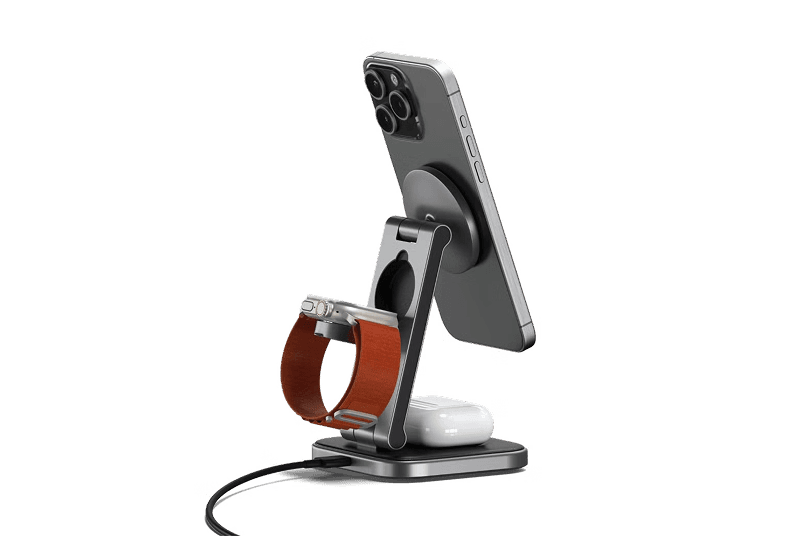
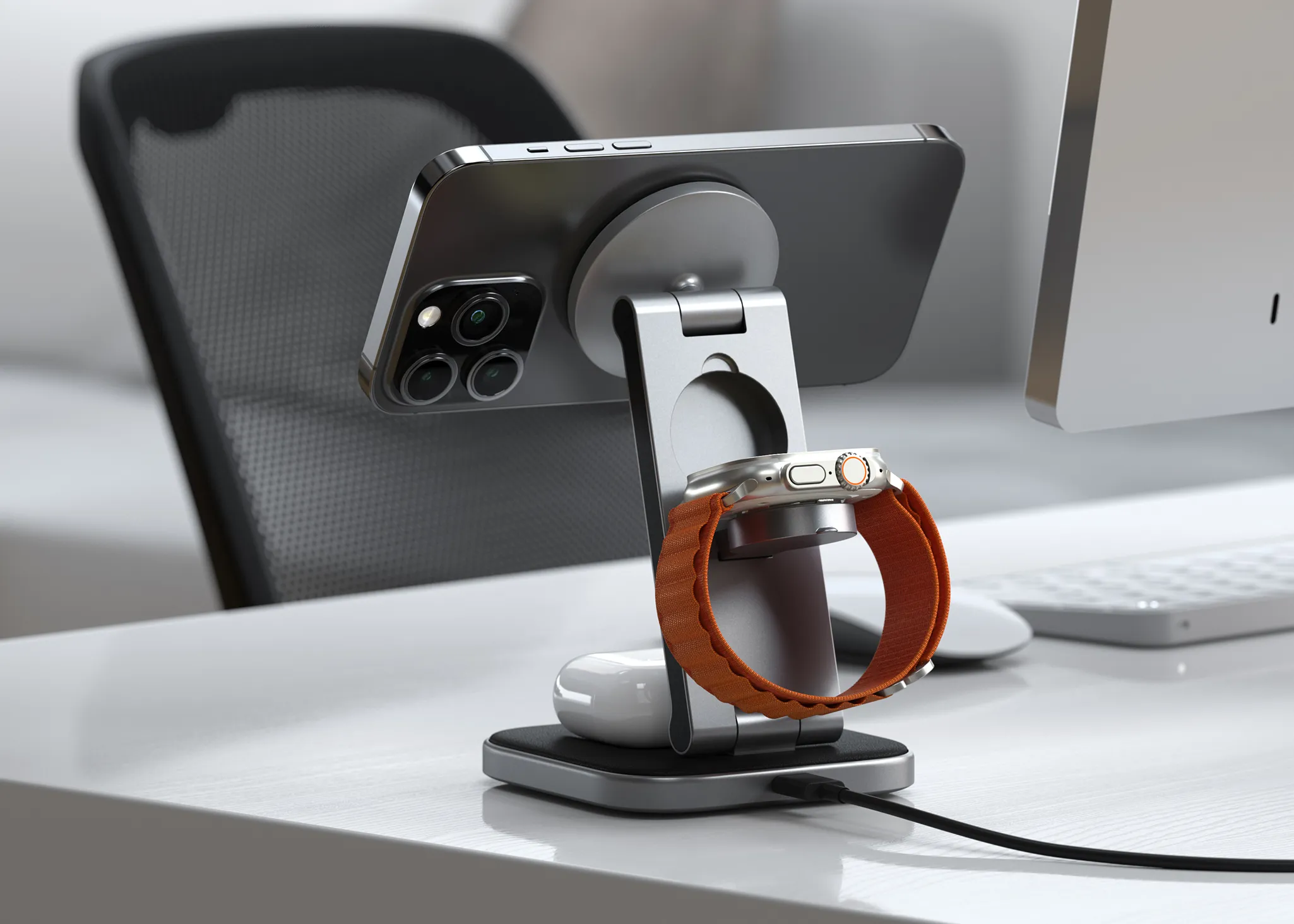
HiRise 3 Deluxe · one home for the iPhone, watch, and AirPods
WHOOSH! · the screen cleaner you stop being embarrassed by
Klack · the one keyboard upgrade you will actually feel
Norma · the small object that quiets the room
1. Get the Laptop Out of the Middle
Your MacBook is doing the work of a desktop, badly. It is also using up the most valuable surface area you own. BookArc Flex stands it on its side and reminds you that it is a computer, not furniture.
The desk gets back the space it should never have lost. The laptop stops being the center of attention. You stop hunching over it without noticing. It is a small fix for people who use an external display but still let the MacBook occupy the best part of the desk.
BookArc FlexVertical stand for laptops, optimizing desk space.Visit WebsiteThe Twelve South BookArc Flex Chrome is a sleek, low-profile stand that keeps your MacBook or laptop secure in a vertical position, optimizing desk space while improving heat dissipation. Its modern aluminum design seamlessly blends into any décor, making it perfect for home offices or casual workspaces. The stand doesn't require inserts or complicated adjustments; gravity holds your laptop in place. It's compatible with laptops up to 16 inches and features non-slip silicone pads to prevent slipping and scratches. Enjoy easy access to external monitors and peripherals with a clamshell mode setup, transforming your laptop into a desktop powerhouse.Visit Website
2. Give the Charging Pile One Address
Every device you own has a cable. Every cable is shorter than the one before it. Eventually the desk turns into a cable graveyard. HiRise 3 Deluxe replaces three cables with one object.
The layout is:
iPhone on top
Apple Watch on the side
AirPods in the front
The reason this matters is not aesthetic. It is that you stop searching for the dead device in the morning. If you move between calls, commutes, and short work sessions, one reliable charging home removes a surprising amount of daily friction.
HiRise 3 DeluxeWireless Charging Stand for Apple DevicesVisit WebsiteThe Twelve South HiRise 3 Deluxe is the ultimate solution for charging your Apple devices. This elegant, compact charging station allows you to simultaneously charge your iPhone, Apple Watch, and AirPods, helping you eliminate clutter on your desk or nightstand. The 15W MagSafe Charger features an adjustable angle for optimal viewing and is designed with vegan leather for a sophisticated touch. Along with fast charging for your Apple Watch, it also offers versatility with a third charging spot. With international plug adapters included, the HiRise 3 Deluxe is travel-ready, making it perfect for use anywhere in the world. Its space-saving design fits well in any small area, creating an organized and stylish charging solution for all your Apple devices.Visit Website
3. Clean the Screen You Stare at All Day
Your monitor is the most expensive object you look at for eight hours. It is also covered in fingerprints, dust, and one mysterious smudge from a sneeze in February. WHOOSH! is the answer everyone keeps deferring because cleaning sprays do not feel like a real upgrade.
It is a real upgrade. A clean screen makes the whole desk feel cared for in about thirty seconds, and you will become a person who cleans the screen on Sundays.
WHOOSH!Powerful Screen Cleaner Spray for MonitorsVisit WebsiteThe WHOOSH! Screen Shine Duo is a cleaning kit designed for electronic devices, including iPads, monitors, laptops, and MacBooks. It features a non-toxic, streak-free cleaning solution that effectively removes dirt, fingerprints, and smudges from both glossy and anti-glare surfaces. The kit includes a 3.4 oz bottle for home or office use, a 0.3 oz travel-sized bottle, and two microfiber cloths, ma
- Includes a 3.4 oz bottle for home or office and a 0.3 oz travel-sized bottle for on-the-go cleaning.
- Comes with two microfiber cloths that effectively remove dust and smudges without scratching surfaces.
- Non-toxic, alcohol-free, and ammonia-free formula safe for all screen types.
- Quick-drying solution that leaves screens streak-free.
- Suitable for a variety of electronic devices, including iPads, monitors, laptops, and MacBooks.
The WHOOSH! Screen Shine Duo offers a practical solution for cleaning various electronic devices. Its non-toxic formula effectively removes dirt, fingerprints, and smudges, ensuring screens remain clear and visually appealing.Visit Website
4. Make One Thing Feel Better Every Time You Touch It
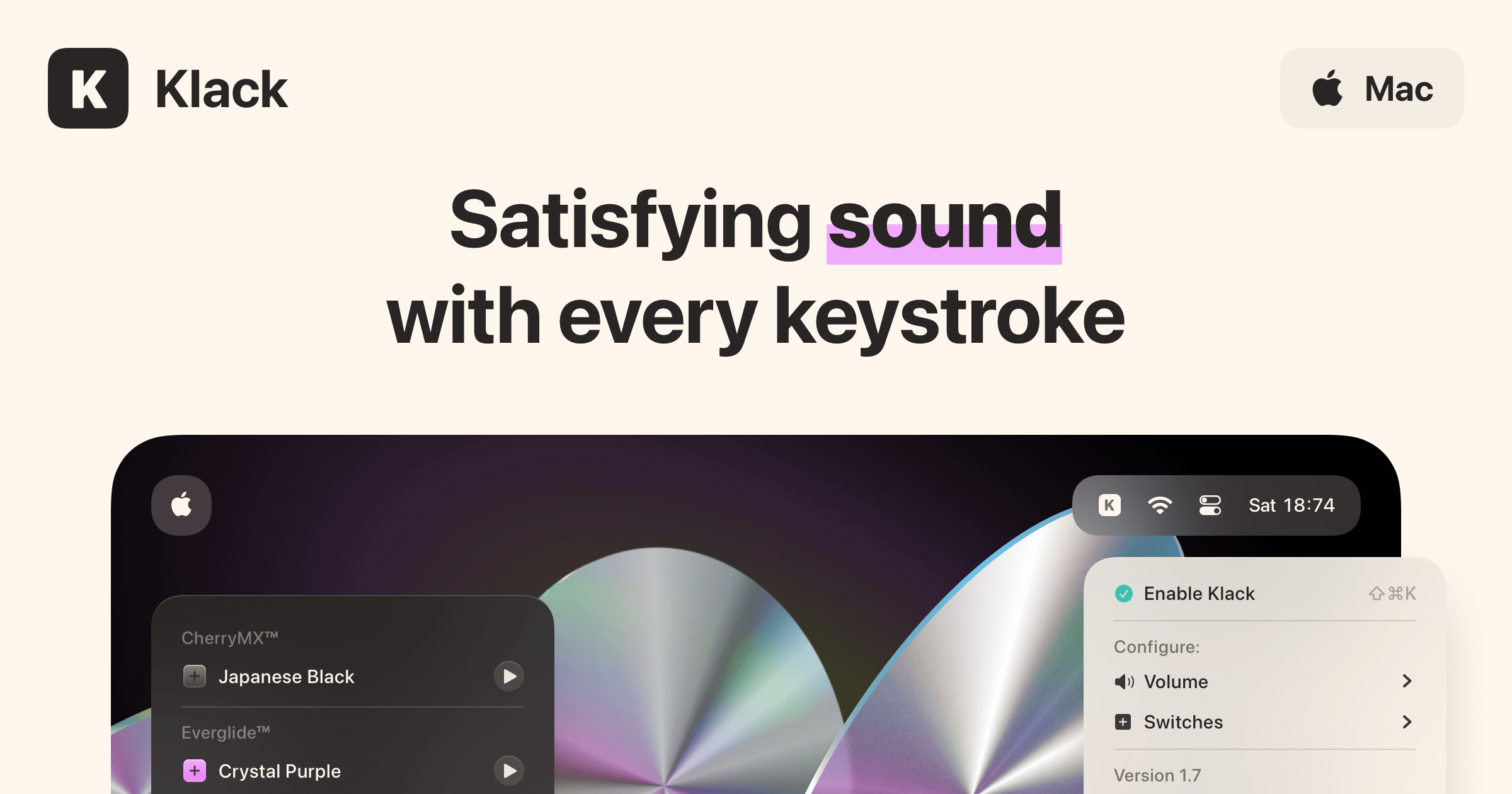
The Apple Magic Keyboard is fine. It is also dead silent in a way that feels like the keyboard is hiding from you. Klack adds typing sound back to your existing keyboard. No new hardware. Just sound.
This is the kind of upgrade you do not need until you try it for an afternoon and refuse to give it back. It is also the cheapest piece of joy on this list. It is for people who already like their keyboard but want the work to feel a little more physical, less glassy, and less silent.
KlackSatisfying sound with every keystrokeVisit WebsiteKlack is a macOS application designed to enhance the typing experience through high-fidelity sound for each keystroke. It provides features such as immersive spatial audio, instant feedback, and customizable sound options, making it suitable for writers, developers, and anyone who values an engaging typing environment. The app is easily accessible from the menubar and offers extensive configuratio
- Provides immersive spatial audio for enhanced typing feedback.
- Allows customization of keystroke sounds, pitch variations, and volume settings.
- Features a menubar interface for quick access to configuration options.
- Supports instant feedback with each keystroke for a more engaging experience.
- Designed for writers and developers seeking auditory feedback while typing.
Klack enhances the typing experience on Mac by providing high-fidelity sound for each keystroke.Visit Website
5. Add the One Object That Asks for Nothing
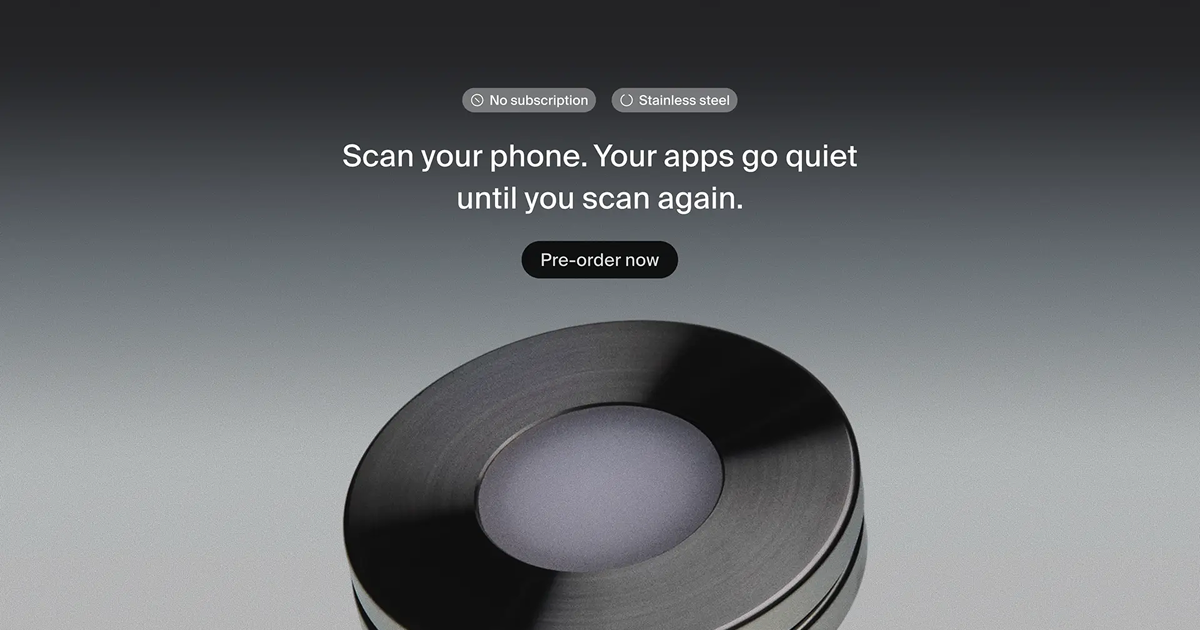
A desk full of devices is a desk full of small noises. Fans, pings, AirPods sliding out of the case, the click of an external drive. Norma is the only piece of the setup that does not light up, beep, or ask for your attention.
That is what makes it the most important object on the desk. Every other thing on this list earns its place by doing something. Norma earns its place by not.
NormaMeet the object that restores silence.Visit WebsiteNorma is an innovative device designed to help users regain focus by silencing distracting notifications and blocking selected apps. With a simple tap of your iPhone on the Unit Disc, you can pause the apps of your choice, making them temporarily inaccessible to eliminate distractions. Using NFC technology, this device offers a seamless user experience without requiring subscriptions or hidden fees. Weighing just 270g and made from high-quality stainless steel, Norma is both functional and stylish. With the added benefit of free worldwide shipping on orders of two or more units, it encourages a focused and peaceful environment. Therefore, whether you’re working, studying, or simply need a break from constant phone interactions, Norma enhances your ability to concentrate and reduces unnecessary interruptions.Visit Website
Five small purchases, finished desk, no rabbit hole. The video stays closed.
Die-cut holographic stickers for Apple Silicon chips.
WorkspaceCreative
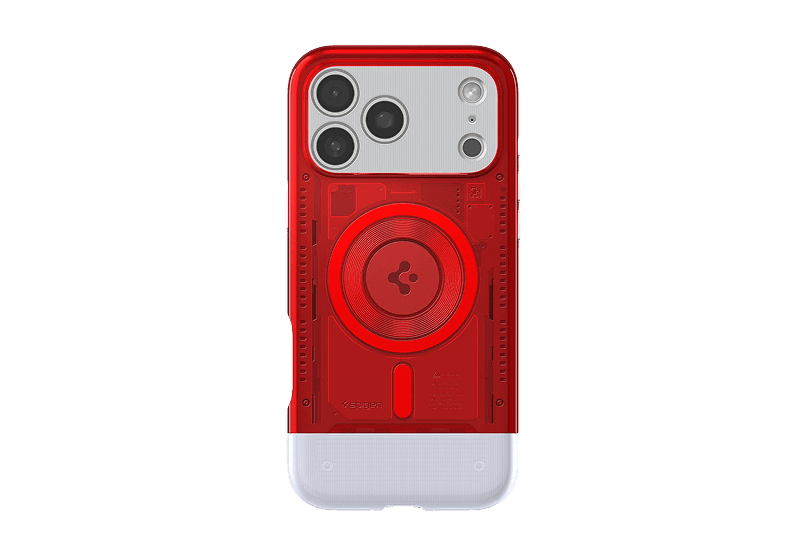
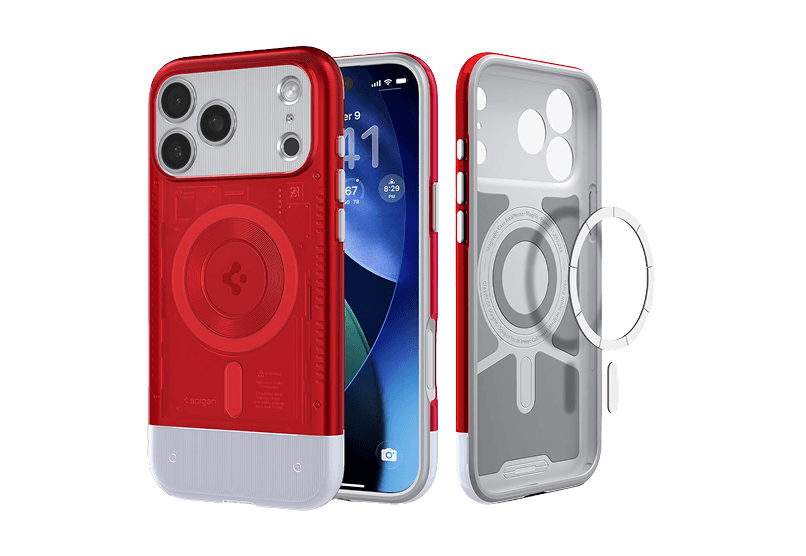
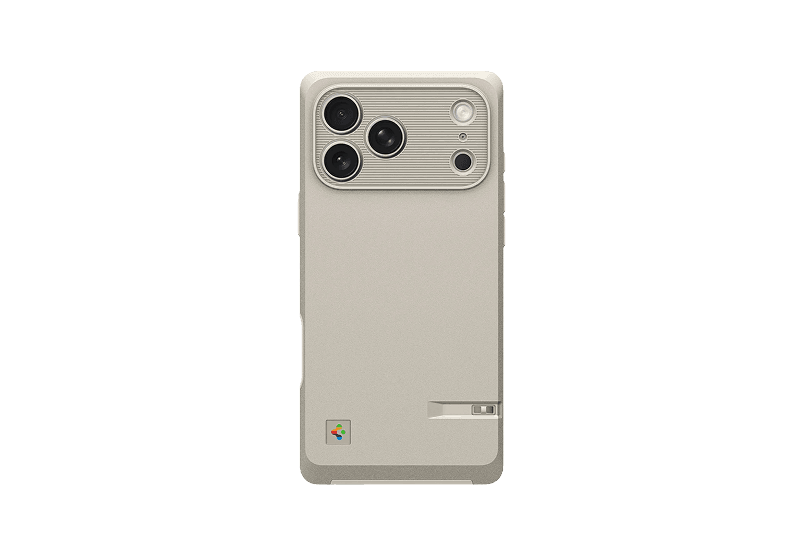
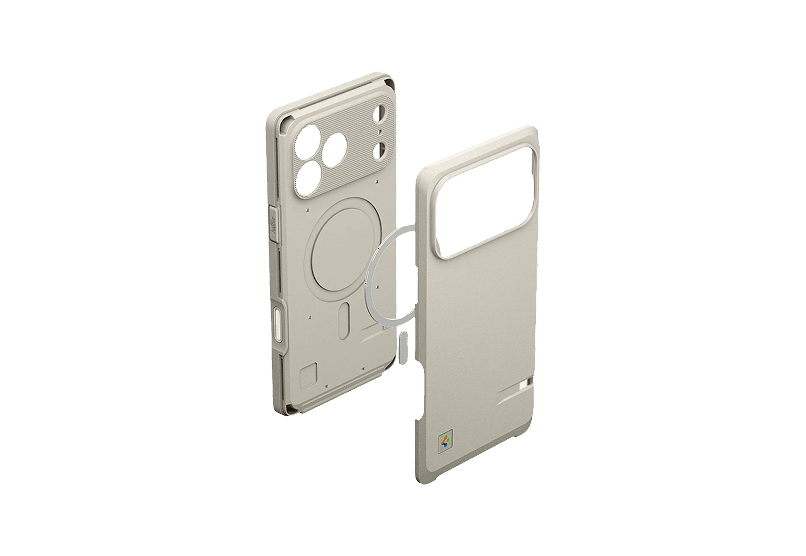
Macintosh 128K inspired Iphone case
Retro style meets modern protection.
Workspace
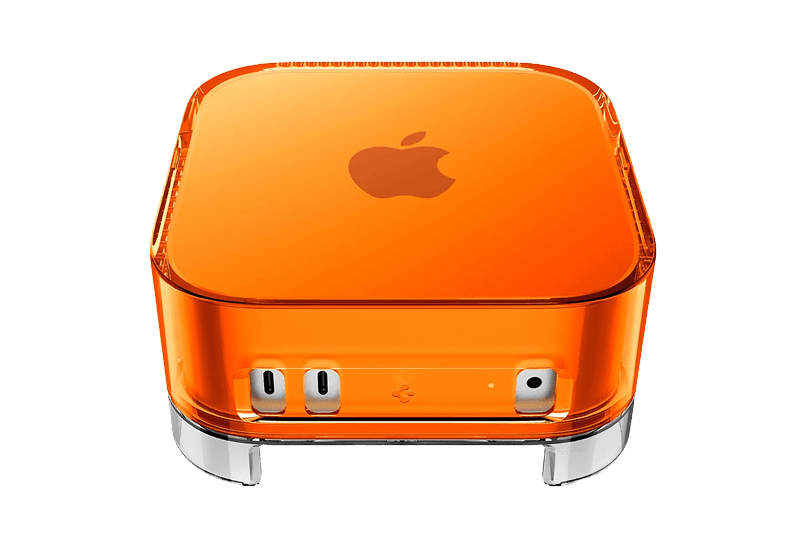
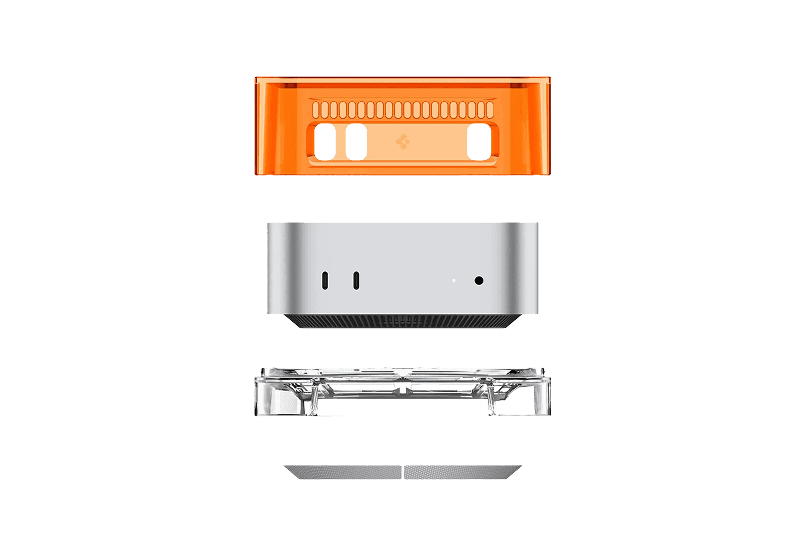
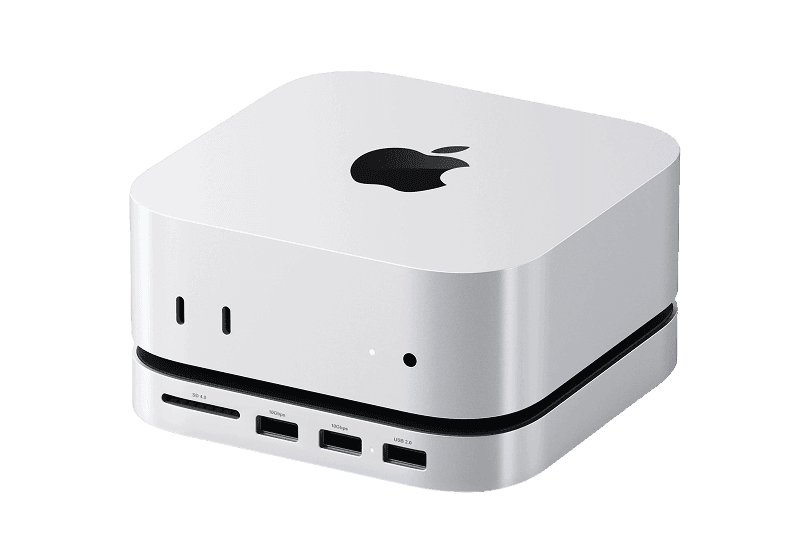
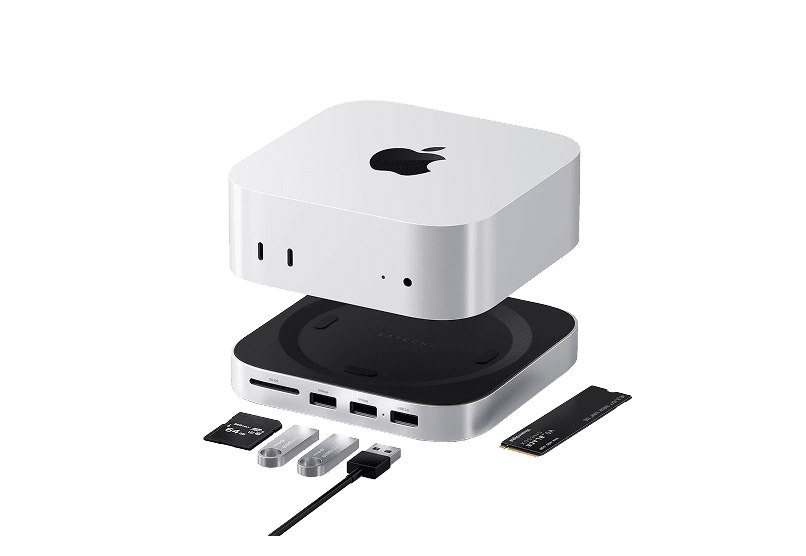
Mac mini Transparent Case
Transparent case with dust-filtering design
WorkspaceDesign
Orbit Deskmat
A perfect blend of design and function
Workspace
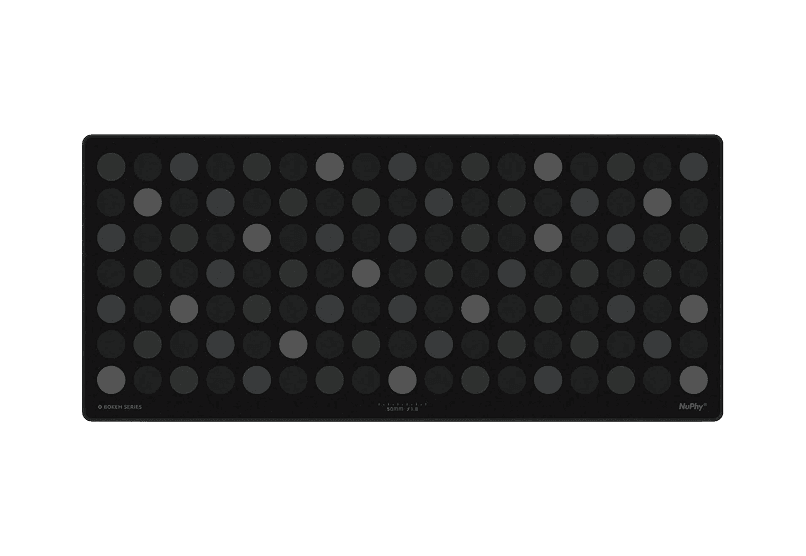
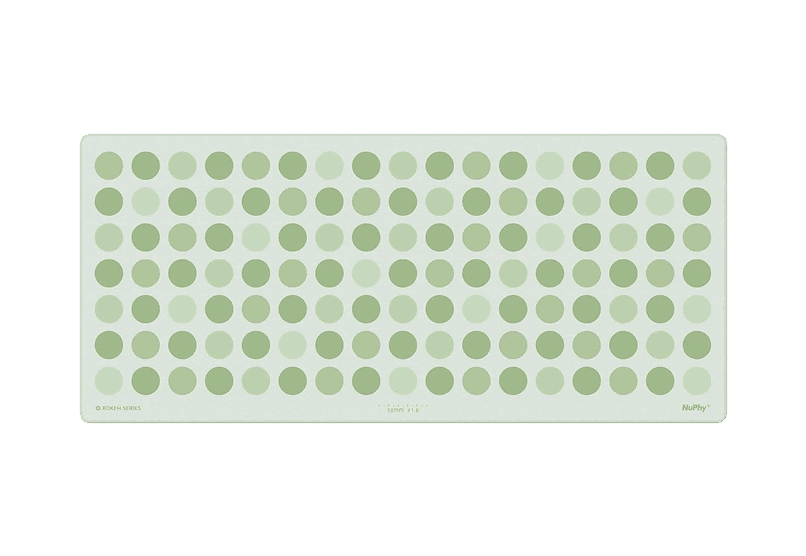
Bokeh Deskmat
Elevate your workspace with the NuPhy Bokeh
Workspace
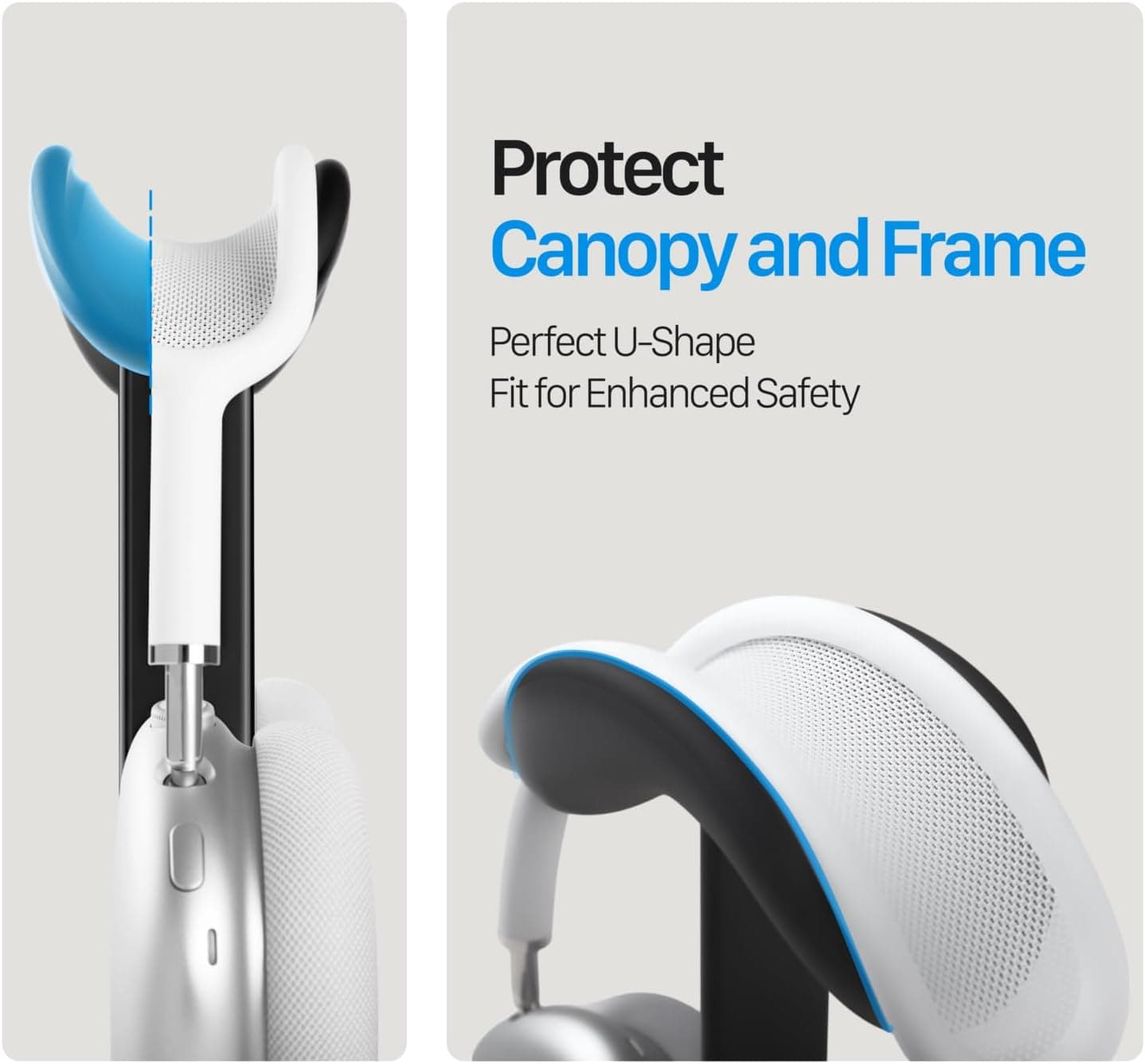
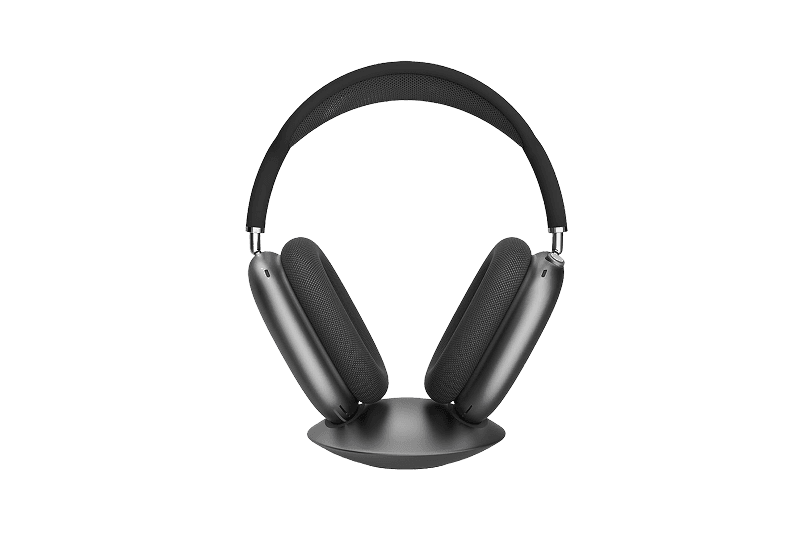
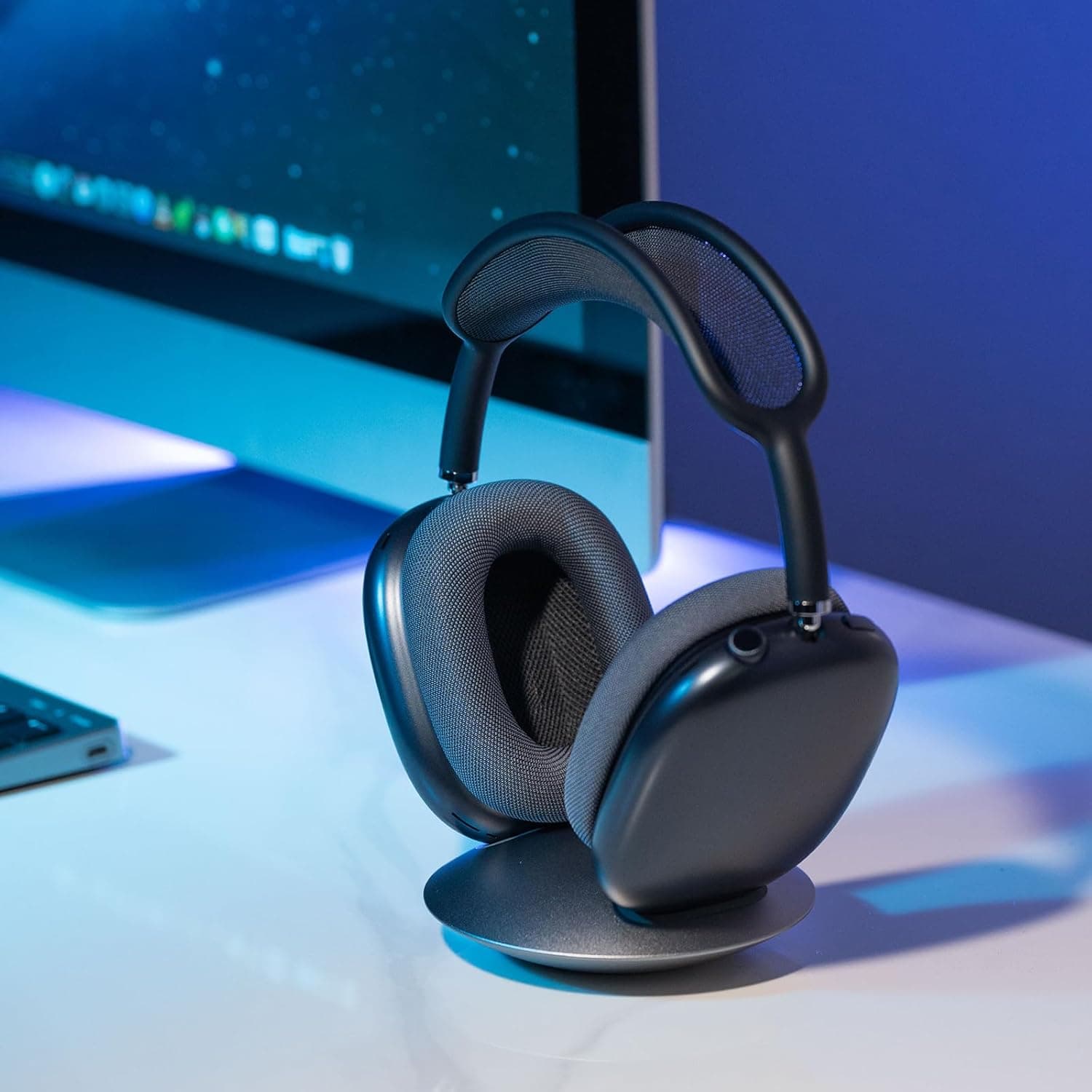
AirPods max Stand
Stylish and functional headphone stand designed for
Workspace
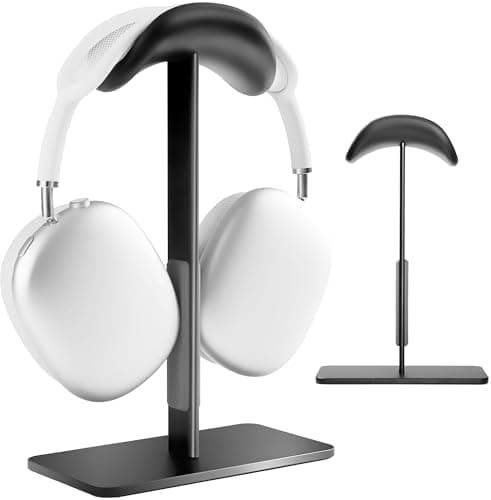
All-Aluminum Headphone Stand
Stylish and sturdy headphone stand for your
WorkspaceUtilities
New additions
Bitrig
The best way to build native Swift
Free
Bitrig allows you to describe what you want to build, and it transforms your ideas into real Swift code that you can ship to the App Store. The platform generates actual Swift and SwiftUI code, providing an integrated simulator that runs alongside your code, enabling you to see exactly what your users will experience. Using natural language, you can instruct Bitrig to make changes, updating the code on the spot. It's the perfect tool for anyone who has an app idea but lacks coding skills, making the development process accessible and efficient.
SoftwaremacOS
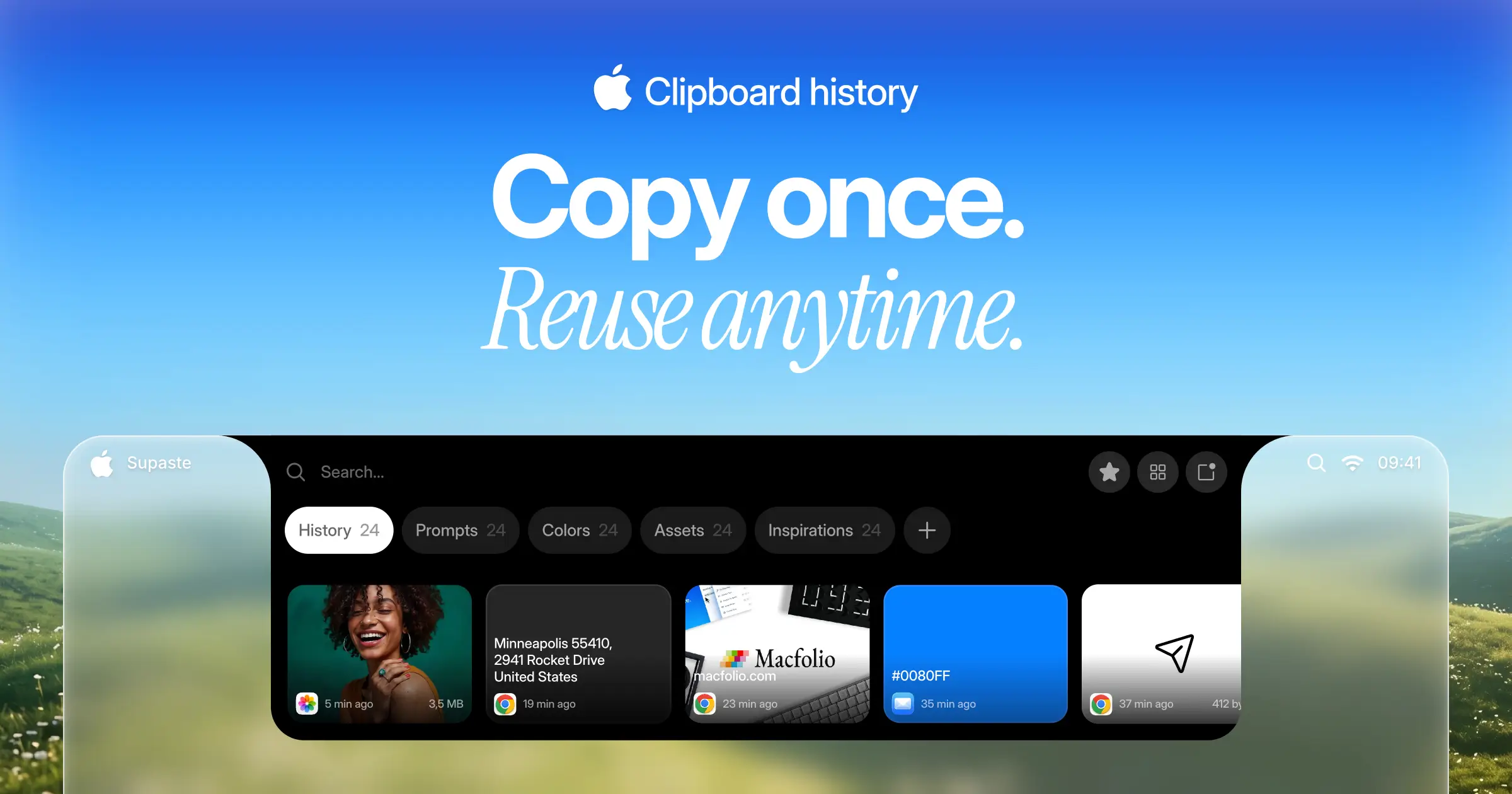
Supaste
Your clipboard, wherever you need it.
One-time
Supaste saves your clipboard and screenshots in a beautiful visual history, automatically grouped by type, app, and custom categories, so you can search, find, and paste anything back in seconds. This comprehensive tool allows you to use the notch shelf, quick search, inline paste, drag and drop, and the full Library view to efficiently manage and organize everything you copied. Whether you're a designer, developer, content creator, or just someone who needs a personal clipboard organizer, Supaste provides a clean visual timeline for easy access to your data. With features like sensitive content detection, custom categories, and the ability to filter your history by app or type, Supaste helps keep your clipboard tidy and accessible. Best of all, it's a one-time purchase with lifetime access, ensuring you have everything you need for your clipboard management without ongoing fees.
SoftwaremacOS
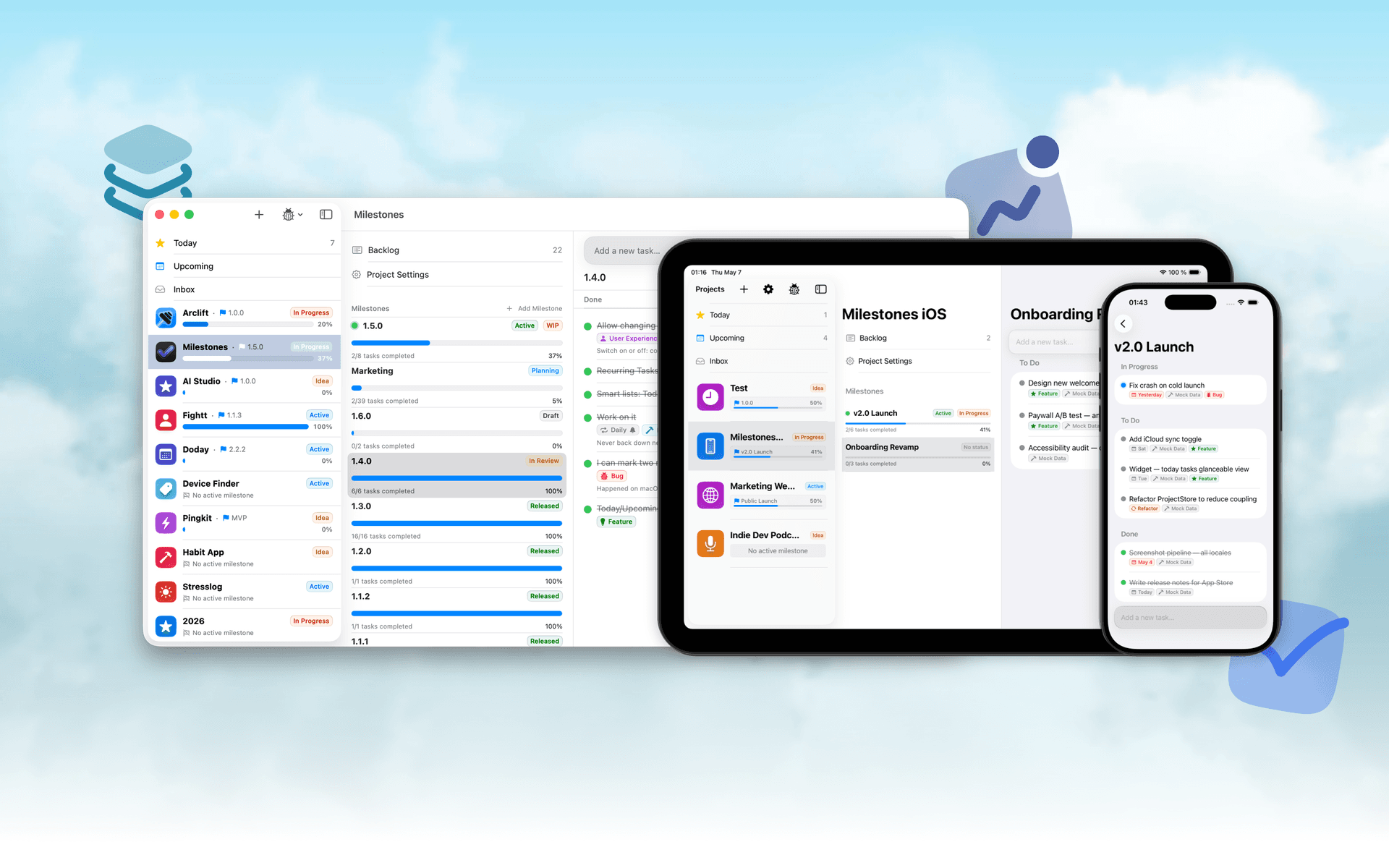
Milestones
Native, Private Project Management App
Freemium
Milestones is a project planning software designed to help users manage tasks across multiple projects. It organizes projects into a three-tier hierarchy of Projects, Milestones, and Tasks, allowing users to break down larger goals into manageable phases.
- Organizes projects into a three-tier hierarchy: Projects, Milestones, and Tasks.
- Allows users to visually track progress with live progress bars for each milestone.
- Enables marking one milestone as Active to prioritize current tasks while keeping others visible.
- Supports task statuses including To Do, In Progress, and Done for clear organization.
- Provides tagging options for tasks to facilitate better grouping and management.
- Syncs seamlessly across iPhone, iPad, and macOS using iCloud.
Milestones is a project management application that allows users to organize their work into a structured hierarchy of Projects, Milestones, and Tasks. It features visual progress tracking, customizable project icons, and seamless syncing across iPhone, iPad, and macOS.
SoftwareProductivityiOS & macOS
Folders
A file manager for Windows switchers
Freemium
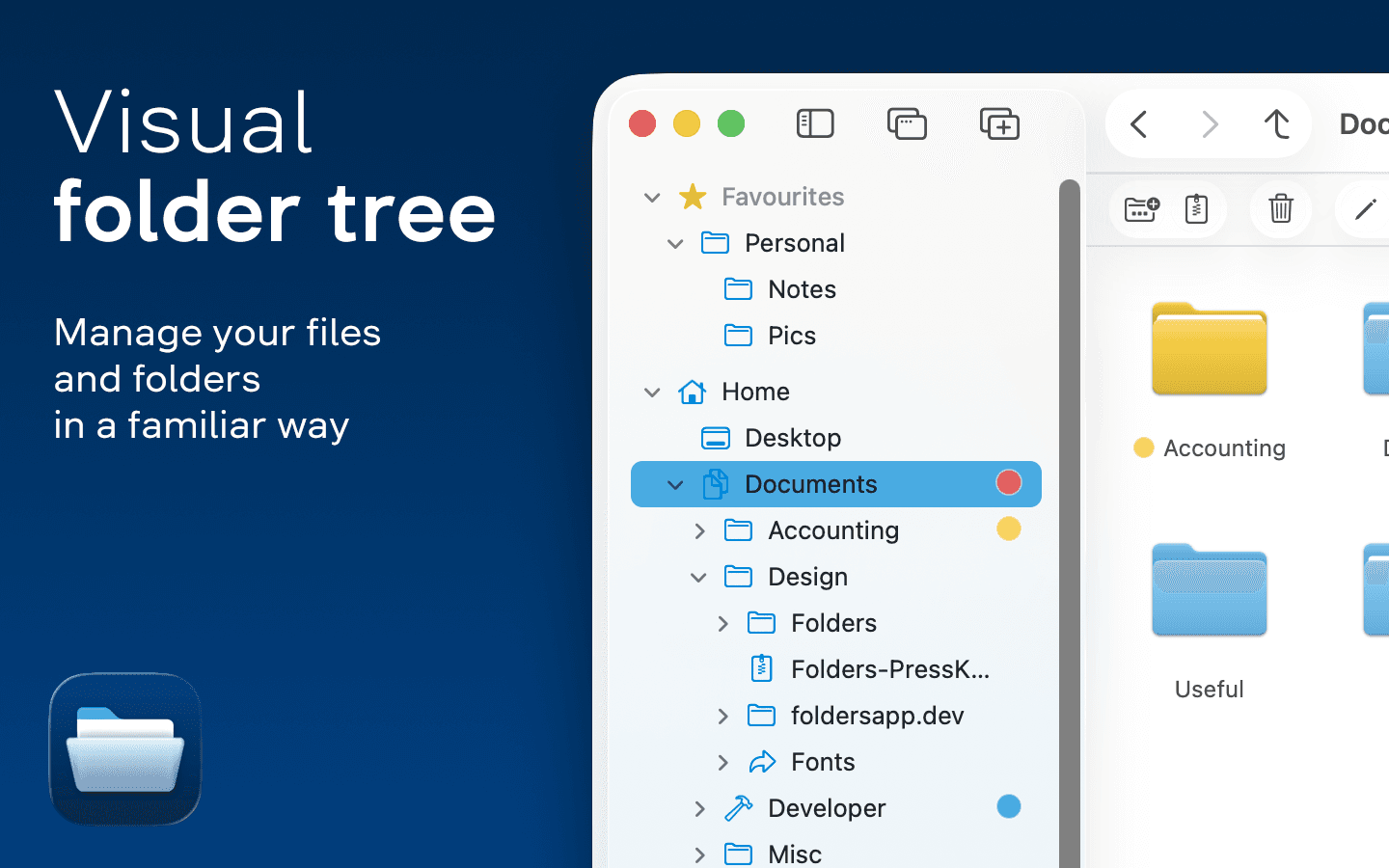
Folders is a file manager application for macOS that provides a folder tree layout, catering specifically to users transitioning from Windows. It offers a range of features including easy navigation, comprehensive file operations, and integration with cloud storage services. Designed for both new and experienced users, Folders aims to enhance file management efficiency on Mac systems.
- Provides a folder tree layout for intuitive navigation, similar to Windows Explorer.
- Supports batch renaming and file conflict resolution for efficient file management.
- Integrates with iCloud Drive and other cloud storage services for centralized access.
- Offers multiple viewing options: Table, List, Icons, and Gallery.
- Includes a powerful search function with Spotlight integration and saved searches.
- Allows customization of themes and folder icons for personalized organization.
Folders is a file manager for macOS that emulates the folder tree structure familiar to Windows users. It offers a range of features including comprehensive file operations, customizable themes, and powerful search capabilities. Users can manage files across various cloud services and utilize batch renaming and conflict resolution tools.
SoftwareUtilitiesmacOS
Whisper
Talk to your computer like a human
One-time
Whisper is an offline speech-to-text software compatible with macOS (Apple Silicon), Windows 10/11, and Linux (Ubuntu 22.04+). It enables users to transcribe spoken words into text quickly and securely, processing all data locally on the device without relying on cloud services.
- Transcribes speech to text entirely offline, ensuring data privacy and security.
- Supports over 99 languages, allowing seamless switching between languages mid-sentence.
- Automatically removes filler words and repetitions for cleaner, more professional text output.
- Provides instant transcription with GPU acceleration, displaying words as they are spoken.
- Integrates with any application where text input is possible, enhancing workflow flexibility.
Whisper is a voice-to-text application designed for offline use, ensuring that your data remains private and secure. It transcribes speech into text quickly and accurately, supporting over 99 languages. The application is suitable for various tasks, including writing, coding, and communication, and operates seamlessly without the need for internet connectivity.
 Dudu
Dudu