Your desk has a fixed surface area. Every object on it is in a small competition with every other object that wanted to be there instead. The four pieces of hardware below win that competition. The rest of the catalog is invited to apply again next year.
The stack:
Opal C1 · the only thing that actually fixes how you look on video calls
Apple Studio Display · the screen that ends the upgrade cycle
Air75 V3 · the keyboard you stop noticing within a week
HiRise 3 Deluxe · the charger your iPhone, watch, and AirPods all fight over
1. The Camera That Replaces Your Webcam
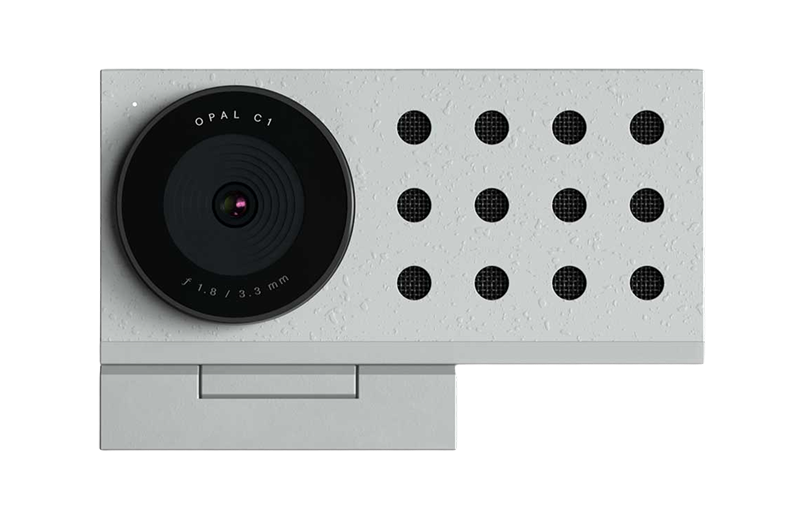
The MacBook camera is not a camera. It is a lens with no opinion about light. Opal C1 Camera is what changes that. It is a small, deliberate webcam that handles colour, light, and focus the way a real camera does, sat on top of your monitor. It solves the specific problem of looking half-present on calls even when the work is serious, which makes it useful for founders, remote teammates, consultants, and anyone who lives in video meetings.
The result is that you stop apologising for how you look on video and start being annoyed when other people have not done the same.
Opal C1 CameraDSLR quality on a webcam for theVisit WebsiteThe Opal C1 is a revolutionary webcam that brings DSLR-quality video with innovative features like MicMesh™ technology for superior audio. It’s crafted from high-quality materials, ensuring durability while providing an aesthetically pleasing design with less than 2% plastic. Equipped with a powerful 4K Sony sensor and an ƒ1.8 glass lens, it captures stunning video even in low light. The adjustable mount fits both thin and thick displays perfectly. For enhanced video quality, link it with the Opal Composer app, where users can customize every aspect of their broadcast. With the Opal C1, you're not just getting a camera; you’re getting a full experience designed to elevate your presentation skills, whether for gaming, streaming, or professional use.Visit Website
2. The Screen That Ends the Upgrade Cycle
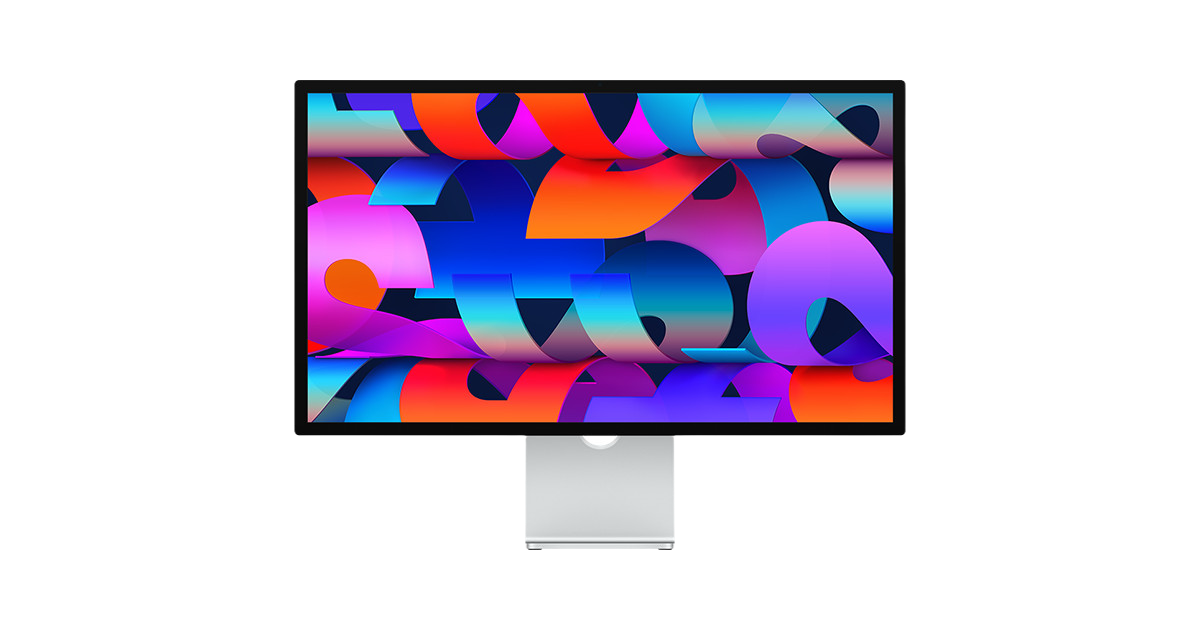
A 5K display sounds like a specification until you sit in front of one and realise it is the entire reason your laptop screen always looked slightly off. Apple Studio Display is the most boring upgrade on this list. It is also the one that lasts the longest. It is for people whose MacBook has become a desktop and who need one clean, sharp place for writing, design, code, calls, and reference windows.
You buy it once. The desk gets quieter. The MacBook becomes a CPU under the table. The eye strain that you blamed on age was actually pixel density.
Apple Studio DisplayStunning 5K visuals in a sleek design.Visit WebsiteThe Apple Studio Display offers an unparalleled viewing experience with a stunning 27-inch 5K Retina display, delivering a resolution of 5120-by-2880 pixels at 218 pixels per inch. This monitor shines with 600 nits of brightness and supports one billion colors, making it perfect for graphic designers, video producers, and photographers. Coupled with a 12MP Ultra Wide camera featuring Center Stage for engaging video calls, a high-fidelity six-speaker sound system, and a crystal-clear studio-quality mic array, this product is designed for discerning users. With multiple connection options including one Thunderbolt 3 port and three USB-C ports, it fits seamlessly into any workspace. The adjustable stand, allowing both tilt and height adjustments, adds to its ergonomics and functionality. Whether you're working on creative projects or video conferencing, the Apple Studio Display enhances productivity and creativity in every environment.Visit Website
3. The Keyboard You Stop Noticing
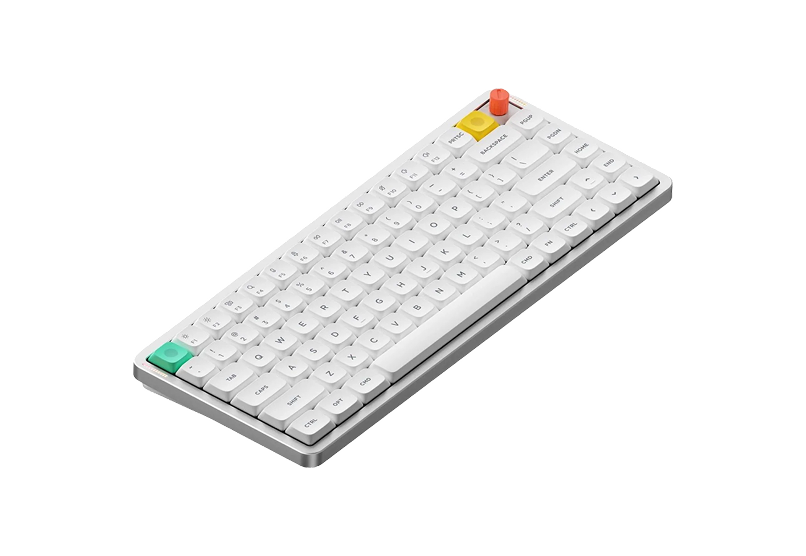
A keyboard you notice is a keyboard that is wrong. Air75 V3 is low profile, wireless, and quiet enough for a meeting room without being so quiet that typing feels like a chore. It solves the boring daily problem of wanting a better typing feel without turning the desk into a mechanical-keyboard hobby project.
It also pairs with a Mac without ten settings. That should not be a feature, and yet here we are.
Air75 V3Wireless Mechanical Keyboard Made for Visit WebsiteThe NuPhy Air75 V3 is a slim, wireless mechanical keyboard designed for both Mac and Windows users. Featuring a sleek aesthetic, it combines the functionality of mechanical switches with low-profile design, ensuring a comfortable typing experience. The keyboard is equipped with customizable RGB backlighting and offers multiple connectivity options including Bluetooth 5.0 and USB-C. With a battery life of up to 1200 hours, it's perfect for on-the-go users. The keyboard's adjustable kickstand guarantees an ergonomic typing angle, making it suitable for various work environments. Ideal for creative professionals or casual use, the Air75 V3 is the perfect blend of style and substance.Visit Website
4. The Charger That Replaces Three
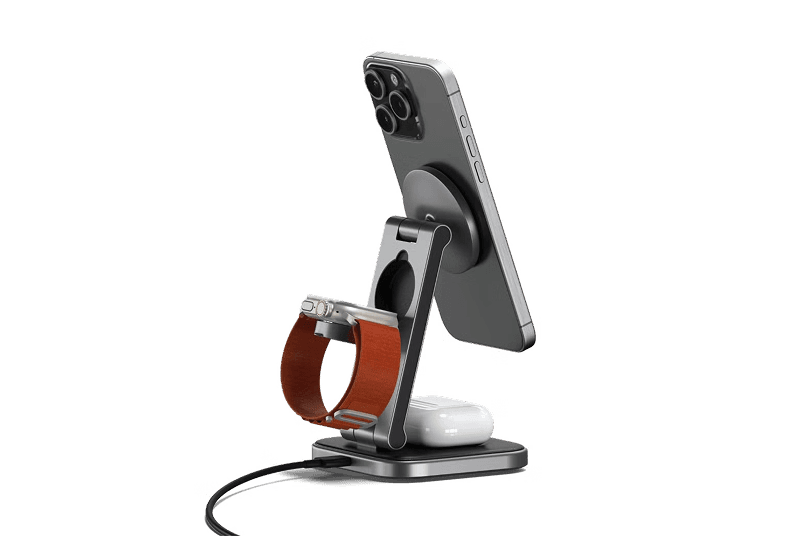
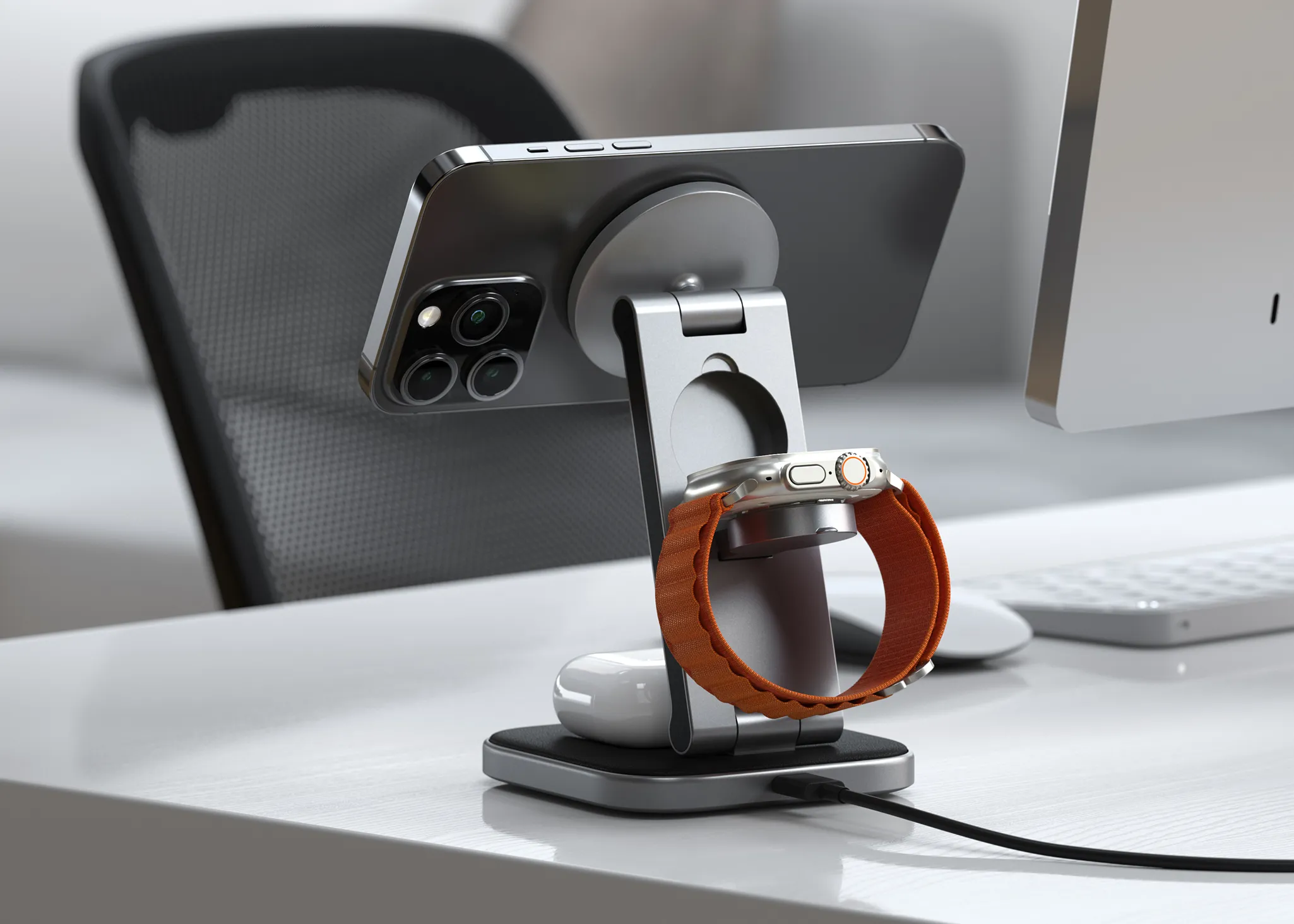
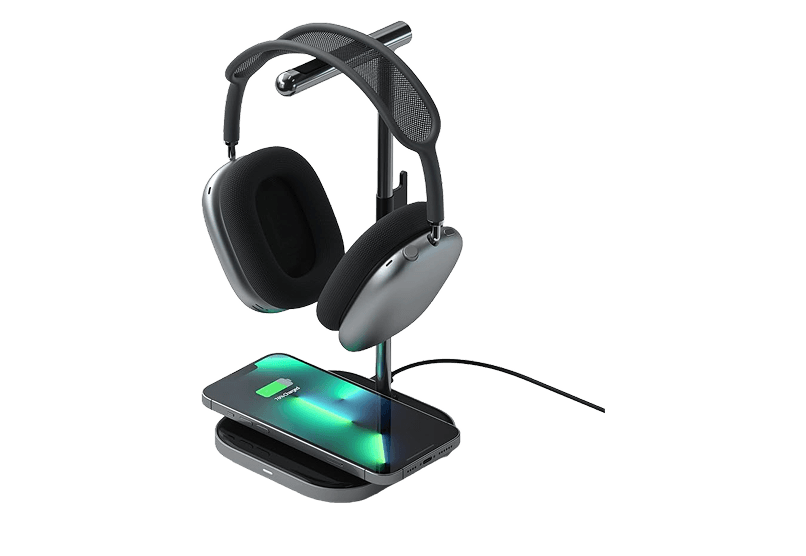
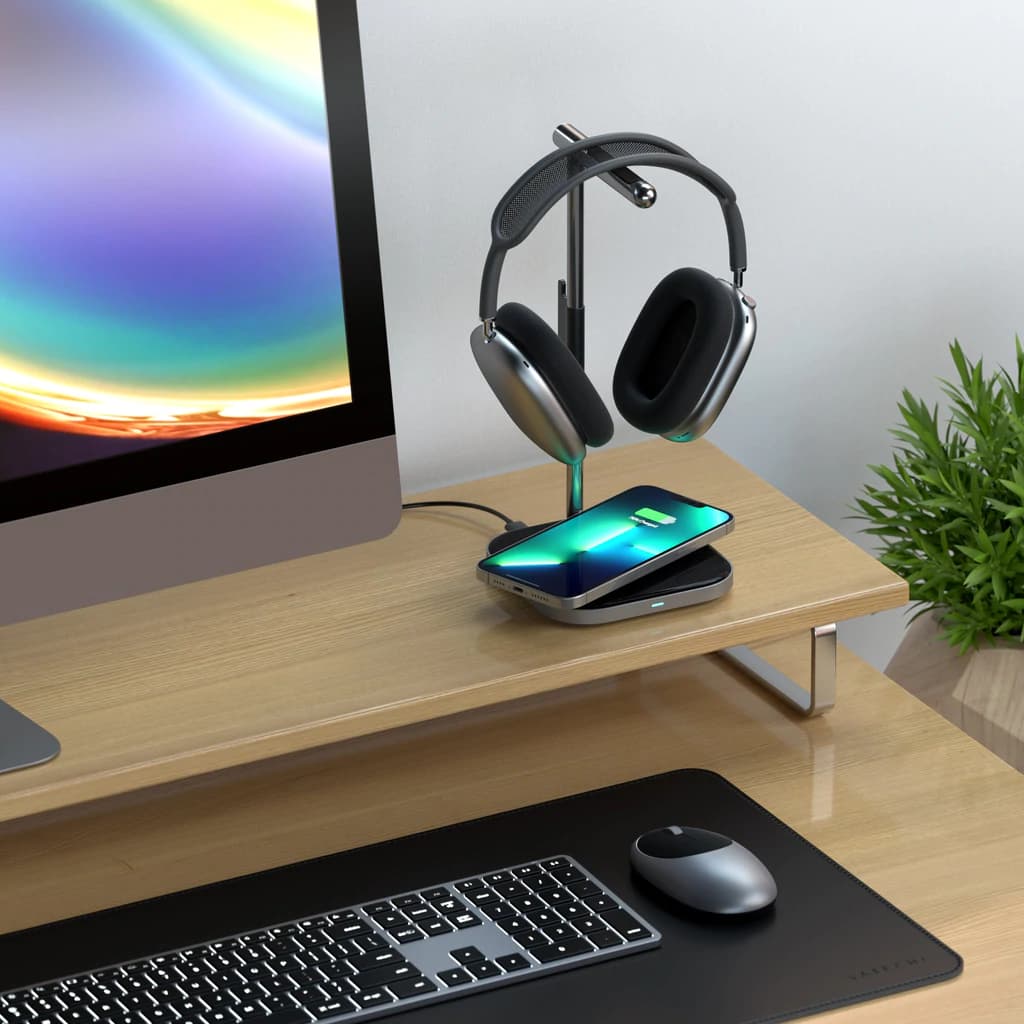
The Apple ecosystem requires three cables and the Apple ecosystem ships zero of them in the box. HiRise 3 Deluxe replaces all three with one stand. iPhone on top, Apple Watch on the side, AirPods at the front.
The benefit is not the cable count. The benefit is that you stop searching for which device is dead at the start of every day.
HiRise 3 DeluxeWireless Charging Stand for Apple DevicesVisit WebsiteThe Twelve South HiRise 3 Deluxe is the ultimate solution for charging your Apple devices. This elegant, compact charging station allows you to simultaneously charge your iPhone, Apple Watch, and AirPods, helping you eliminate clutter on your desk or nightstand. The 15W MagSafe Charger features an adjustable angle for optimal viewing and is designed with vegan leather for a sophisticated touch. Along with fast charging for your Apple Watch, it also offers versatility with a third charging spot. With international plug adapters included, the HiRise 3 Deluxe is travel-ready, making it perfect for use anywhere in the world. Its space-saving design fits well in any small area, creating an organized and stylish charging solution for all your Apple devices.Visit Website
Four pieces of hardware, no padding, no cable boxes. Everything else can stay in the cart.
Effortlessly organize and charge your devices with
HardwareUtilitiesiOS & macOS
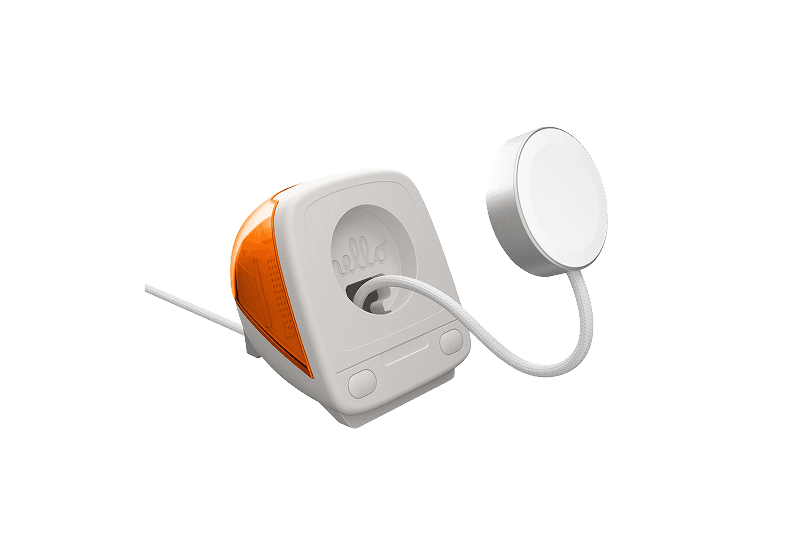
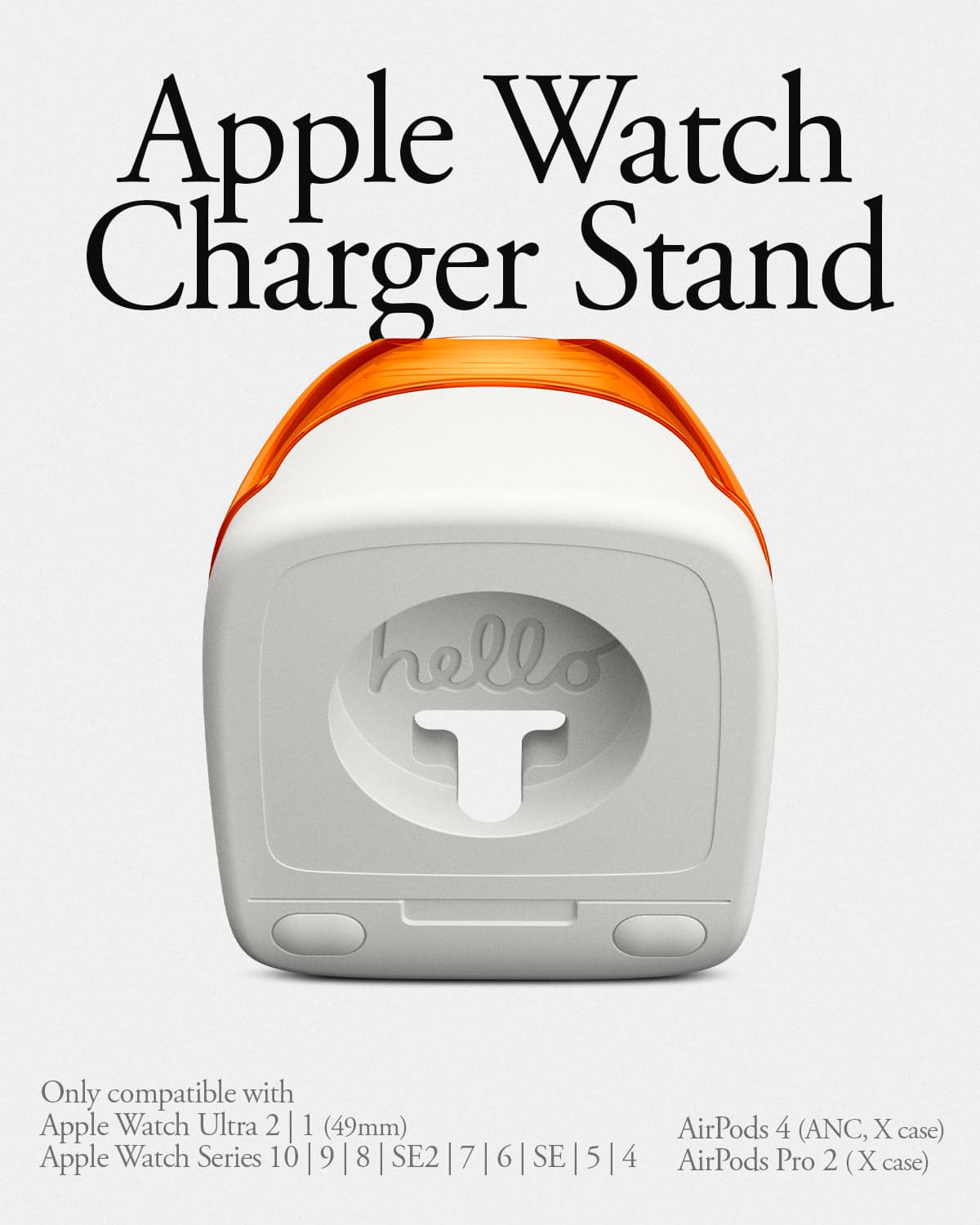
iMac G3 Apple Watch Stand & Charger
A retro-inspired charger stand for your Apple
HardwareiOS
Spigen for MagSafe Wallet
Holds 3 Cards, Compatible with iPhone 17/16/15/14/13/12,
HardwareDesigniOS
Butterfly 2-in-1 Wireless Charger
15W MagSafe Duo Charging for iPhone, Airpods,
HardwareUtilitiesiOS & macOS
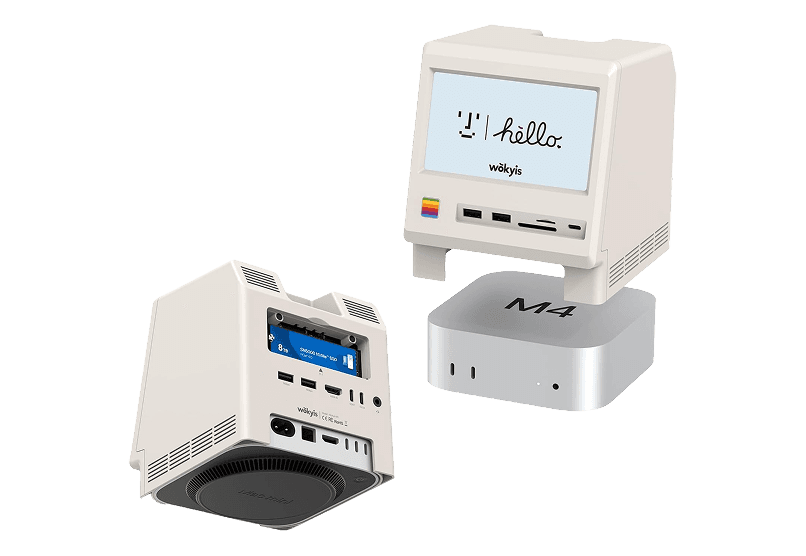
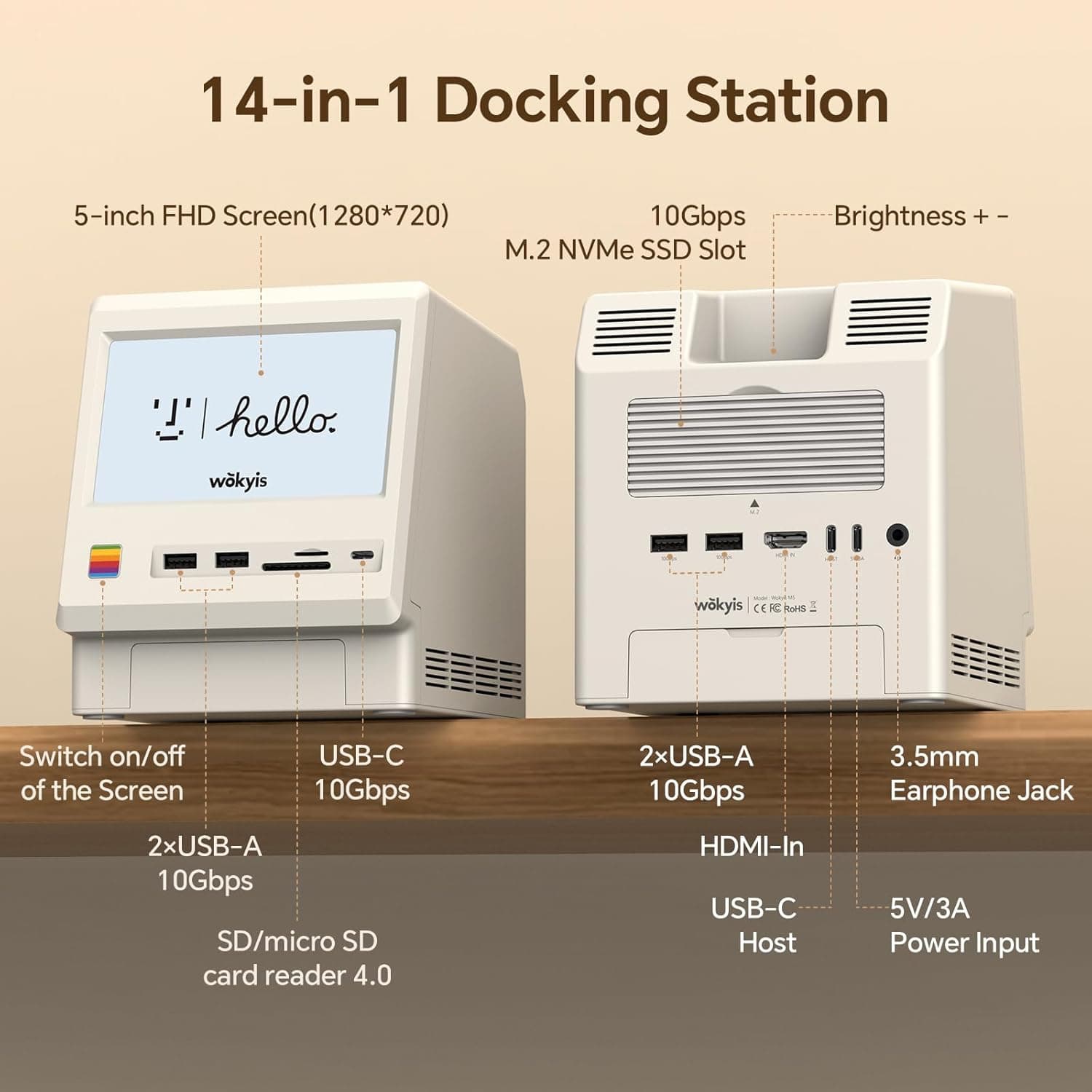
Retro Dock Station
Transform your Mac mini into a retro
HardwaremacOS
New additions
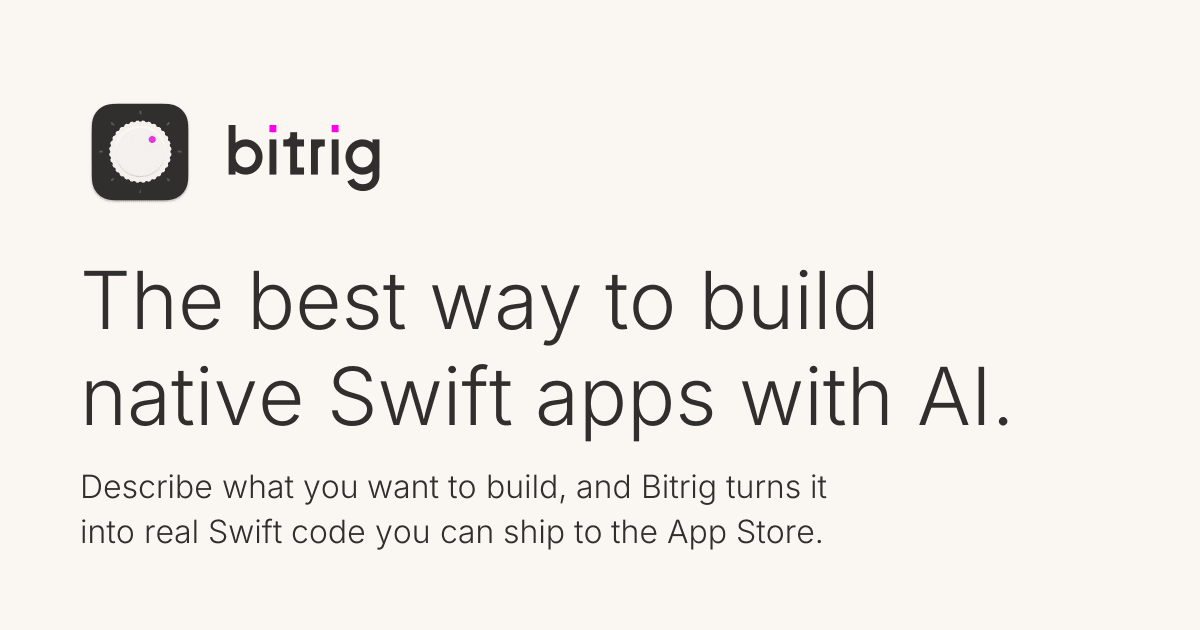
Bitrig
The best way to build native Swift
Free
Bitrig allows you to describe what you want to build, and it transforms your ideas into real Swift code that you can ship to the App Store. The platform generates actual Swift and SwiftUI code, providing an integrated simulator that runs alongside your code, enabling you to see exactly what your users will experience. Using natural language, you can instruct Bitrig to make changes, updating the code on the spot. It's the perfect tool for anyone who has an app idea but lacks coding skills, making the development process accessible and efficient.
SoftwaremacOS
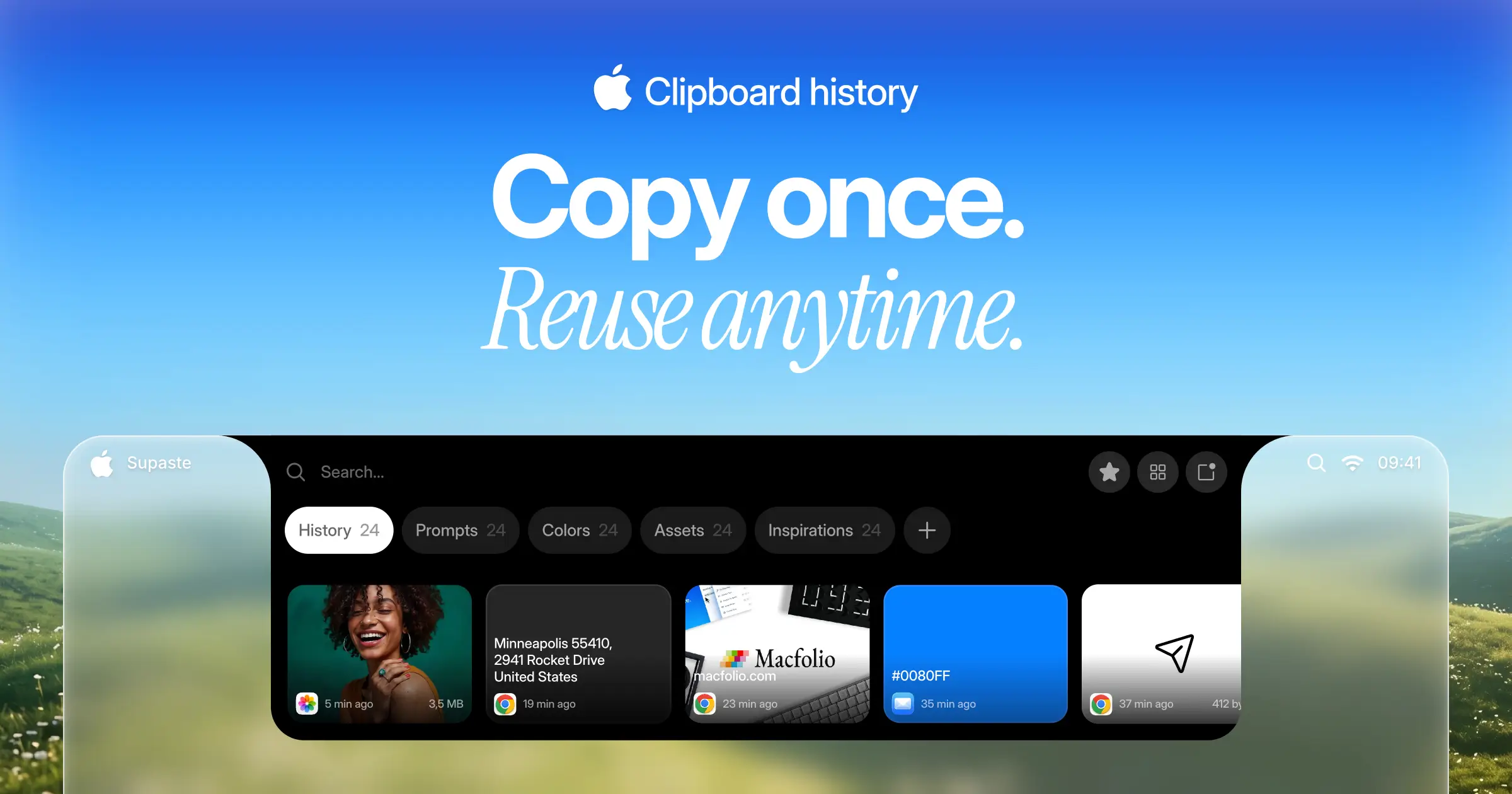
Supaste
Your clipboard, wherever you need it.
One-time
Supaste saves your clipboard and screenshots in a beautiful visual history, automatically grouped by type, app, and custom categories, so you can search, find, and paste anything back in seconds. This comprehensive tool allows you to use the notch shelf, quick search, inline paste, drag and drop, and the full Library view to efficiently manage and organize everything you copied. Whether you're a designer, developer, content creator, or just someone who needs a personal clipboard organizer, Supaste provides a clean visual timeline for easy access to your data. With features like sensitive content detection, custom categories, and the ability to filter your history by app or type, Supaste helps keep your clipboard tidy and accessible. Best of all, it's a one-time purchase with lifetime access, ensuring you have everything you need for your clipboard management without ongoing fees.
SoftwaremacOS
Milestones
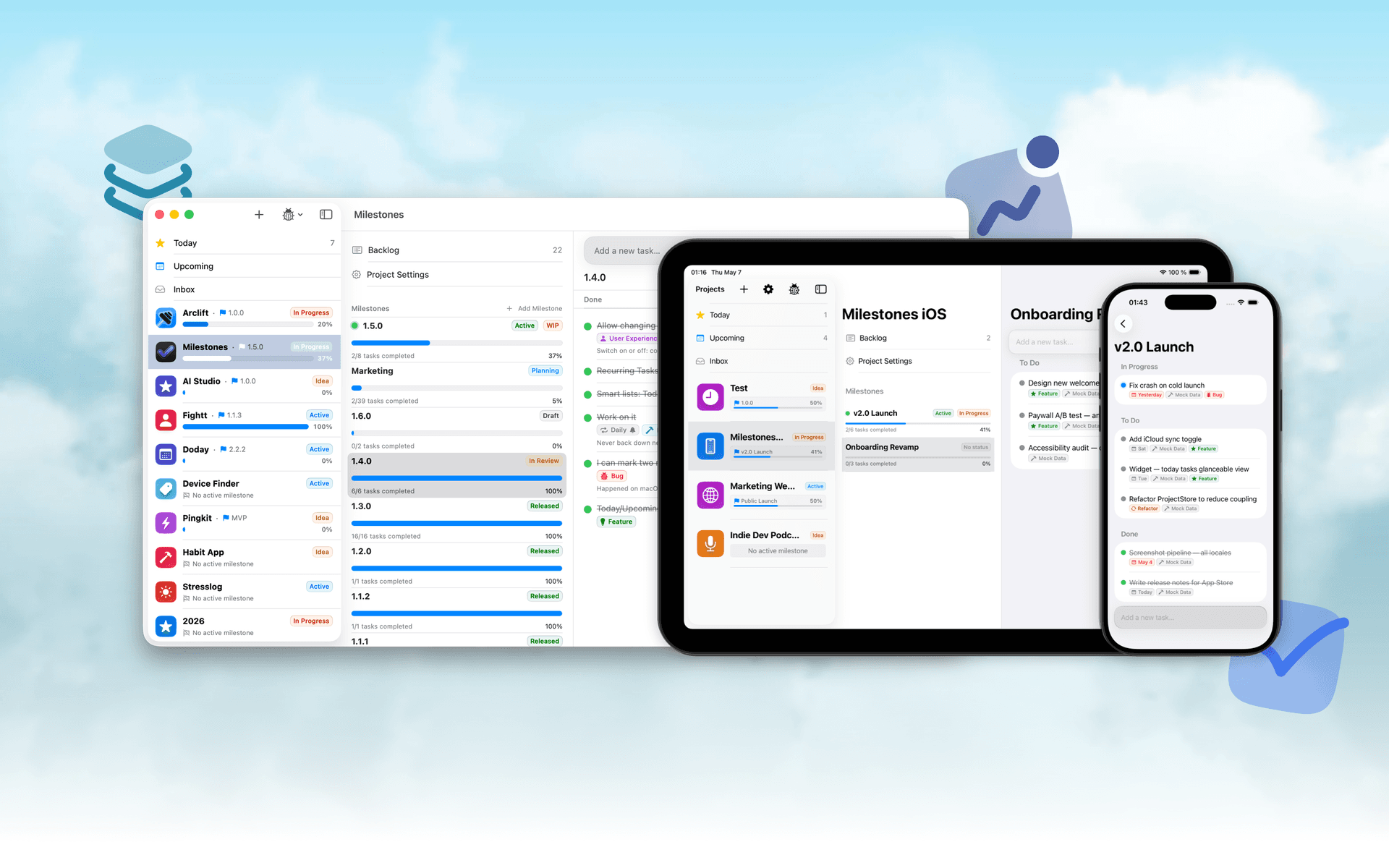
Native, Private Project Management App
Freemium
Milestones is a project planning software designed to help users manage tasks across multiple projects. It organizes projects into a three-tier hierarchy of Projects, Milestones, and Tasks, allowing users to break down larger goals into manageable phases.
- Organizes projects into a three-tier hierarchy: Projects, Milestones, and Tasks.
- Allows users to visually track progress with live progress bars for each milestone.
- Enables marking one milestone as Active to prioritize current tasks while keeping others visible.
- Supports task statuses including To Do, In Progress, and Done for clear organization.
- Provides tagging options for tasks to facilitate better grouping and management.
- Syncs seamlessly across iPhone, iPad, and macOS using iCloud.
Milestones is a project management application that allows users to organize their work into a structured hierarchy of Projects, Milestones, and Tasks. It features visual progress tracking, customizable project icons, and seamless syncing across iPhone, iPad, and macOS.
SoftwareProductivityiOS & macOS
Folders
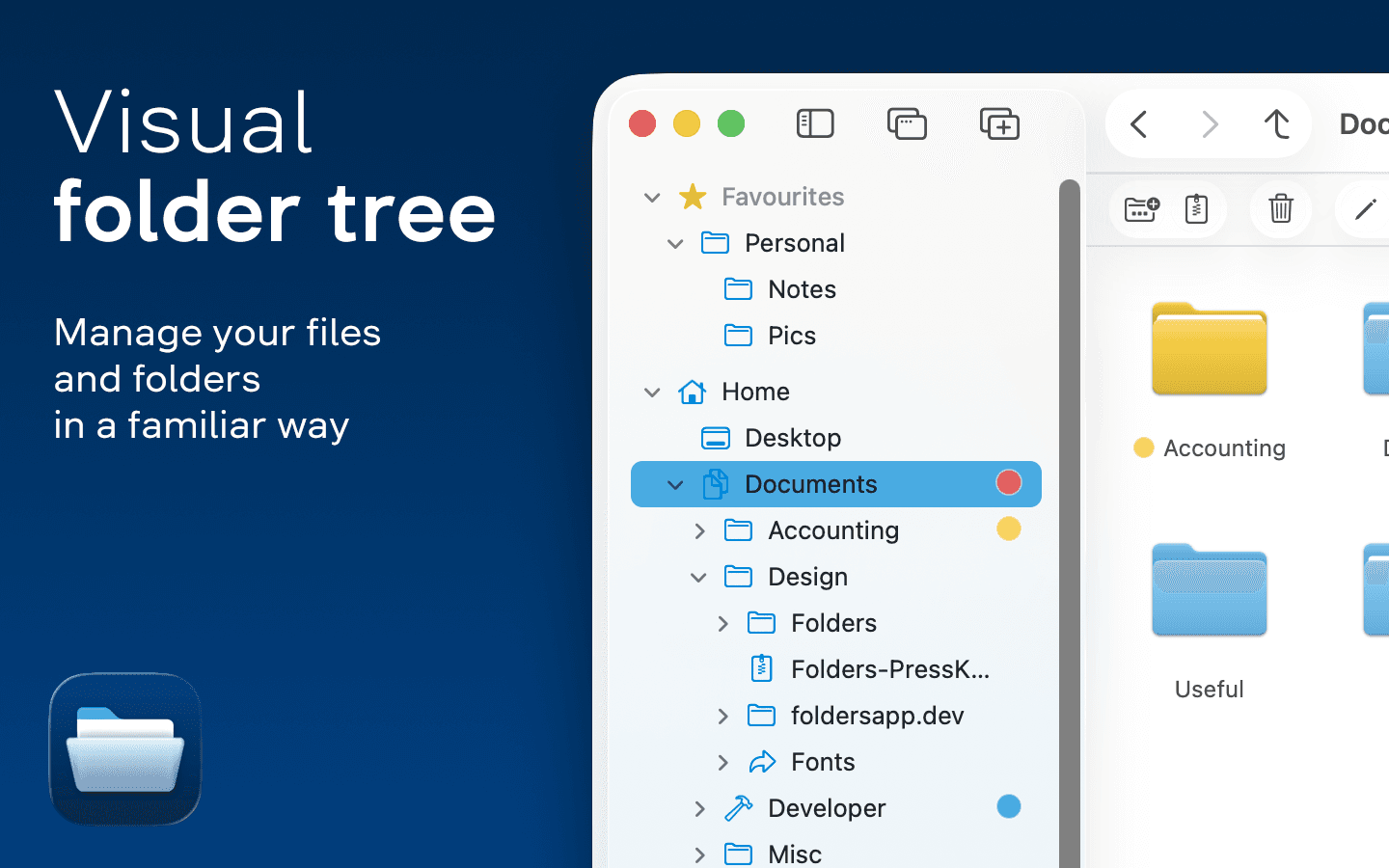
A file manager for Windows switchers
Freemium
Folders is a file manager application for macOS that provides a folder tree layout, catering specifically to users transitioning from Windows. It offers a range of features including easy navigation, comprehensive file operations, and integration with cloud storage services. Designed for both new and experienced users, Folders aims to enhance file management efficiency on Mac systems.
- Provides a folder tree layout for intuitive navigation, similar to Windows Explorer.
- Supports batch renaming and file conflict resolution for efficient file management.
- Integrates with iCloud Drive and other cloud storage services for centralized access.
- Offers multiple viewing options: Table, List, Icons, and Gallery.
- Includes a powerful search function with Spotlight integration and saved searches.
- Allows customization of themes and folder icons for personalized organization.
Folders is a file manager for macOS that emulates the folder tree structure familiar to Windows users. It offers a range of features including comprehensive file operations, customizable themes, and powerful search capabilities. Users can manage files across various cloud services and utilize batch renaming and conflict resolution tools.
SoftwareUtilitiesmacOS
Whisper
Talk to your computer like a human
One-time
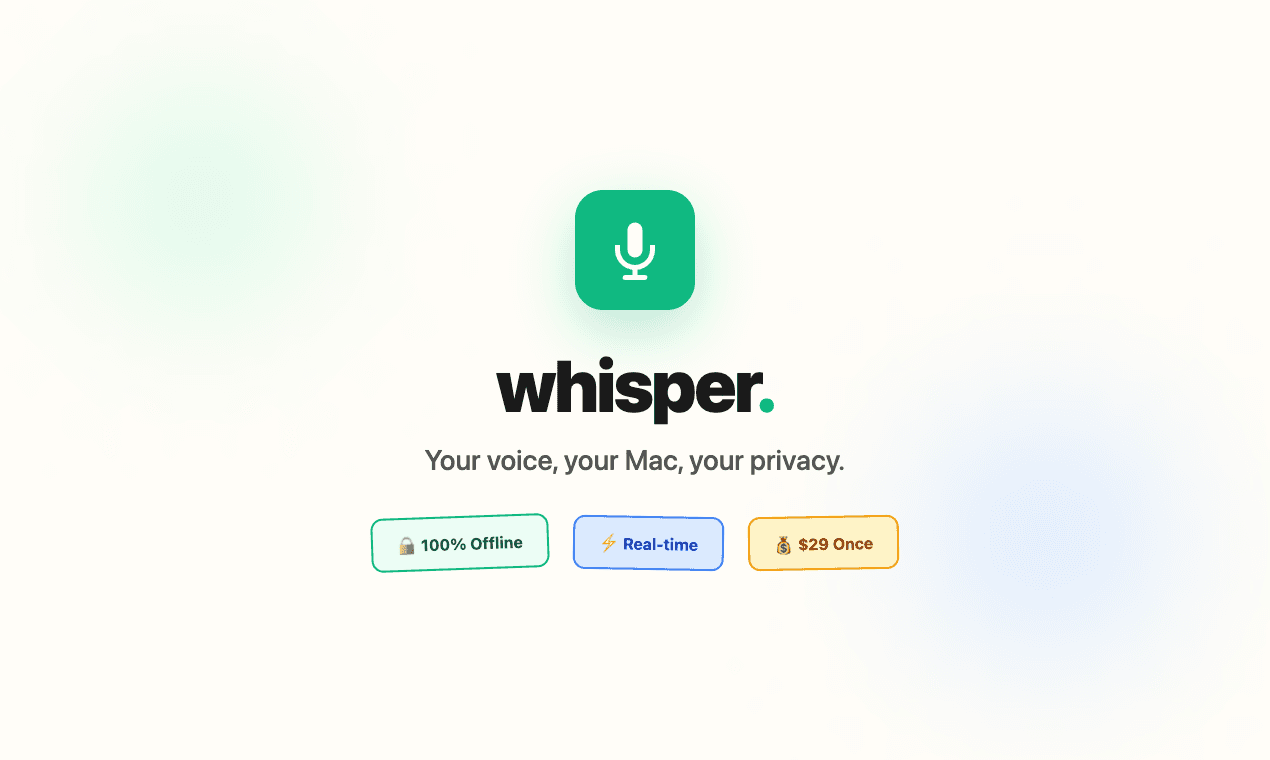
Whisper is an offline speech-to-text software compatible with macOS (Apple Silicon), Windows 10/11, and Linux (Ubuntu 22.04+). It enables users to transcribe spoken words into text quickly and securely, processing all data locally on the device without relying on cloud services.
- Transcribes speech to text entirely offline, ensuring data privacy and security.
- Supports over 99 languages, allowing seamless switching between languages mid-sentence.
- Automatically removes filler words and repetitions for cleaner, more professional text output.
- Provides instant transcription with GPU acceleration, displaying words as they are spoken.
- Integrates with any application where text input is possible, enhancing workflow flexibility.
Whisper is a voice-to-text application designed for offline use, ensuring that your data remains private and secure. It transcribes speech into text quickly and accurately, supporting over 99 languages. The application is suitable for various tasks, including writing, coding, and communication, and operates seamlessly without the need for internet connectivity.
 Dudu
Dudu